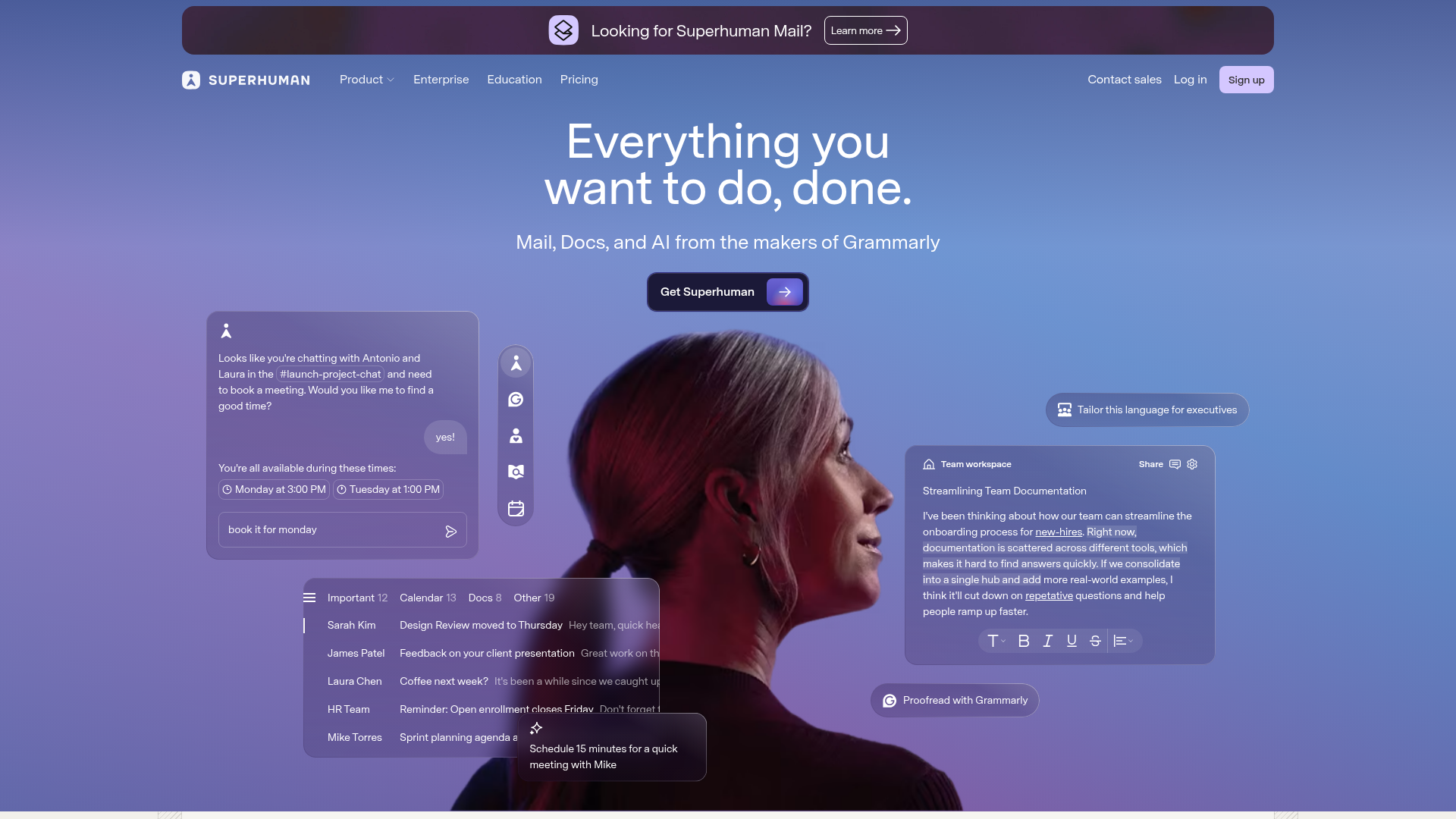
At $30 per month, Superhuman uses AI to auto-triage your inbox, draft replies, and surface follow-up reminders so you only touch emails that require a decision. We tested it against the noise.
Open SuperhumanSuperhuman is the best email client for professionals who receive 100+ emails daily and need to protect deep focus time. At $30/month it is not cheap, but the AI triage, split inbox, and instant reply drafts genuinely compress a 90-minute email session into 20 minutes. If email is a core part of your workflow and you are drowning, this pays for itself in the first week. If you get fewer than 50 emails a day, you probably do not need it.
Pricing
What it costs and what you get at each tier
- AI triage and auto-categorization
- Split inbox for newsletters, notifications, FYI
- AI-drafted replies
- Follow-up reminders
- Read statuses
- Keyboard-first navigation
- Everything in Starter
- Team features and shared labels
- Admin controls and provisioning
- Priority support
- Calendar integration
- CRM integrations (Salesforce, HubSpot)
- Everything in Business
- Dedicated account manager
- Custom onboarding
- Advanced security and compliance
- SSO and SCIM
- SLA guarantees
Pricing as captured on 2026-04-04. Check the live site before you commit.
Key Features
What actually matters in daily use
AI Auto-Triage
Incoming email is automatically classified into actionable, FYI, and noise. The AI learns your patterns over time, getting more accurate the longer you use it. Within a few days, it correctly routes about 90% of messages without intervention.
Split Inbox
Newsletters, notifications, and CC-only threads are routed out of your primary view automatically. You see only emails that require a decision or response. This is the single most impactful feature; set it up on day one.
AI-Drafted Replies
Superhuman generates contextual reply drafts that match your writing style. They are not perfect, but they give you a solid starting point. For routine acknowledgments and scheduling replies, the drafts are often ready to send as-is.
Follow-Up Reminders
The system tracks sent emails and surfaces reminders when you have not received a response within a configurable window. No more manually tracking who owes you a reply. This alone prevents dozens of dropped threads per week.
Keyboard-First Speed
Every action is mapped to a keyboard shortcut. Power users can process their entire inbox without touching the mouse. The command palette (Cmd+K) surfaces any action instantly. Processing speed is genuinely 2-3x faster than Gmail's native interface.
Read Statuses
See exactly when recipients open your emails. Useful for sales, follow-ups, and knowing whether your message was seen before you ping again. Works reliably across most email clients on the receiving end.
Instant Summaries
Long email threads are condensed into a brief summary so you can catch up without reading every message. Particularly valuable for threads with 10+ replies where you were added late. Saves significant time on cross-functional discussions.
Calendar Integration
View your calendar alongside email and schedule meetings directly from the compose window. Availability sharing is built in. Reduces the back-and-forth of finding meeting times, though it does not fully replace a dedicated scheduling tool.
Who Should Use This
Specific roles and scenarios where Superhuman delivers clear value
Founders and Executives
If you receive 150+ emails daily and every hour of deep work matters, the AI triage alone justifies the cost. Split inbox keeps investor updates, board threads, and team requests separated cleanly.
Sales Professionals
Read statuses, follow-up reminders, and fast reply drafts are built for outbound-heavy workflows. Knowing when a prospect opens your email changes your follow-up timing entirely.
Marketing Teams
Teams managing agency relationships, vendor communications, and cross-functional campaigns benefit from the split inbox routing newsletters and notifications out of the primary view.
Engineering Managers
GitHub notifications, CI/CD alerts, and Jira updates flood inboxes. Superhuman's triage routes these to a separate stream so you only see emails from humans that need a decision.
Consultants and Freelancers
Managing multiple client threads simultaneously is where the keyboard shortcuts and instant summaries shine. Catch up on a 20-message thread in seconds before a call.
Non-Profit Leaders
Donor communications, board correspondence, and volunteer coordination create high email volume. The follow-up reminder system ensures no donor inquiry falls through the cracks.
Limitations
Where Superhuman falls short. No tool is perfect.
$30/month is a hard sell for light email users. If you get fewer than 50 emails a day, Gmail with a few filters does 80% of what Superhuman offers. The value scales directly with inbox volume. Low volume means low ROI.
Gmail and Google Workspace only (with Outlook support still limited). If your organization runs on Microsoft 365, the experience is not as polished. Superhuman was built Gmail-first, and it shows in the edge cases with Outlook accounts.
No offline mode worth mentioning. The desktop and mobile apps require a connection for AI features. If you frequently work on planes or in areas with spotty connectivity, you will lose the triage and drafting capabilities exactly when you want to batch-process email.
AI drafts still need editing for nuanced communication. For routine replies, the drafts are solid. For sensitive conversations, negotiations, or anything requiring emotional intelligence, you will rewrite most of the draft. Do not blindly send AI-generated replies to important contacts.
Learning curve for the keyboard-first approach. The speed benefits only materialize after you internalize the shortcuts. Expect a week of slower-than-normal email processing before you hit your stride. The onboarding flow helps, but muscle memory takes time.
Integration setup can be complex for teams. Connecting Superhuman to Salesforce, HubSpot, or Slack requires admin configuration that is not always straightforward. Solo users will not hit this issue, but team deployments should budget time for setup.
Reclaim your inbox.
Superhuman offers a free trial. Set up split inbox on day one, give the AI triage three days to learn your patterns, and measure the difference.
Open Superhuman