- SPECIMEN
Aider
- FILED AS
Git-Native Refactoring From Your Terminal
- INTAKE DATE
- 2026-04-07
- CLASS
- Coding
- METHOD
- desk research, filed before the Lab logged its counts
No dimension scores were recorded for this specimen, so no Koda Score is published. Read the verdict instead.
AI pair programming in your terminal. Structured edits across multiple files, clean git commits, and rollbacks that actually work.
Open Aider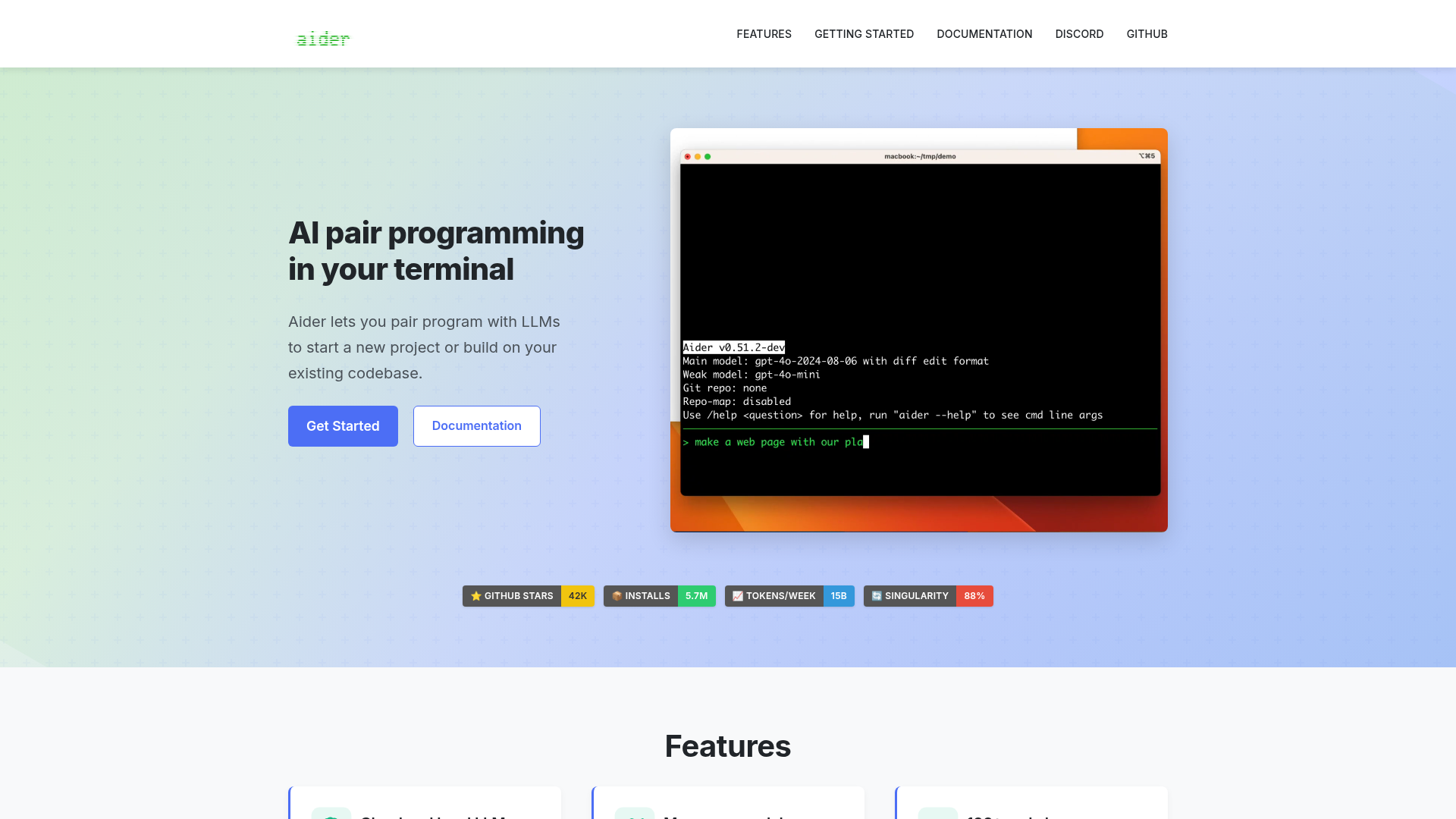
The verdict.
Aider is the best option for developers who live in the terminal and want AI code generation that respects their git workflow. Every edit becomes a reviewable commit with a clean diff, which means you can audit, cherry-pick, or revert AI changes the same way you handle human contributions. If you are already comfortable with vim, tmux, and command-line git, Aider will feel like a natural extension of your stack. If you prefer visual IDEs with inline suggestions, tools like Cursor or GitHub Copilot will be a better fit.
Pricing, straight.
Updated April 2026
Open Source (Free)
$0
- Full CLI tool, Apache 2.0 license
- Works with cloud LLMs (OpenAI, Anthropic, etc.)
- Works with local LLMs (Ollama, LM Studio)
- Git integration, linting, testing
- 100+ language support
LLM API Costs (Separate)
Varies
- You bring your own API keys
- GPT-4o: ~$2.50/$10 per 1M tokens (in/out)
- Claude Sonnet: ~$3/$15 per 1M tokens
- DeepSeek, Gemini, and others supported
- Local LLMs: $0 (your hardware)
Pricing as captured on 2026-04-07. Check the live site before you commit.
Aider itself is completely free and open source. Your only cost is the LLM API usage, which you control directly. A typical refactoring session with GPT-4o might cost $0.05 to $0.50 depending on codebase size. Running local models eliminates API costs entirely.
What it actually does.
Automatic Git Commits
Every AI edit is committed with a descriptive message. You get a clean, linear history of changes that you can review, revert, or squash. No more mystery diffs.
Repo-Wide Codebase Mapping
Aider builds a map of your entire repository using tree-sitter, understanding function signatures, class hierarchies, and file relationships. This lets it make coordinated edits across multiple files.
Cloud and Local LLM Support
Use GPT-4o, Claude, Gemini, DeepSeek, or any OpenAI-compatible API. For air-gapped environments or cost control, connect to local models via Ollama or LM Studio.
Integrated Linting and Testing
Aider can run your linter and test suite after making changes. If something breaks, it automatically attempts to fix the issue before committing. This creates a tighter feedback loop than manual review.
Voice-to-Code
Dictate your coding instructions instead of typing them. Useful for describing complex refactors or when you want to think out loud about architecture changes while Aider translates intent into edits.
Image and Web Page Context
Pass screenshots, mockups, or web page URLs as context. Aider can use vision-capable models to interpret UI designs and generate corresponding code, bridging the gap between design and implementation.
100+ Language Support
Python, JavaScript, TypeScript, Rust, Go, Java, C++, Ruby, and dozens more. The tree-sitter based parsing means Aider understands the structure of your code regardless of language.
Multi-File Editing
Add multiple files to the chat context and Aider will coordinate changes across all of them. Rename a function in one file and it updates the imports, tests, and call sites in others.
Who it is for.
Terminal-First Developers
If your workflow is already built around vim/neovim, tmux, and git on the command line, Aider slots in without requiring you to switch to a different editor or IDE. It respects your existing setup rather than replacing it.
Legacy Codebase Maintainers
Point Aider at a sprawling legacy module and ask it to refactor. The automatic git commits mean every change is isolated and reviewable. If the AI makes a bad call, you revert one commit instead of untangling a mess.
Solo Developers and Small Teams
When you do not have a second pair of eyes for code review, Aider acts as a pair programmer that can scaffold features, write tests, and debug issues. The git history serves as a built-in audit trail.
Security-Conscious Teams
With local LLM support, your code never leaves your machine. Teams in regulated industries or working on proprietary codebases can use Aider with Ollama and keep everything air-gapped.
The honest part.
Steep Learning Curve for Non-Terminal Users
If you are not already comfortable with the command line, Aider will feel intimidating. There is no GUI, no drag-and-drop, no visual diff viewer built in. You need to understand git concepts like staging, committing, and reverting to use it effectively.
Quality Depends Entirely on the LLM
Aider is a harness, not a model. The quality of its output is directly tied to which LLM you connect. GPT-4o and Claude Sonnet produce strong results. Smaller local models can struggle with complex multi-file refactors. You need to experiment to find the right model for your use case and budget.
API Costs Can Add Up on Large Codebases
When you add many files to context, token usage climbs fast. A session working across a large monorepo with GPT-4o can easily cost several dollars. Aider does not have built-in spending controls or budgets, so you need to monitor your API dashboard separately.
No Built-In Collaboration Features
Aider is a single-user tool. There is no shared session, no team dashboard, no way to see what prompts a colleague used. For team workflows, you rely on the git history and your existing code review process.
Commit Noise in Git History
The automatic commit-per-edit approach is great for rollbacks but can clutter your git log. If you make 15 iterative requests to get a feature right, that is 15 commits. You will want to squash before merging to keep your main branch clean.
Open git-native AI coding
Aider is free, open source, and installs with a single pip command.