- SPECIMEN
Workflow Machine
- FILED AS
Filed without a one-line summary.
- INTAKE DATE
- 2026-04-07
- CLASS
- Marketing
- METHOD
- desk research, filed before the Lab logged its counts
No dimension scores were recorded for this specimen, so no Koda Score is published. Read the verdict instead.
Automate tasks for humans and AI agents alike. Define a multi-step process once, then trigger it manually or let an agent run it on schedule.
Open Workflow Machine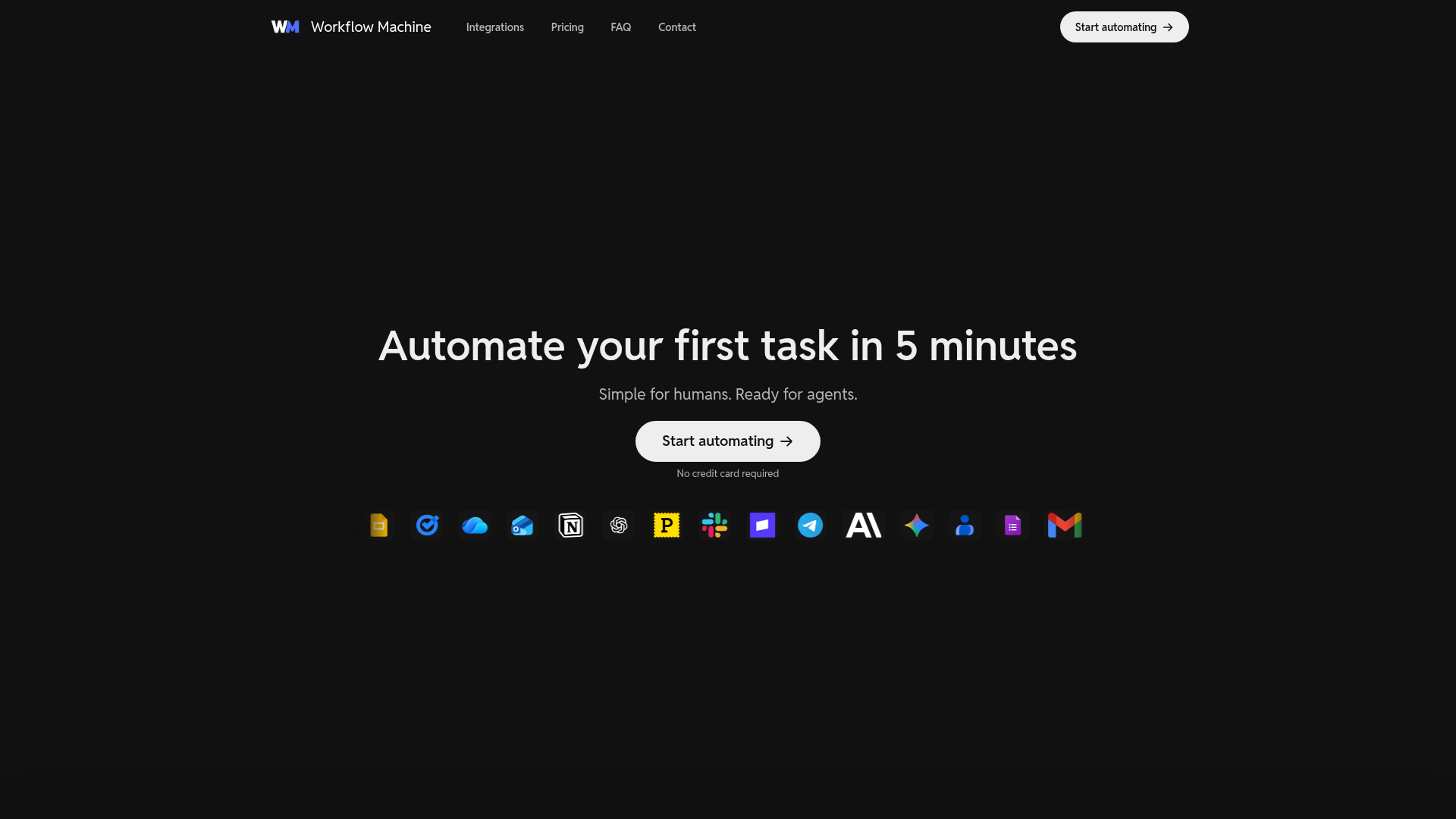
The verdict.
Workflow Machine is a solid pick for small teams and solo operators who want to build automations that work for both human triggers and AI agents without the overhead of enterprise platforms like Zapier or Make at scale. The free tier is genuinely usable for testing, and the agent/CLI access across all plans is a differentiator worth noting. If your automation needs stay under a few thousand runs per month and you value a clean, debuggable workflow builder over a sprawling integration marketplace, this is worth a serious look.
Pricing, straight.
All plans include agent and CLI access. Prices shown are monthly.
- 100 runs
- 2 active workflows
- 15 min poll interval
- Up to 5 min per run
- 5 days run records
- 3 days version history
- Agent & CLI access
- 1,000 runs
- 20 active workflows
- 5 min poll interval
- Up to 30 min per run
- 30 days run records
- 14 days version history
- Agent & CLI access
- 3,000 runs
- 100 active workflows
- 5 min poll interval
- Up to 30 min per run
- 60 days run records
- 30 days version history
- Agent & CLI access
Pricing as captured on 2026-04-07. Check the live site before you commit.
For context: Zapier's Starter plan runs $19.99/mo for 750 tasks with no native agent/CLI access. Make starts at $10.59/mo for 10,000 operations but charges per operation, not per run.
What it actually does.
What makes Workflow Machine distinct from the crowded automation space.
Visible Workflow Steps
Every step in your automation is laid out visually. No black boxes. You can see exactly what runs, in what order, and what data passes between steps.
Agent & CLI Access
The headline feature. Every plan, including free, lets AI agents and command-line tools trigger workflows. This is the "dual-mode" promise: build once, run from anywhere.
Debug & Troubleshoot
Run records let you inspect each execution step by step. When something breaks, you can pinpoint the exact failure point instead of guessing.
Fast Iteration Loop
Edit, test, and redeploy workflows quickly. The platform emphasizes a tight feedback loop so you are not waiting minutes between changes and test runs.
Built-in Integrations
Native connectors for Slack, Gmail, Postmark, Google Docs, Google Slides, Google Tasks, and Microsoft OneDrive. Not a massive library, but the essentials are covered.
Reusable Templates
Pre-built workflow templates let you skip the blank canvas problem. Clone a template, customize it, and deploy. Useful for common patterns like email-to-Slack routing.
Reliable Background Runs
Workflows execute in the background with run records for auditing. You do not need to keep a browser tab open or babysit executions.
Version History
Roll back to previous workflow versions if an edit breaks something. Duration varies by plan (3 to 30 days), but the safety net is there.
Who it is for.
Workflow Machine targets specific operational patterns. Here is where it fits best.
Marketing Teams
Automate content distribution pipelines. Draft in Google Docs, push notifications to Slack, send follow-ups via Gmail or Postmark. One workflow handles the chain.
Messaging & Communications
Route messages between Slack, email, and task systems. Useful for teams that need cross-platform notification workflows without building custom integrations.
Customer Support Ops
Triage incoming requests, auto-assign tasks, and send acknowledgment emails. The agent access means an AI assistant can trigger these same workflows on behalf of your support team.
AI Agent Builders
This is the real differentiator. If you are building AI agents that need to execute structured, multi-step tasks, Workflow Machine gives them a reliable execution layer via CLI or API. No need to hand-roll orchestration logic.
Small Team Operations
Scheduling, task management, and document workflows for teams of 2 to 15 people. The 20-workflow limit on Starter is plenty for most small operations. You do not need enterprise tooling for a 10-person team.
The honest part.
Where Workflow Machine falls short or requires careful consideration.
-
Small Integration Library
Seven native integrations is thin. Zapier offers 6,000+. Make has 1,500+. If you need connectors for CRMs like HubSpot, project tools like Jira, or databases like Airtable, you will hit a wall quickly. There is no mention of a webhook or HTTP request step that could bridge the gap, which is a notable absence.
-
Run Limits Can Bite
3,000 runs on the Pro plan sounds reasonable until you realize a single polling workflow checking every 5 minutes burns through roughly 8,640 runs per month. If you have multiple polling workflows, you will exhaust your quota fast. Plan your trigger strategy carefully.
-
Polling, Not Webhooks
The minimum poll interval is 5 minutes on paid plans, 15 minutes on free. This means your automations are not real-time. For time-sensitive workflows like customer support escalations, a 5-minute delay could be a problem. Event-driven platforms like n8n or Pipedream handle this better.
-
Short Run Record Retention
Even on Pro, run records only persist for 60 days. If you need audit trails for compliance or long-term debugging, you will need to export data elsewhere. The free tier's 5-day retention is barely enough for testing.
-
New Platform, Unproven at Scale
Workflow Machine is a new entrant. There is limited community content, no public status page that we could find, and no enterprise tier. If reliability and ecosystem maturity are priorities, established alternatives carry less risk.
Open Workflow Machine
Start with the free tier. 100 runs and 2 workflows is enough to validate whether the agent-accessible automation model fits your stack.