- SPECIMEN
CrewAI Studio
- FILED AS
Filed without a one-line summary.
- INTAKE DATE
- 2026-04-08
- CLASS
- Coding
- METHOD
- desk research, filed before the Lab logged its counts
No dimension scores were recorded for this specimen, so no Koda Score is published. Read the verdict instead.
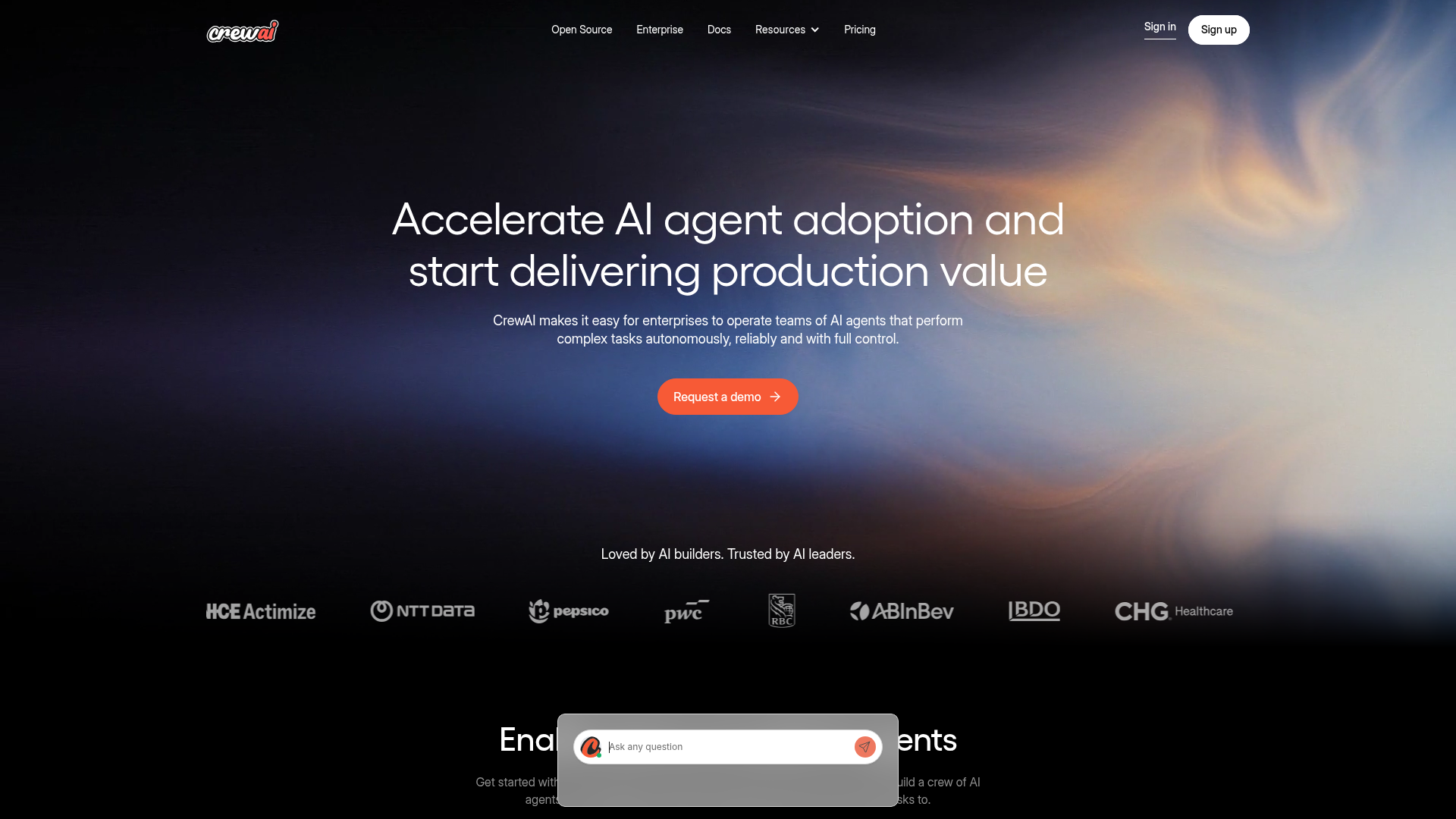
Build Multi-Agent Crews With Drag-and-Drop, No Code Required
Open CrewAI StudioThe verdict.
CrewAI Studio is the most accessible entry point into multi-agent AI orchestration available today. If you are an SMB operator, a non-technical founder, or a small team that wants to chain specialized AI agents together without touching Python, the free tier gives you a genuinely useful sandbox with up to five agents. The $49/month Pro plan includes unlimited agents and priority support, making it a reasonable step up once your workflows outgrow the basics. This is not a toy; it is a real orchestration layer with meaningful integrations. But if you need deep customization or complex branching logic, you will eventually bump into the visual editor's ceiling.
Pricing, straight.
As of April 2026. Check the site for current pricing.
- Basic features
- Up to 5 agents
- Limited support
- Advanced features
- Unlimited agents
- Priority support
- Custom features
- Dedicated support
- Scalability options
Pricing as captured on 2026-04-08. Check the live site before you commit.
What it actually does.
Visual Drag-and-Drop Editor
Build entire multi-agent workflows by dragging agent nodes onto a canvas and connecting them. No IDE, no terminal, no YAML files. You define agent roles, set task dependencies, and wire up the execution order visually.
AI Copilot for Crew Design
Describe your workflow in plain English and the copilot generates a suggested crew structure, complete with agent roles, task assignments, and tool bindings. You can then refine the output manually or iterate with follow-up prompts.
Role-Based Agent Orchestration
Each agent gets a defined role, goal, and backstory. This is not just prompt chaining. Agents operate with distinct personas and can delegate sub-tasks to other agents in the crew, creating genuinely collaborative behavior.
Native Integrations
Connect crews to Gmail, Slack, Microsoft Teams, Notion, HubSpot, and Salesforce out of the box. Agents can read from and write to these tools as part of their task execution, which means your workflows actually touch real systems.
Browser-Based Deployment
Deploy your crews directly from the Studio interface. No server provisioning, no Docker containers, no CI/CD pipeline to configure. Click deploy, and your crew is live. This is a significant reduction in friction for non-engineering teams.
Automated Workflow Execution
Set crews to run on triggers or schedules. Combine this with integrations and you get things like: "Every Monday, pull new leads from HubSpot, research each one, draft personalized outreach, and post a summary to Slack." All hands-free.
Who it is for.
SMBs Automating Repetitive Workflows
If your team spends hours on lead research, content drafting, or data entry across multiple tools, CrewAI Studio lets you build a crew that handles the entire chain. The free tier is enough to prototype and validate before committing budget.
Non-Technical Teams Exploring AI Agents
Marketing, ops, and sales teams that want agent-powered automation without waiting on engineering. The natural language copilot and visual editor make it possible to go from idea to deployed crew in under an hour.
Developers Prototyping Multi-Agent Systems
If you are already familiar with CrewAI's Python framework, Studio gives you a faster way to sketch out crew architectures before writing production code. Think of it as a whiteboard that actually runs.
Enterprises Standardizing AI Operations
The Enterprise tier offers dedicated support and scalability options. For organizations deploying dozens of crews across departments, having a centralized visual platform with governance controls is a meaningful advantage over scattered scripts.
The honest part.
Five-Agent Cap on Free Tier
Five agents is enough for simple workflows, but any moderately complex process (say, a content pipeline with research, writing, editing, SEO, and distribution) will hit the ceiling fast. You will need to upgrade to Pro at $49/month sooner than you might expect.
Complex Integrations Have a Learning Curve
The native integrations with Gmail, Slack, and HubSpot work well for straightforward read/write operations. But if you need conditional logic, custom API calls, or multi-step authentication flows, the visual editor starts to feel limiting. You may end up needing the Python SDK anyway.
Requires Constant Internet Connection
Everything runs in the browser and on CrewAI's cloud. There is no offline mode, no local execution option, and no self-hosted deployment on the Free or Pro tiers. If you have data residency requirements or need air-gapped operation, this is a non-starter unless you go Enterprise.
Opaque Enterprise Pricing
The jump from $49/month Pro to "Custom pricing" Enterprise is a black box. There is no published starting point, no feature comparison matrix between Pro and Enterprise on the site, and no self-serve way to estimate costs. You have to talk to sales, which slows down evaluation.
Competitive Landscape Is Heating Up
LangGraph Studio, AutoGen Studio, and n8n's AI agent nodes all offer overlapping functionality. CrewAI's advantage is its role-based agent model and the polish of its visual editor. But if you are already invested in LangChain or Microsoft's ecosystem, switching costs may not justify the move.
Build your first crew.
Start with the free tier. Five agents, zero code, deployed from your browser.