- SPECIMEN
OrbitMeet
- FILED AS
Real-Time Transcription and Action Items During Calls
- INTAKE DATE
- 2026-04-10
- CLASS
- Analytics
- METHOD
- desk research, filed before the Lab logged its counts
No dimension scores were recorded for this specimen, so no Koda Score is published. Read the verdict instead.
A meeting co-pilot that transcribes conversations live and surfaces summaries and action items before you hang up. No more rewatching 45-minute recordings to figure out who committed to what.
Open OrbitMeet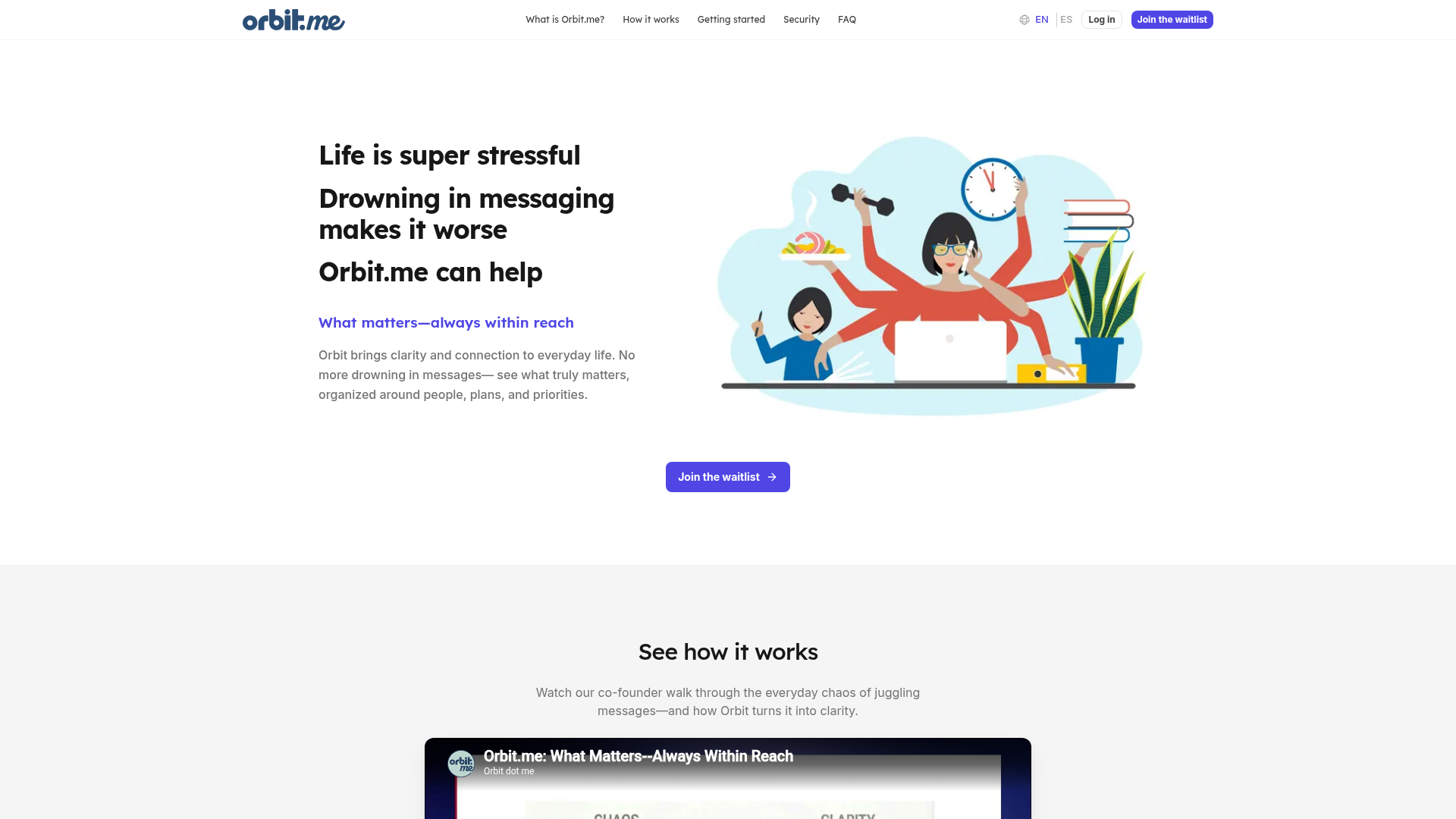
The verdict.
OrbitMeet is built for professionals and teams who lose track of commitments across back-to-back calls. The real-time angle is the differentiator: instead of waiting for a post-meeting summary email, you can confirm action items with everyone still on the line. If your workflow involves client calls, cross-functional syncs, or any meeting where accountability matters, this is worth testing on the free tier. The tool is still maturing, though. Pricing details remain unpublished, and the feature set on the free plan is limited enough that serious users will likely need to upgrade quickly.
Pricing, straight.
Orbit lists three tiers but has not published specific dollar amounts. All plans are currently accessible via waitlist.
Free
Price TBA
- Up to 3 Orbits
- Basic integrations
- Daily Digest summaries
Pro
Price TBA
- Unlimited Orbits
- Enhanced integrations
- Urgent alerts
Enterprise
Custom Pricing
- Team collaboration tools
- Advanced analytics
- Priority support
Pricing as captured on 2026-04-10. Check the live site before you commit.
Note: Orbit is currently waitlist-based. No public pricing has been confirmed as of April 2026.
What it actually does.
What OrbitMeet brings to your meeting workflow.
Real-Time Transcription
Live transcription runs as you speak, so you can reference what was said without waiting for a post-call export. Useful for catching exact phrasing on commitments.
Instant Action Items
The AI identifies commitments and tasks as they surface in conversation. You can review and confirm them before the call ends, reducing the "who said they'd do what?" problem.
Theme-Based Organization (Orbits)
Messages and meeting notes are grouped into themed clusters called Orbits. This keeps project-related conversations together across email, chat, and calls.
Daily Digest Summaries
A daily rollup of your messages and meeting outcomes, delivered as a concise summary. Good for catching up on days packed with calls.
Urgent Alerts
The system flags critical messages that need immediate attention, cutting through the noise of low-priority notifications. Available on Pro and Enterprise tiers.
Privacy-First Architecture
Data is encrypted in transit and at rest. For a tool that processes meeting audio and messages, this is table stakes, but it is good to see it emphasized upfront.
Cross-Platform Integrations
Connects to email providers, calendar services, and messaging apps. The goal is to unify your communication streams into one view rather than forcing you to check five different tools.
In-Call Summaries
Summaries are generated while the meeting is still happening. This is the core differentiator versus tools like Otter.ai or Fireflies, which typically deliver summaries after the call ends.
Who it is for.
OrbitMeet is not for everyone. Here is where it makes the most sense.
Client-Facing Professionals
Consultants, account managers, and agencies who run multiple client calls daily. Confirming deliverables and deadlines before hanging up eliminates the "I thought you said Tuesday" email chain.
Cross-Functional Teams
Teams coordinating across engineering, design, and product. When five people leave a standup with five different interpretations of what was decided, real-time action items fix that.
Busy Parents and Organizers
People juggling school events, family logistics, and volunteer coordination across WhatsApp, email, and calendar. The themed Orbits help keep each context separate and scannable.
Notification-Overwhelmed Individuals
If you use three or more messaging platforms and regularly miss important messages buried in noise, the Daily Digest and urgent alerts provide a triage layer you probably need.
The honest part.
What to know before committing.
- No published pricing. All three tiers list "N/A" for price. This makes it impossible to budget or compare against competitors like Otter ($16.99/mo) or Fireflies ($18/mo). You are committing time to a waitlist without knowing the cost.
- No offline access. If your internet drops mid-call, the transcription and action item capture stop. For users in areas with unreliable connectivity, or those who travel frequently, this is a real gap.
- Free plan is very limited. Three Orbits and basic integrations is barely enough to evaluate the product properly. You will hit the ceiling quickly if you have more than a couple of active projects.
- Manual setup for some integrations. Not all accounts connect with one click. Some require manual configuration, which adds friction during onboarding, especially for less technical users.
- Waitlist-gated access. You cannot sign up and start using OrbitMeet today. The waitlist model means there is no way to verify the real-time transcription quality firsthand until you are granted access.
Test it.
Join the waitlist and see if real-time action items change how you run meetings.