- SPECIMEN
MyClaw.ai
- FILED AS
One AI Agent for Email, Scheduling, and File Management
- INTAKE DATE
- 2026-04-11
- CLASS
- Design
- METHOD
- desk research, filed before the Lab logged its counts
No dimension scores were recorded for this specimen, so no Koda Score is published. Read the verdict instead.
A personal AI assistant that bundles email automation, reminders, scheduling, file management, browser control, and smart home integration into a single always-on cloud instance. No stitching together five different bots.
Open MyClaw.ai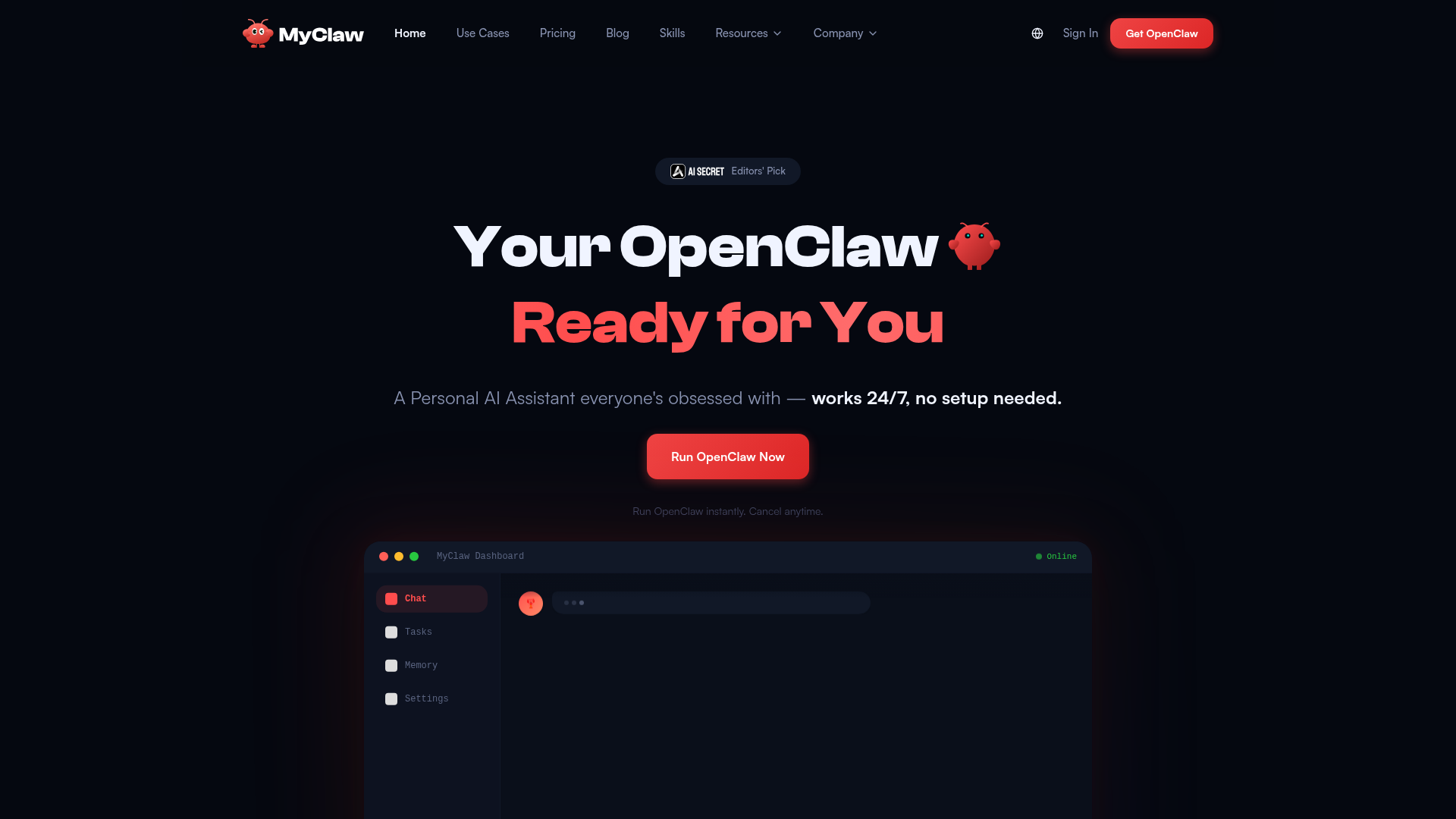
The verdict.
MyClaw.ai is best suited for solo operators, freelancers, and small-team leads who are tired of juggling Zapier, a calendar bot, a file organizer, and a separate home automation app. The value proposition is consolidation: one always-on cloud agent that handles background admin tasks across multiple domains. At $16/mo for the Lite tier, it is priced competitively against running even two or three single-purpose automations. The catch is that this is still a young product, and the breadth of its ambitions means you should verify each integration actually works for your specific stack before committing to the Pro or Max plans.
Pricing, straight.
All plans include zero-setup instant access, 24/7 uptime, auto-updates, encryption, and daily backups.
- 2 vCPU cores
- 4 GB RAM
- 40 GB SSD storage
- Fully private & encrypted
- Daily backups
- 4 vCPU cores
- 8 GB RAM
- 80 GB SSD storage
- Fully private & encrypted
- Daily backups
- Priority support
- 8 vCPU cores
- 16 GB RAM
- 160 GB SSD storage
- Fully private & encrypted
- Daily backups
- Priority support
Pricing as captured on 2026-04-11. Check the live site before you commit.
Note: Pricing reflects dedicated cloud instance resources. The tiers differ only in compute power and storage, not in feature access.
What it actually does.
What you actually get inside your private MyClaw instance.
Email Automation
Draft, sort, and respond to emails based on rules you define. The agent runs in the background so your inbox stays managed even when you are offline.
Scheduling & Reminders
Set reminders, manage calendar events, and coordinate scheduling through natural language. No separate calendar bot required.
File & System Management
Organize, move, rename, and back up files on your dedicated instance. Useful for managing downloads, documents, or project assets without manual sorting.
Browser Control
The agent can navigate web pages, scrape data, fill forms, and perform browser-based tasks autonomously. Think headless Chrome with an AI brain.
Smart Home Control
Connect to smart home devices and trigger automations. This is an unusual addition for a productivity agent, but it extends the "single control plane" concept to your physical environment.
App & API Integration
Native integrations with Slack, Discord, and GitHub. For everything else, it supports connecting to any API, which gives it a long tail of potential automations.
Code & Dev Tools
Run scripts, manage repos, and automate dev workflows directly on your instance. Developers can treat it as a lightweight CI companion or scripting sandbox.
Private & Encrypted Instance
Each user gets a dedicated cloud instance. Your data is not shared with other users, and daily backups are included on every plan. Encryption is on by default.
Who it is for.
MyClaw is broad by design. Here is where it makes the most sense.
Freelancers Drowning in Admin
If you spend 30+ minutes a day on email triage, scheduling calls, and organizing project files, routing all of that through a single agent could reclaim meaningful time. The $16/mo Lite plan is cheaper than most standalone scheduling tools.
Solo Developers
The combination of GitHub integration, script execution, browser automation, and API connectivity makes this a viable lightweight DevOps companion. Run cron-like tasks, monitor endpoints, or automate deployment steps without maintaining your own VPS setup.
Content Creators
MyClaw lists content creation as a use case. If you need an agent that can draft social posts, manage a publishing calendar, and organize media files together, this consolidation could simplify your workflow.
Smart Home Enthusiasts
The smart home control feature is a differentiator. If you already use Home Assistant or similar platforms and want to unify digital and physical automations under one AI agent, MyClaw offers that bridge. Few competitors in this space touch IoT.
Limitations & Concerns
What to watch out for before committing.
-
Breadth vs. Depth Tradeoff
MyClaw tries to do email, scheduling, file management, browser automation, dev tools, content creation, AND smart home control. That is an enormous surface area. Expect some of these capabilities to be shallow compared to dedicated tools like Zapier, Calendly, or n8n. Test the specific features you need before relying on them.
-
Privacy Requires Trust
You are handing over email credentials, file access, and potentially smart home controls to a cloud service. MyClaw claims full encryption and private instances, but there is no published security audit or SOC 2 compliance mentioned on the site. For sensitive business data, that is a real gap.
-
No Free Tier
There is no free plan or trial mentioned on the website. At $16/mo minimum, you are paying before you can evaluate whether the agent actually handles your workflows well. This is a barrier for casual users who want to experiment first.
-
Cloud Dependency
Everything runs on MyClaw's cloud infrastructure. If their service goes down, all your automations stop. There is no local fallback or self-hosted option. For mission-critical workflows, this single point of failure is worth considering.
-
Pricing Tiers Only Differ in Compute
The Lite, Pro, and Max plans offer identical features. The only differences are vCPU cores, RAM, and storage. This means you are essentially paying for server resources, not opening new capabilities. It is transparent, but it also means the $66/mo Max plan only makes sense if you are running heavy background tasks that genuinely need 8 cores and 16 GB of RAM.
Consolidate your automations.
Route your most repetitive daily admin tasks through MyClaw for one week and track how many minutes you reclaim.