- SPECIMEN
OpenBrowser
- FILED AS
Filed without a one-line summary.
- INTAKE DATE
- 2026-04-15
- CLASS
- Analytics
- METHOD
- desk research, filed before the Lab logged its counts
No dimension scores were recorded for this specimen, so no Koda Score is published. Read the verdict instead.
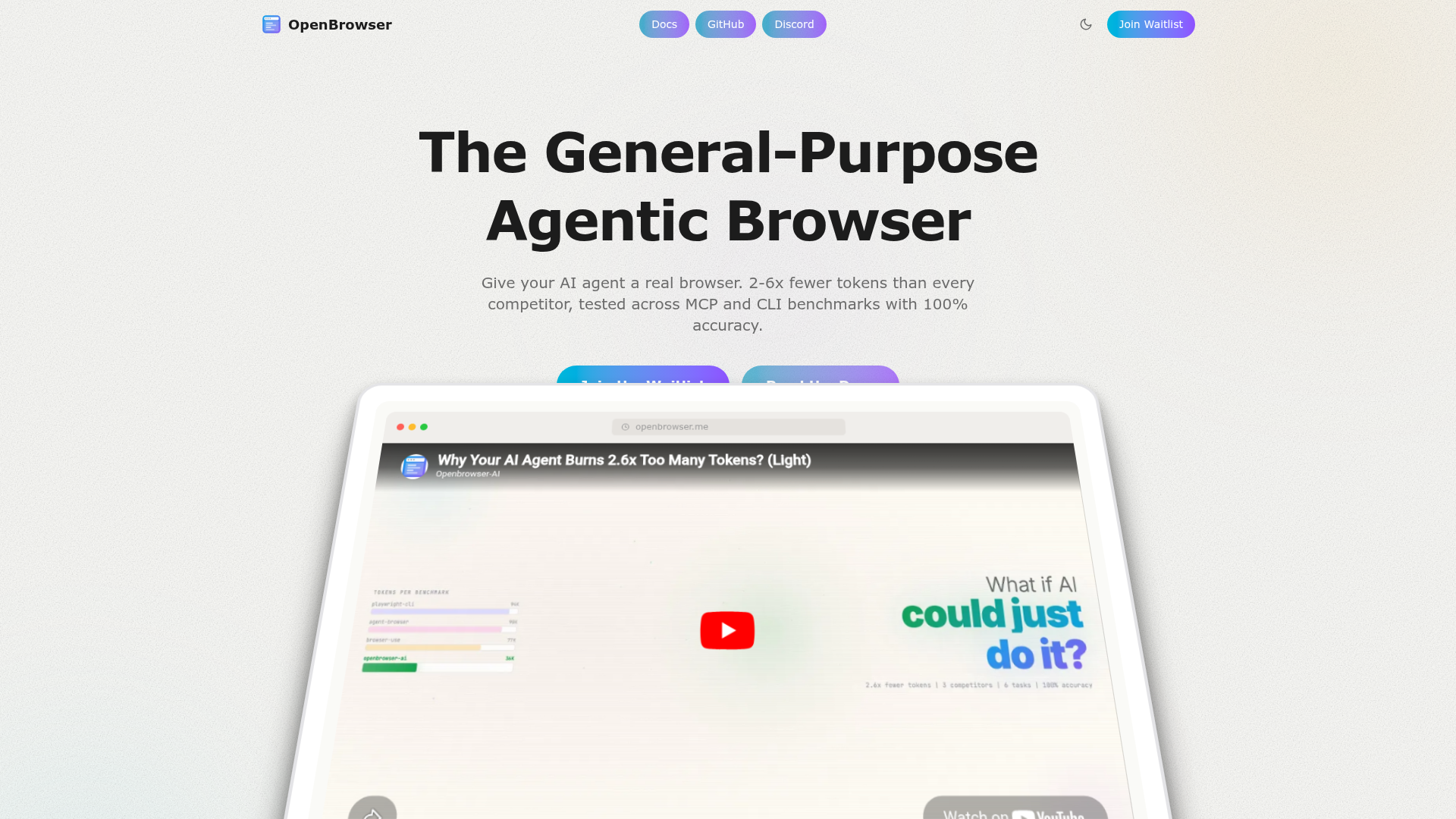
Give your AI agent raw browser control via the Chrome DevTools Protocol. No abstraction layer. Your LLM writes Python in a persistent namespace to navigate, scrape, and interact with live web pages.
Open OpenBrowserThe verdict.
OpenBrowser is built for developers and AI engineers who want their agents to control a real browser without fighting a bloated abstraction layer. If you are already building agentic workflows with tool use and you need reliable, token-efficient web interaction, this is one of the leanest options available. The free tier is restrictive on tokens, but the $29/month Pro plan is reasonable for production use, and the open-source foundation means you can self-host and extend it without vendor lock-in.
Pricing, straight.
As of April 2026. Check the site for current pricing.
Free
$0
- Basic features
- Limited tokens
- Community support
Pro
$29/month
Best for individual developers
- Full features
- Advanced support
- Higher token limits
Enterprise
Custom
Contact for pricing
- Custom solutions
- Scaling options
- Premium support
Pricing as captured on 2026-04-15. Check the live site before you commit.
What it actually does.
What makes OpenBrowser different from the growing crowd of browser-use tools.
2-6x Fewer Tokens
Because the LLM writes raw Python against CDP instead of navigating a high-level API, token consumption drops significantly. OpenBrowser claims 2-6x reductions in benchmarks compared to abstraction-heavy alternatives. That translates directly to lower API costs per task.
15 LLM Providers
Works with OpenAI, Claude, Gemini, DeepSeek, Azure, and ten more. You are not locked into a single model provider. Swap models based on cost, speed, or capability without changing your browser automation logic.
Live VNC Streaming
Watch your agent work in real time through a VNC stream. This is not just a debugging convenience. It is essential for building trust in what your agent is actually doing on live websites, and for catching errors before they compound.
Docker and Kubernetes Ready
Deploy as a container. Scale horizontally with Kubernetes. This matters for teams running dozens or hundreds of concurrent browser sessions. The infrastructure story is clean, which is rare for browser automation tools.
Open Source and Extensible
The core is open source. You can inspect the code, contribute, or fork it for custom use cases. This reduces vendor risk and lets you adapt the tool to edge cases that a closed platform would never prioritize.
Persistent Python Namespace
The LLM executes Python in a persistent namespace, meaning variables and state carry across steps. Your agent can build up context incrementally instead of re-parsing the page from scratch on every action. This is a meaningful architectural choice that reduces redundancy.
Who it is for.
OpenBrowser is not a no-code tool. Here is who will get the most out of it.
Web Scraping at Scale
If you are scraping dynamic, JavaScript-heavy sites where traditional scrapers fail, an LLM-driven browser agent can adapt to layout changes and handle authentication flows. OpenBrowser's low token overhead makes this economically viable for larger jobs.
Automating Repetitive Browser Tasks
Form filling, report downloading, data entry across internal tools. If you currently script these with Selenium or Playwright and spend time maintaining selectors, an LLM agent can handle the brittleness for you. OpenBrowser gives the agent direct CDP access to do it efficiently.
AI Agent Developers
If you are building agents with LangChain, CrewAI, AutoGen, or a custom framework and need a browser tool, OpenBrowser plugs in via MCP. The persistent namespace means your agent's browser interactions are stateful, which is critical for multi-step workflows.
Scheduled Workflows
Combine OpenBrowser with a scheduler to run recurring browser tasks: daily data pulls, monitoring competitor pricing, checking compliance dashboards. The Docker-native deployment makes this straightforward to operationalize.
The honest part.
What to know before committing.
MCP-Compatible Clients Only
OpenBrowser requires an MCP-compatible client to function. If your agent framework does not support the Model Context Protocol, you will need to build a bridge or wait for support. This narrows the immediate audience, though MCP adoption is growing quickly.
Requires Coding Knowledge
This is not a point-and-click automation builder. You need to be comfortable with Python, understand how CDP works at least at a conceptual level, and be able to debug agent behavior. Non-technical users should look elsewhere.
Free Tier Token Limits
The free plan's token limits are tight enough that you will hit them quickly during real testing. It is fine for a proof of concept, but plan on moving to Pro ($29/month) for anything beyond initial experimentation. The pricing page is vague on exact token quotas, which is frustrating.
Young Ecosystem
OpenBrowser is a newer entrant in a space that includes Browserbase, Steel, and Playwright-based solutions. Documentation and community resources are still maturing. Expect some rough edges and be prepared to read source code when the docs fall short.
Give your agent a browser.
Start with the free tier to validate your use case, then move to Pro when you hit the token ceiling.