- SPECIMEN
Glide
- FILED AS
Turn Spreadsheets Into Business Apps Without Code
- INTAKE DATE
- 2026-04-16
- CLASS
- Analytics
- METHOD
- desk research, filed before the Lab logged its counts
No dimension scores were recorded for this specimen, so no Koda Score is published. Read the verdict instead.
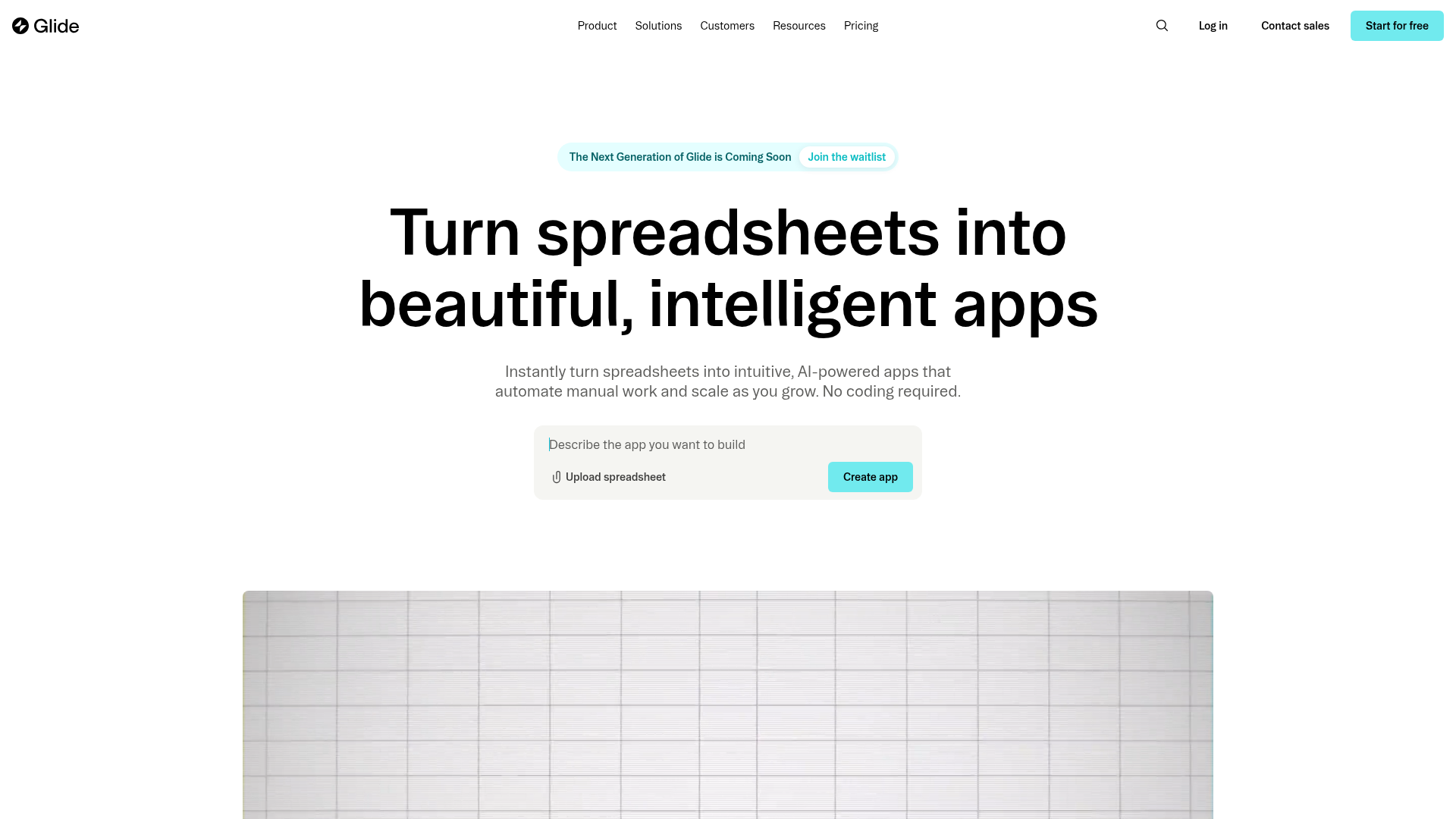
Point Glide at the Google Sheet or Excel file your team already lives in. Get a functional internal app with built-in AI features in under an hour. No developers required.
Open Glide FreeThe verdict.
Glide is the fastest path from "we run everything in a spreadsheet" to "we have an actual app for that." It is genuinely useful for ops teams, project managers, and small businesses that need internal tools but lack engineering resources. The AI features for classification and summarization add real value, but the per-app pricing and row limits mean you will hit a paywall quickly if your data scales beyond a few thousand records. Worth testing on the free tier before committing.
Pricing, straight.
Per-app pricing. All plans billed monthly or annually. Annual billing saves roughly 20%.
Free
$0
per app/month
- Up to 500 rows
- 3 editors
- Glide branding
- Basic AI features
- Public or private apps
Starter
$60
per app/month
- Up to 5,000 rows
- 5 editors
- Remove Glide branding
- Custom domain
- Enhanced AI columns
Pro
$125
per app/month
- Up to 25,000 rows
- 10 editors
- Integrations (Zapier, API)
- Advanced security
- Full AI suite
Enterprise
Custom
contact sales
- Unlimited rows
- Unlimited editors
- SSO / SAML
- Dedicated support
- SLA guarantees
Pricing as captured on 2026-04-16. Check the live site before you commit.
Note: pricing is per app, not per workspace. Multiple apps multiply the cost. AI actions may consume additional credits on higher-volume usage.
What it actually does.
Spreadsheet-to-App Conversion
Connect a Google Sheet or Excel file and Glide auto-generates a usable app with list views, detail screens, and forms. The spreadsheet remains the live data source, so your existing workflows stay intact.
AI Columns
Add computed AI columns that classify, summarize, extract sentiment, or enrich data row by row. Runs on OpenAI under the hood. Useful for tagging support tickets, summarizing notes, or categorizing leads automatically.
Visual App Builder
Drag-and-drop layout editor with pre-built components: cards, lists, charts, forms, buttons, and conditional visibility. No CSS or HTML knowledge needed. The builder is responsive by default.
Row-Level Security
Control which users see which rows based on email matching, roles, or custom conditions. Critical for internal tools where different team members should only access their own data.
Integrations and API
Native integrations with Zapier, Make, and webhooks. Pro tier and above get API access. Connect to Slack, email, Airtable, or any tool in your stack to trigger actions from app events.
Mobile-Ready PWA
Every app ships as a progressive web app. Users can install it on their phone home screen. No app store submission required. Layouts adapt to phone, tablet, and desktop automatically.
Computed Columns
Build calculated fields using Glide's formula system: math, text manipulation, conditionals, lookups, and rollups. These run inside Glide without modifying your source spreadsheet, keeping your data clean.
Actions and Automations
Define multi-step actions triggered by button clicks or form submissions. Send emails, update rows, navigate screens, or call external APIs. Lightweight workflow automation without leaving the platform.
Who Should Use Glide
Operations Teams
If your team tracks inventory, orders, or tasks in a spreadsheet and you are tired of people breaking formulas or losing track of rows, Glide gives you a structured interface on top of that same data. Inventory trackers, equipment logs, and approval workflows are the sweet spot.
Small Business Owners
Need a simple CRM, client portal, or booking system but cannot justify hiring a developer? Glide fills that gap. The AI classification features can auto-tag incoming requests or categorize expenses without manual effort.
Field Teams and Remote Workers
The PWA format means field workers can use the app on their phones without downloading anything from an app store. Inspection checklists, site visit logs, and delivery tracking work well here. Data syncs back to the spreadsheet in near real-time.
Startup Prototypers
Validate an idea before writing production code. Build a functional MVP in a day, put it in front of users, and iterate based on real feedback. When you outgrow Glide, you will have a clear spec for what to build properly.
The honest part.
- Per-app pricing adds up fast. At $60 to $125 per app per month, building three or four internal tools puts you at $250 to $500/month. Compare that to Retool or Appsmith, which charge per user across unlimited apps. If you need many apps, do the math carefully.
- Row limits are real constraints. The free tier caps at 500 rows. Even Pro tops out at 25,000. If your operational spreadsheet has 50,000+ records, you are looking at Enterprise pricing or a different tool entirely.
- Not for customer-facing products. Glide apps look clean but generic. You cannot deeply customize the UI, add complex animations, or match a specific brand system. This is an internal tool builder, not a product development platform.
- Spreadsheet sync has latency. Changes in Google Sheets can take 30 seconds to several minutes to reflect in the app. For real-time use cases, this delay is noticeable. Glide Tables (their native database) sync faster but lose the "edit in Sheets" convenience.
- AI features are useful but shallow. The AI columns handle classification and summarization well. But you cannot build custom prompts with complex logic, chain multiple AI steps, or fine-tune behavior. For serious AI workflows, you will need to pipe data out to a dedicated tool.
- Vendor lock-in risk. Your data stays in your spreadsheet, which is good. But the app logic, layouts, computed columns, and automations live entirely in Glide. There is no export. If you leave, you rebuild from scratch.
Turn your spreadsheet into an app.
Start with the free tier. Connect a real spreadsheet. See if the result is good enough to replace your current workflow.