- SPECIMEN
Lovable Desktop
- FILED AS
Filed without a one-line summary.
- INTAKE DATE
- 2026-04-16
- CLASS
- Coding
- METHOD
- desk research, filed before the Lab logged its counts
No dimension scores were recorded for this specimen, so no Koda Score is published. Read the verdict instead.
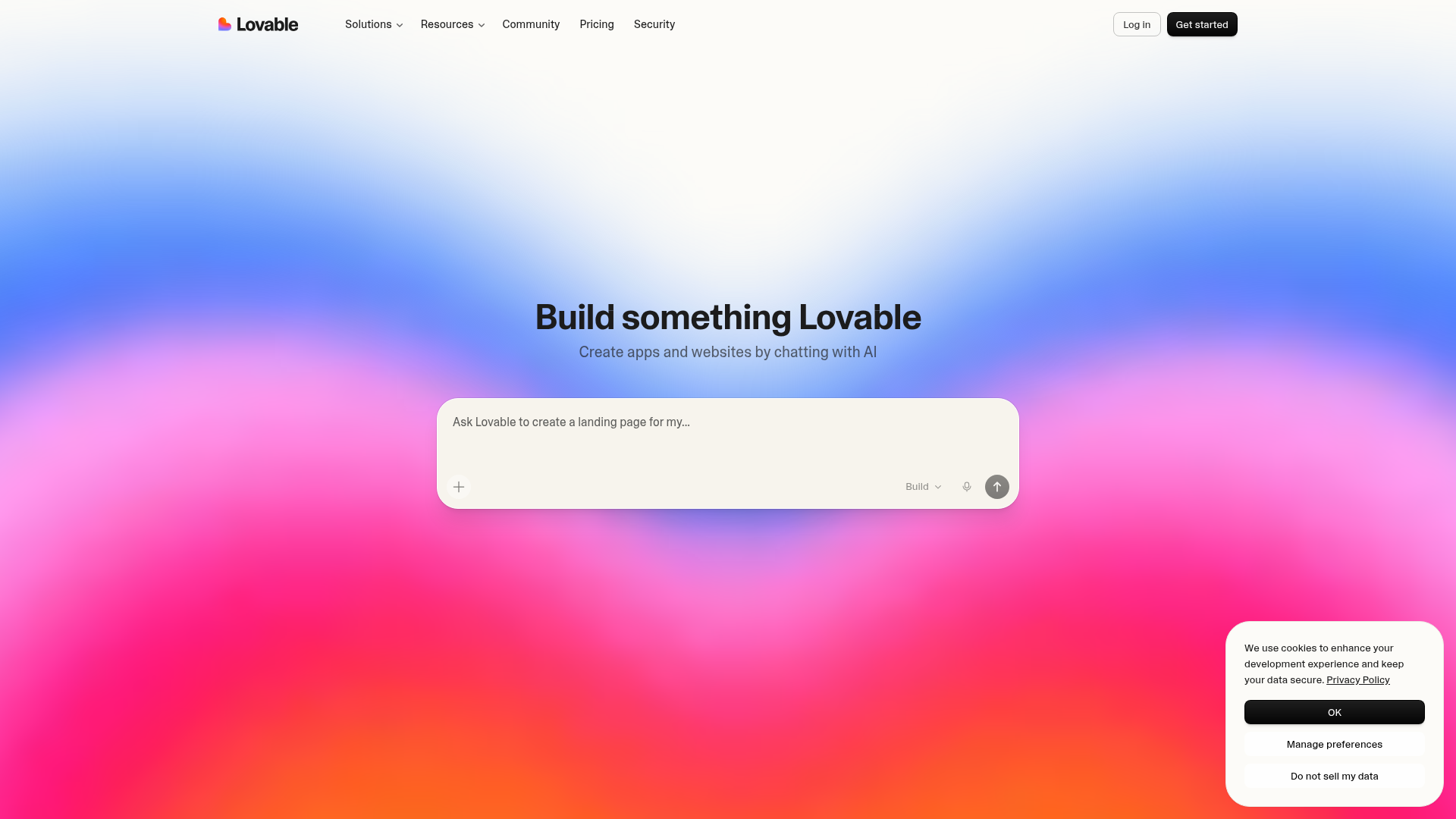
Organize full-stack projects with tabs and local MCP connections. A native desktop client for Lovable's vibe-coding platform that removes browser overhead and opens direct local model context protocol integrations.
Open Lovable DesktopThe verdict.
Lovable Desktop is a meaningful upgrade for anyone already building with Lovable's AI coding agent. The local MCP server support is the real draw here; it lets you wire in local tools, databases, and model context servers without routing through a browser sandbox. If you are a solo developer or small team doing rapid full-stack prototyping and you want tighter integration with your local dev environment, this is worth downloading immediately. If you are on Windows or need offline agent operation, hold off for now.
Pricing, straight.
The desktop app itself is free. Lovable's underlying platform pricing applies to agent usage.
Desktop app download
- Access to all core features
- Local MCP server support
- Multi-project tabs
- Native keyboard shortcuts
Based on platform usage
- Everything in Free
- Advanced integrations
- Enhanced support
- Team collaboration tools
Pricing as captured on 2026-04-16. Check the live site before you commit.
Note: Lovable's Pro pricing is not publicly fixed at a single number. Check their site for current rates tied to message credits and team seats.
What it actually does.
What the desktop client actually adds over the browser experience.
Local MCP Server Support
Connect directly to local model context protocol servers running on your machine. This means Lovable's agent can read from local databases, file systems, or custom tools without cloud roundtrips. The killer feature of this release.
Multi-Project Tabs
Run multiple Lovable projects simultaneously in separate tabs within one window. Switch between a frontend prototype and a backend service without juggling browser tabs or losing context.
Native Keyboard Shortcuts
Mac-native shortcuts for common actions. No more fighting with browser shortcut conflicts. Cmd+T for new tab, Cmd+W to close, and Lovable-specific bindings that work reliably outside the browser sandbox.
Figma and Paper Integration
Pull designs directly from Figma or Paper into your Lovable project. The agent can reference design files as context when generating UI components, keeping your implementation closer to the original spec.
Automatic Updates
The desktop app updates itself in the background. Given how fast Lovable ships new features, this matters. You will not be stuck on a stale version wondering why a feature is missing.
Productivity Tool Integrations
Connects with Notion, Linear, and Jira. Pull tickets or documentation into your project context so the agent understands what you are building and why. Useful for teams with existing project management workflows.
Who it is for.
Specific scenarios where Lovable Desktop makes a real difference.
Solo Developers Running Local MCP Servers
If you have been experimenting with MCP servers for database access, file system tools, or custom APIs, the desktop app gives you a direct connection without browser security restrictions. This is the primary reason to switch from the web app.
Multi-Project Freelancers
Juggling three client projects at once? Tabs with persistent state beat browser tabs that reload and lose context. Each project stays warm and ready to pick up where you left off.
Design-to-Code Workflows
Teams that start in Figma and need to move fast to working prototypes. The Figma integration combined with Lovable's agent means you can go from design file to deployed full-stack app in a single session.
Teams With Existing PM Tools
If your team already lives in Linear or Jira, the integrations let you pull ticket context directly into the coding agent. Less copy-pasting requirements, more building. Particularly useful for sprint-based teams doing rapid prototyping.
The honest part.
What to know before committing.
Mac Only for Now
Windows support is listed as "coming soon." If your team is split across operating systems, you will have an inconsistent experience. No Linux support has been mentioned either.
Internet Required for Agent Operation
Despite being a desktop app, the AI agent still runs server-side. You cannot use Lovable offline. The "local MCP" feature connects local tools to a cloud-based agent, not a local model. This is an important distinction. Your code generation still depends on Lovable's infrastructure.
Feature Parity Gaps With Web App
Lovable acknowledges that certain features may lag behind the web version. The desktop client is new, and edge cases in the web experience may not all be ported yet. If you rely on a specific workflow in the browser, verify it works in the desktop app before switching fully.
Opaque Pro Pricing
The Pro tier is listed as "variable" pricing, which makes it hard to budget. Lovable uses a credit-based system for agent messages, and costs can scale unpredictably during heavy prototyping sessions. Get clarity on your expected usage before committing to a team plan.
Open Lovable Desktop
Download the Mac app, connect a local MCP server, and see if the native experience changes how you build.