- SPECIMEN
ClawTab
- FILED AS
Filed without a one-line summary.
- INTAKE DATE
- 2026-04-18
- CLASS
- Coding
- METHOD
- desk research, filed before the Lab logged its counts
No dimension scores were recorded for this specimen, so no Koda Score is published. Read the verdict instead.
Create and manage groups of Claude Code, Codex, and OpenCode agents from one desktop app. One sidebar to rule 20+ parallel AI coding agents.
Open ClawTab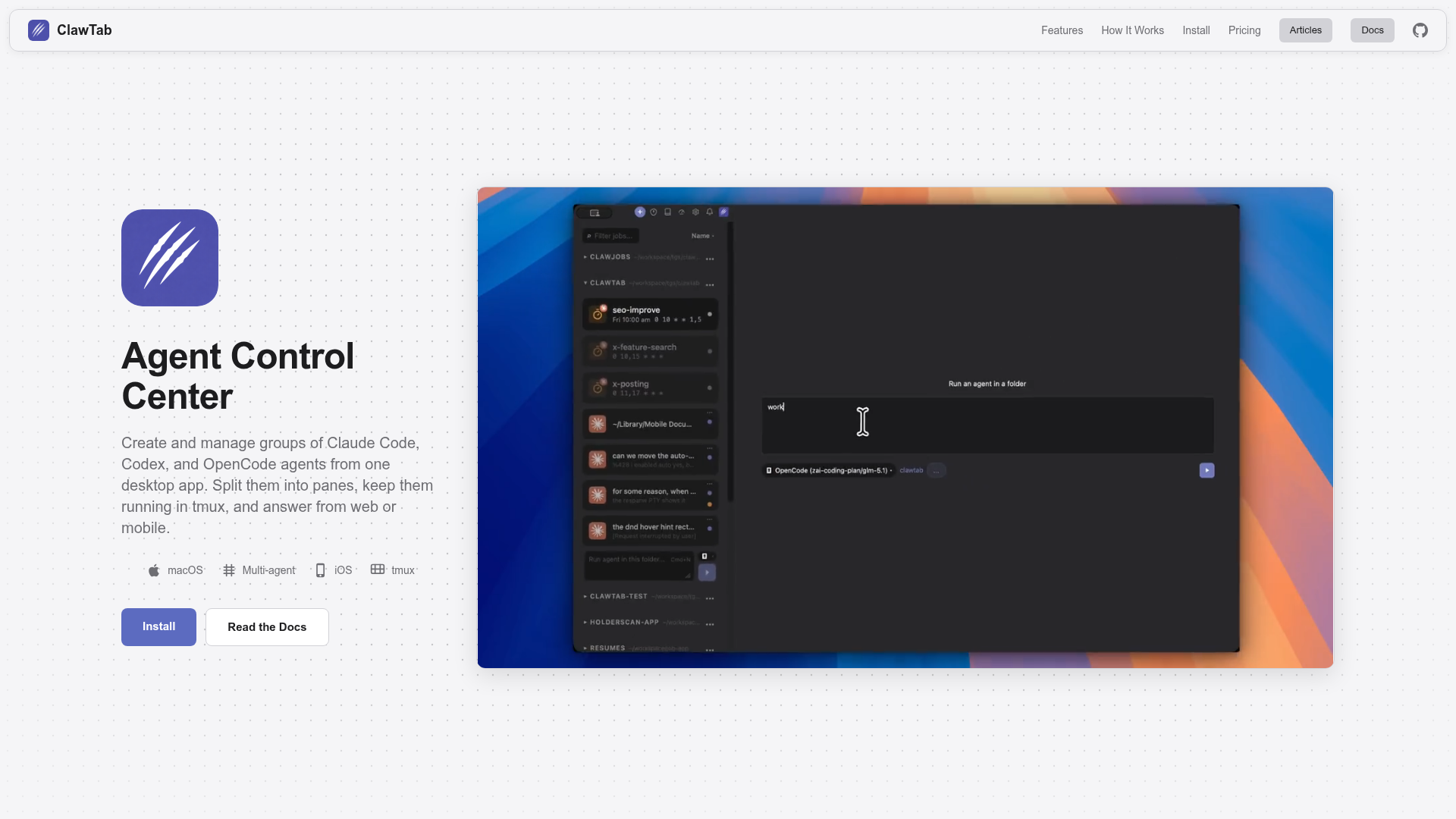
The verdict.
ClawTab solves a real and growing pain point: the chaos of running multiple AI coding agents at once with no unified view of what each one is doing. If you regularly orchestrate Claude Code, Codex, or OpenCode across different file groups during large refactors or multi-repo work, this tool pays for itself immediately in reduced context switching. At $4.99/month for the hosted version (or free if you self-host), the price is negligible compared to the time you burn alt-tabbing between terminal sessions. This is a power-user tool for developers who have already gone deep on agentic coding and need operational control, not a beginner's entry point.
Pricing, straight.
Two tiers. The free option is genuinely full-featured.
Self-hosted
Free
MIT licensed, run your own relay
- Desktop app, CLI, TUI
- Cron scheduling
- Secrets management
- Mobile app (App Store)
- Push notifications
- Self-hosted relay server
ClawTab Remote
$4.99/mo
Hosted relay, zero maintenance
- Everything in Self-hosted
- Hosted relay server
- No server to maintain
Pricing as captured on 2026-04-18. Check the live site before you commit.
The free tier is not a trial. It is the full product. The paid tier just removes the need to run your own relay infrastructure.
What it actually does.
What makes ClawTab useful in practice.
Split-Pane Workspaces
Monitor multiple agents side by side in a single window. Each pane shows the agent's current query, model, and runtime. No more cycling through terminal tabs.
Remote Control
Manage agents from your phone or another machine via the relay server. Start, stop, and inspect agents without being at your desk. The iOS app delivers push notifications on completion or failure.
Multi-Provider Agents
Run Claude Code, Codex, and OpenCode agents simultaneously. Select models per agent, so you can assign heavier reasoning models to complex tasks and faster ones to boilerplate.
Cron Scheduling
Schedule agents to run on a cron basis. Useful for nightly code reviews, recurring test generation, or automated refactoring jobs that run while you sleep.
Secrets Management
Integrates with macOS Keychain and gopass to inject API keys and tokens into agent environments securely. No more pasting secrets into terminal sessions.
Push Notifications
Get notified on your phone when an agent finishes, errors out, or needs human input. Critical when you are running long tasks in the background and need to know when to review results.
Desktop, CLI, and TUI
Three interfaces for different contexts. The desktop app for visual monitoring, the CLI for scripting and automation, and the TUI for SSH sessions on remote machines.
tmux Integration
Native tmux support means ClawTab fits into existing terminal workflows. If you already manage sessions with tmux, ClawTab layers on top rather than replacing your setup.
Who it is for.
ClawTab is not for everyone. Here is who gets the most value.
Multi-Agent Refactoring
You are doing a large codebase migration and want to assign different agents to different modules. ClawTab lets you track which agent handles which file group, see progress in real time, and catch failures before they cascade.
Parallel Test Generation
Spin up agents to generate tests across multiple services simultaneously. Schedule nightly runs with cron, review results in the morning via push notifications on your phone.
DevOps and Infrastructure
Use agents to audit Terraform configs, generate Dockerfiles, or review CI pipelines in parallel. The secrets management integration keeps credentials out of agent logs.
Remote Monitoring
You kick off a batch of agents before leaving your desk. The mobile app lets you check status, get alerts, and even restart failed agents from your phone. Particularly useful for long-running background jobs.
The honest part.
Where ClawTab falls short or may not fit your workflow.
- macOS only. Requires macOS 10.15 or later. No Windows or Linux desktop app. If your primary dev machine runs Linux, you are limited to the CLI and TUI interfaces, and you lose the visual split-pane experience.
- Setup friction. Self-hosting requires Rust and Node.js toolchains. If you are not comfortable compiling from source or managing a relay server, the $4.99/month hosted plan is the practical choice. But even the hosted plan assumes familiarity with terminal-based agent tools.
- Limited agent ecosystem. Currently supports Claude Code, Codex, and OpenCode. If you rely heavily on Cursor, Windsurf, or other IDE-integrated agents, ClawTab cannot manage those directly. The "20+ agents" claim refers to running many instances of supported agents, not 20 different agent products.
- No built-in conflict resolution. ClawTab monitors and manages agents, but it does not prevent two agents from editing the same file simultaneously. You still need your own strategy (separate branches, file-group assignments) to avoid merge conflicts.
- Early-stage product. The tool is MIT licensed and actively developed, but documentation is still catching up. Expect some rough edges and breaking changes if you are on the bleeding edge.
Wrangle your agents.
If you are already running multiple AI coding agents and losing track of what each one is doing, ClawTab is the control plane you have been assembling manually with tmux and sticky notes.