- SPECIMEN
Amazon Q Developer /dev Agents
- FILED AS
Filed without a one-line summary.
- INTAKE DATE
- 2026-04-19
- CLASS
- Coding
- METHOD
- desk research, filed before the Lab logged its counts
No dimension scores were recorded for this specimen, so no Koda Score is published. Read the verdict instead.
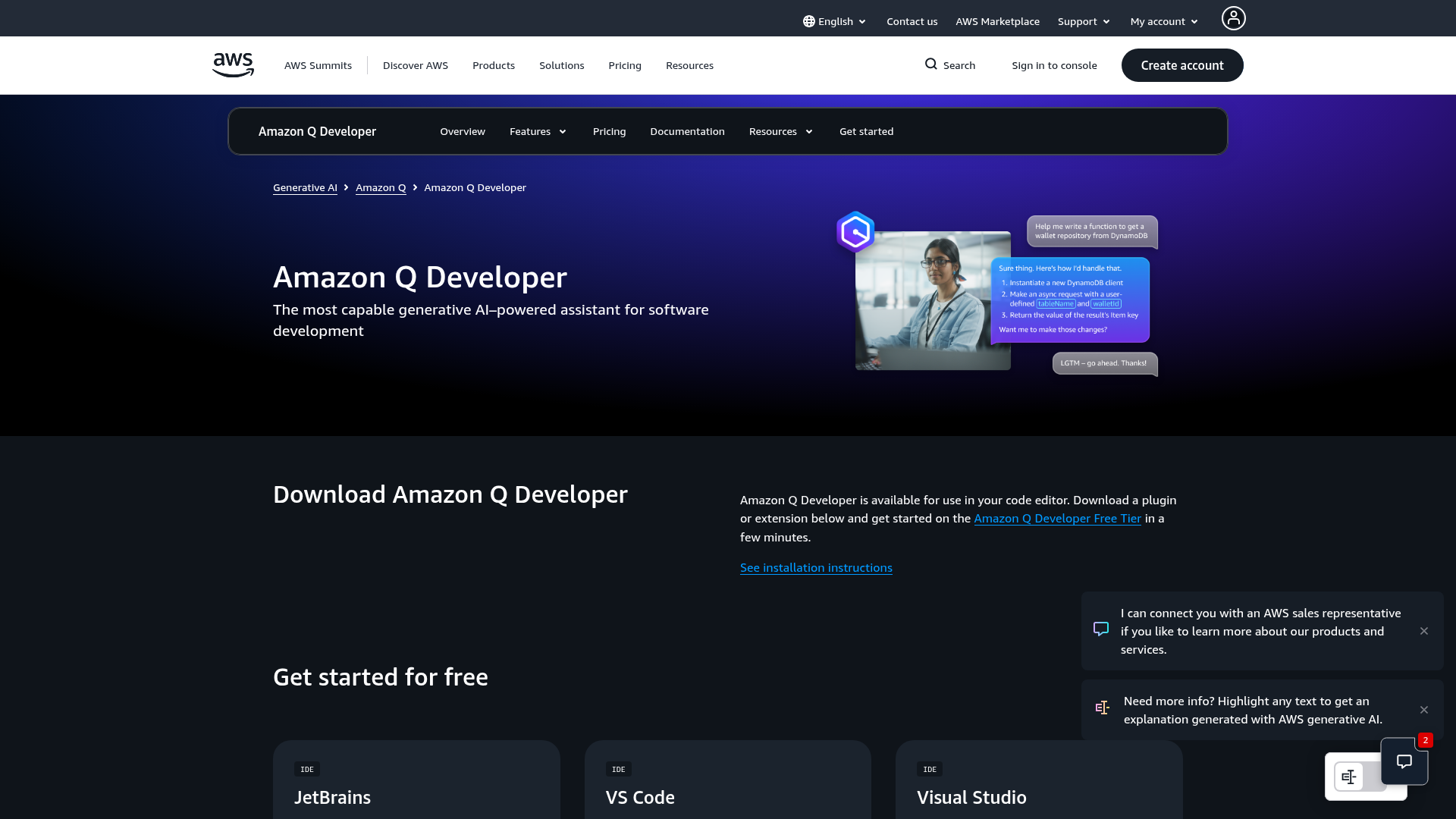
Let AWS fix your cloud configs for you. Point it at a failing CloudFormation stack or misconfigured IAM policy and get a fix PR with infrastructure-as-code diffs, following AWS best practices.
Open Amazon Q DeveloperThe verdict.
Amazon Q Developer's /dev agents are a genuine productivity multiplier for teams already deep in the AWS ecosystem. If your day involves debugging CloudFormation templates, tightening IAM policies, or wrangling Lambda configurations, this tool can cut hours of toil into minutes. Teams outside AWS, or those running multi-cloud setups, will find the value proposition much thinner; this is purpose-built for AWS-native workflows, and it knows it.
Pricing, straight.
As of April 2026. Check AWS for current tiers.
per month
- 50 agentic chat interactions per month
- Transform up to 1,000 lines of code per month
- Code suggestions and inline completions
- Security scanning included
per user / month (estimated)
- Unlimited agentic chat interactions
- Full /dev agent access with multi-file changes
- Native Lambda and CloudWatch integration
- Admin controls and organizational policies
Pricing as captured on 2026-04-19. Check the live site before you commit.
Note: The free tier's 50 agentic interactions cap is tight for active infrastructure work. Most teams doing real /dev agent work will hit that limit within the first week.
What it actually does.
What the February 2026 /dev agents update actually delivers.
Multi-File /dev Agents
Point the agent at a failing CloudFormation stack and it generates a fix PR with coordinated changes across multiple files. It follows AWS best practices by default, not just syntactic correctness.
Security Scanning
Built-in vulnerability detection scans your code and IaC templates for security issues. Catches overly permissive IAM policies, open security groups, and unencrypted resources before they reach production.
Native Lambda + CloudWatch Integration
The agent reads CloudWatch logs and Lambda execution traces directly. When something breaks, it correlates errors across services and proposes targeted fixes rather than generic suggestions.
Inline Chat + CLI Completions
Works inside VS Code, JetBrains, and the terminal. Ask it to explain a Terraform module, generate a CDK construct, or autocomplete an AWS CLI command. Context-aware suggestions based on your project structure.
Code Review + Documentation
Performs automated code reviews with explanations, not just linting. Generates documentation for existing codebases and can explain complex CloudFormation or CDK stacks in plain language.
Cloud Cost Optimization
Analyzes your infrastructure configs and suggests cost-saving changes. Identifies over-provisioned resources, recommends reserved instance strategies, and flags unused allocations.
Who it is for.
And who should probably skip it.
AWS-Native DevOps Teams
If your entire stack runs on AWS and you manage CloudFormation, CDK, or SAM templates daily, this is the most contextually aware assistant available. It understands your services because it is built by the same company that runs them.
Platform Engineers Debugging IaC
The /dev agent's ability to read a failed stack event, trace the root cause across resources, and generate a multi-file fix PR is genuinely useful. It replaces the tedious cycle of reading error messages, checking docs, and manually editing templates.
Solo Developers on AWS
If you are a solo dev or small team without a dedicated DevOps person, Q Developer acts as an on-demand infrastructure expert. The free tier's 50 interactions might be enough for lighter workloads.
Multi-Cloud or Non-AWS Teams
If you split infrastructure across AWS, GCP, and Azure, the value drops significantly. Q Developer has no meaningful understanding of Terraform providers for other clouds, and its suggestions will consistently steer you toward AWS-native services.
The honest part.
What you need to know before committing.
- AWS lock-in is the feature, not a bug. Full functionality requires deep AWS integration. If you are evaluating this hoping it will help with your GCP or Azure resources, it will not. The /dev agents are purpose-built for AWS services and will not generate meaningful fixes for anything outside that ecosystem.
- Free tier is too restrictive for real work. 50 agentic interactions per month sounds reasonable until you realize a single debugging session with the /dev agent can burn through 5 to 10 interactions. The 1,000-line transformation cap is similarly tight. This is a trial, not a usable free plan.
- Guardrails need validation. AWS recommends testing on staging first, and we agree. The agent can generate IAM policy changes that are technically correct but operationally risky. It once suggested removing a deny statement that was there for compliance reasons. Always review the diffs carefully.
- Requires internet access. No offline mode. If you are working in air-gapped environments or restricted networks, this tool is not an option. All interactions route through AWS endpoints.
- IDE support is good but not universal. VS Code, JetBrains, Eclipse, and Visual Studio are covered. If your team uses Neovim, Emacs, or other editors, you are limited to the CLI experience, which lacks the inline suggestion quality of the IDE plugins.
Let AWS debug your infrastructure.
Start with the free tier on a staging environment. Validate the guardrails before you trust it with production configs.