- SPECIMEN
ClickUp Super Agents
- FILED AS
Filed without a one-line summary.
- INTAKE DATE
- 2026-04-19
- CLASS
- Analytics
- METHOD
- desk research, filed before the Lab logged its counts
No dimension scores were recorded for this specimen, so no Koda Score is published. Read the verdict instead.
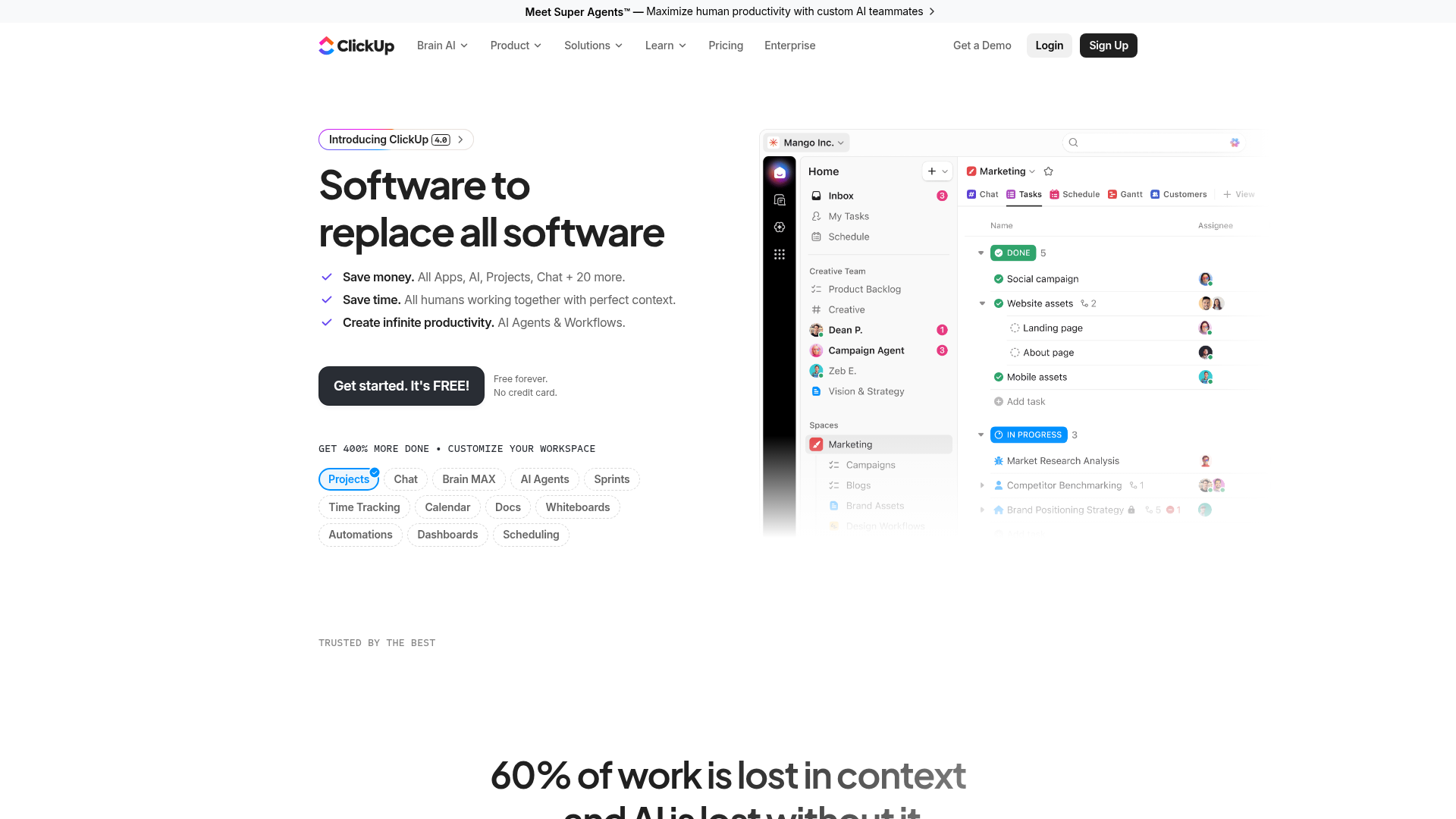
Replace tool hopping with AI teammates inside one workspace. Assign autonomous agents to projects and let them handle multi-step workflows like sprint planning, status rollups, and cross-tool coordination.
Open ClickUp Super AgentsThe verdict.
ClickUp Super Agents are built for teams already living in ClickUp who are tired of context-switching between Slack, Jira, Docs, and spreadsheets. If your workflow involves repetitive multi-step coordination (sprint ceremonies, weekly rollups, client status updates), this is genuinely useful. The $5/month Pro tier is aggressively priced, but the Free plan is too limited to evaluate the real value; you need Pro to see what these agents can actually do.
Pricing, straight.
Per user, billed monthly. Enterprise requires a sales conversation.
Free
$0
Forever free
- Basic functionalities
- Limited agent access
Pro
$5/mo
Per user
- Full agent functionality
- Collaboration tools
- Real-time task management
Enterprise
Custom
Contact sales
- Custom solutions
- Dedicated support
- Advanced integrations
Pricing as captured on 2026-04-19. Check the live site before you commit.
At $5/user/month for Pro, ClickUp undercuts most AI agent platforms significantly. For comparison, standalone AI workflow tools like Zapier Central or Lindy start around $20-50/month. The catch: you need to be on ClickUp's broader platform to get value from Super Agents.
What it actually does.
What Super Agents actually bring to the table.
Assign Tasks Like Human Teammates
Agents appear in your workspace as assignable team members. Drop them into a project, tag them in comments, and they pick up work the same way a colleague would.
Real-Time Messaging With Agents
Chat with agents directly inside ClickUp's messaging layer. Ask for status updates, request changes to a task, or have them summarize a thread. No separate AI interface needed.
Context-Aware Task Management
Agents understand project hierarchy, dependencies, and team capacity. They do not just execute blindly; they factor in what is already happening in your workspace before acting.
500+ Human Skills
ClickUp claims agents can handle over 500 distinct skill types, from writing meeting notes to triaging support tickets to generating project timelines. The breadth is impressive; the depth varies by use case.
Ambient Working
Agents operate in the background without requiring constant prompting. Set up triggers and they handle recurring workflows autonomously, surfacing results when ready rather than demanding your attention.
Self-Learning Capabilities
Agents improve over time by observing how your team works. They learn naming conventions, preferred assignees, and workflow patterns. The more you use them, the less you need to correct them.
Infinite Memory and Knowledge
Unlike chat-based AI tools with context window limits, Super Agents retain full project history. They can reference decisions made months ago, pull up old specs, and maintain continuity across long-running projects.
Cross-Tool Integrations
Connects to Gmail, Slack, Dropbox, Salesforce, and Trello. Agents can pull data from these tools and act on it within ClickUp, reducing the need to manually sync information across platforms.
Who it is for.
Specific teams and scenarios where Super Agents deliver real value.
Engineering Teams Running Sprints
Assign a Super Agent to handle sprint planning, daily standups summaries, and retrospective prep. It can auto-generate sprint reports, flag blocked tickets, and redistribute tasks when someone is overloaded. This is the strongest use case right now.
Customer Support Operations
Route incoming tickets, draft initial responses, and escalate based on sentiment or priority. Works best when your support workflow already lives in ClickUp. If you are using Zendesk or Intercom as your primary tool, the integration layer adds friction.
Content Teams With High Volume
Agents can draft briefs, create task structures for editorial calendars, and track content through review stages. Particularly useful for teams producing 20+ pieces per month who need to reduce coordination overhead.
Sales Teams Tracking Pipeline
With the Salesforce integration, agents can sync deal stages, generate weekly pipeline summaries, and flag deals that have gone cold. Best for teams using ClickUp as their operational hub alongside a CRM.
The honest part.
What to know before committing.
Platform Lock-In Is Real
Super Agents only work inside ClickUp. If your team is split across tools or you are evaluating a move to another PM platform, the agents become worthless. This is a feature designed to deepen your dependency on ClickUp, and you should go in with eyes open about that.
Free Plan Is Too Limited to Evaluate
The Free tier gives you a taste but not enough to make a real decision. Agent access is restricted, and you cannot test the multi-step automation workflows that are the core value proposition. You will need to commit to Pro ($5/user/month) to run a proper pilot.
Accuracy Varies by Task Complexity
Simple tasks like status rollups and task creation work reliably. More complex workflows involving multi-step reasoning, conditional logic, or nuanced prioritization still require human oversight. Start with one repetitive workflow and validate accuracy before scaling to critical processes.
Requires Constant Internet Access
Everything runs server-side. There is no offline mode, no local processing, and no way to queue actions for later. If your connection drops, your AI teammate goes silent. This is standard for cloud AI tools, but worth noting for teams with unreliable connectivity.
Integration Depth Is Uneven
The Slack and Gmail integrations are solid. Salesforce and Trello connections work but feel more like data syncs than deep bidirectional workflows. If you need agents to take complex actions inside external tools, you may still need Zapier or Make as middleware.
Test Super Agents.
Start with one repetitive workflow. Sprint planning or weekly status rollups are ideal first candidates. Validate accuracy before expanding.
Open ClickUp Super Agents