- SPECIMEN
Fello AI
- FILED AS
Access Multiple AI Models Under One Subscription
- INTAKE DATE
- 2026-04-20
- CLASS
- Design
- METHOD
- desk research, filed before the Lab logged its counts
No dimension scores were recorded for this specimen, so no Koda Score is published. Read the verdict instead.
One interface for image generation, web search with citations, document drafting, and presentations. Available across Mac, iPhone, and iPad with cross-device sync.
Open Fello AI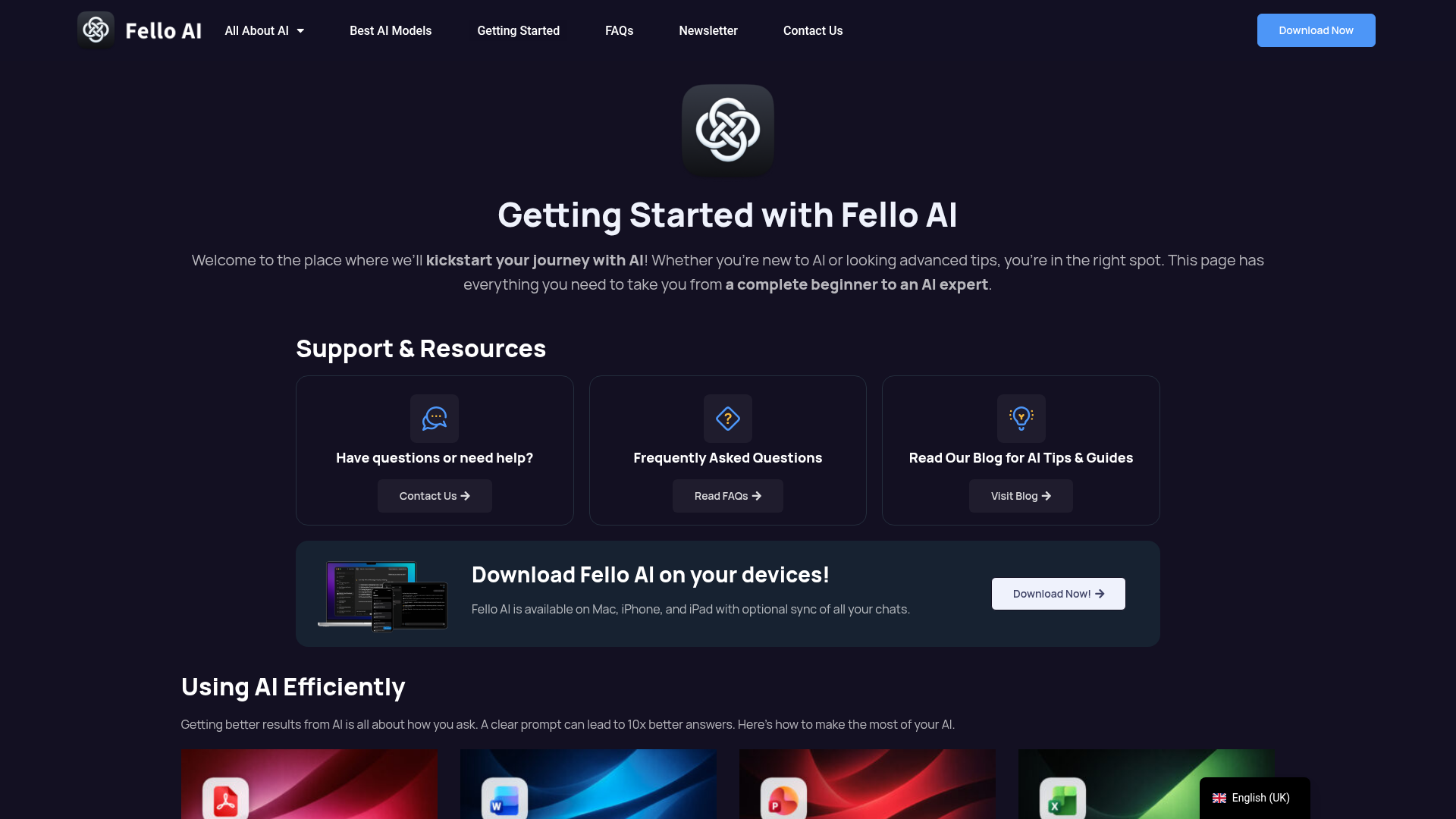
The verdict.
Fello AI is built for Apple ecosystem users who want a single subscription instead of juggling ChatGPT, Midjourney, and a separate document tool. At $9.99 per month for Pro, it undercuts stacking multiple AI subscriptions, but the value depends entirely on whether its bundled capabilities match the depth of the standalone tools you are currently paying for. If you are a student, freelancer, or small-team professional spending $30 to $60 per month across AI services, Fello is worth a serious trial run before your next billing cycle.
Pricing, straight.
Note: the digest referenced $11.99/month; the current structured data from Fello's site lists Pro at $9.99/month. Pricing may vary by billing cycle or region. Confirm on their site.
$0
Forever
- Basic AI interactions
- Access to community resources
- Limited device sync
$9.99/mo
Free trial available
- Advanced AI features
- Priority support
- Full cross-device sync
Custom
Contact for pricing
- Custom integrations
- Dedicated support
- Enhanced security features
Pricing as captured on 2026-04-20. Check the live site before you commit.
What it actually does.
Apple Ecosystem Native
Available on Mac, iPhone, and iPad. This is not a web wrapper. It is a native app designed for Apple hardware, which means better performance and system-level integration.
Cross-Device Chat Sync
Start a conversation on your Mac, pick it up on your iPhone. Sync is optional, so you can keep devices separate if you prefer compartmentalized workflows.
Multiple AI Models
Access various underlying models through one interface. This is the core value proposition: you pay once and get routing to different models depending on the task.
Document and Presentation Tools
Draft documents, edit PDFs, and create presentations. Integrates with Microsoft Word, PowerPoint, and Excel, which covers the formats most professionals actually use.
Web Search with Citations
Search the web and get responses with cited sources. This is increasingly table stakes for AI tools, but having it bundled in the same interface as document creation saves context-switching.
Image Generation
Generate images directly within the app. The quality and model specifics are not fully disclosed, so you will want to test this against your current image generation tool before committing.
Prompt Engineering Support
Built-in guidance for crafting better prompts. Useful for beginners who are still learning how to get consistent results from AI models. Includes resource guides for various applications.
Document Analysis
Upload and analyze documents, spreadsheets, and PDFs. Particularly useful for students and researchers who need to extract insights from large files without switching tools.
Who Should Use Fello AI
Students
If you are paying for ChatGPT Plus and a separate writing tool, Fello consolidates research, drafting, and document editing at a lower combined cost. The citation feature is especially relevant for academic work.
Freelancers and Solopreneurs
You need presentations, client documents, image assets, and research. Fello handles all of these together. The $9.99 Pro plan is significantly cheaper than stacking Midjourney ($10), ChatGPT Plus ($20), and a presentation tool.
Apple-First Users
If your entire workflow lives on Mac, iPhone, and iPad, Fello's native app and device sync make it a natural fit. Web-based AI tools often feel clunky on mobile; a native app solves that friction.
AI Beginners
Fello positions itself as a starting point for people new to AI. The prompt engineering guides and community resources lower the learning curve. You get exposure to multiple AI capabilities without needing to evaluate and subscribe to each tool individually.
The honest part.
-
Apple Only
No Windows, Android, or Linux support. If your team uses mixed platforms, Fello is not an option. This is a hard blocker for many organizations.
-
Model Transparency Is Lacking
Fello does not clearly disclose which underlying models power each feature. If you care about knowing whether you are using GPT-4, Claude, or something else, this opacity is frustrating. Power users will want more control over model selection.
-
Free Tier Is Very Limited
The free plan offers only basic AI interactions and limited sync. It is useful for a quick test, but you will hit walls fast. Expect to need Pro for any real evaluation of the platform's capabilities.
-
Jack of All Trades Risk
Bundling image generation, document editing, presentations, and web search into one tool means each feature may be shallower than a dedicated alternative. If you rely heavily on one specific capability, such as advanced image generation, a specialized tool will likely outperform Fello in that area.
-
Setup and Configuration Time
Initial configuration takes some time, especially setting up device sync and learning the interface across different task types. Not a dealbreaker, but plan for a 30 to 60 minute onboarding session rather than instant productivity.
Consolidate your AI tools.
Start with the free plan. If it clicks, test Pro before your next billing cycle on other AI subscriptions.