- SPECIMEN
Blink.new
- FILED AS
Filed without a one-line summary.
- INTAKE DATE
- 2026-04-24
- CLASS
- Coding
- METHOD
- desk research, filed before the Lab logged its counts
No dimension scores were recorded for this specimen, so no Koda Score is published. Read the verdict instead.
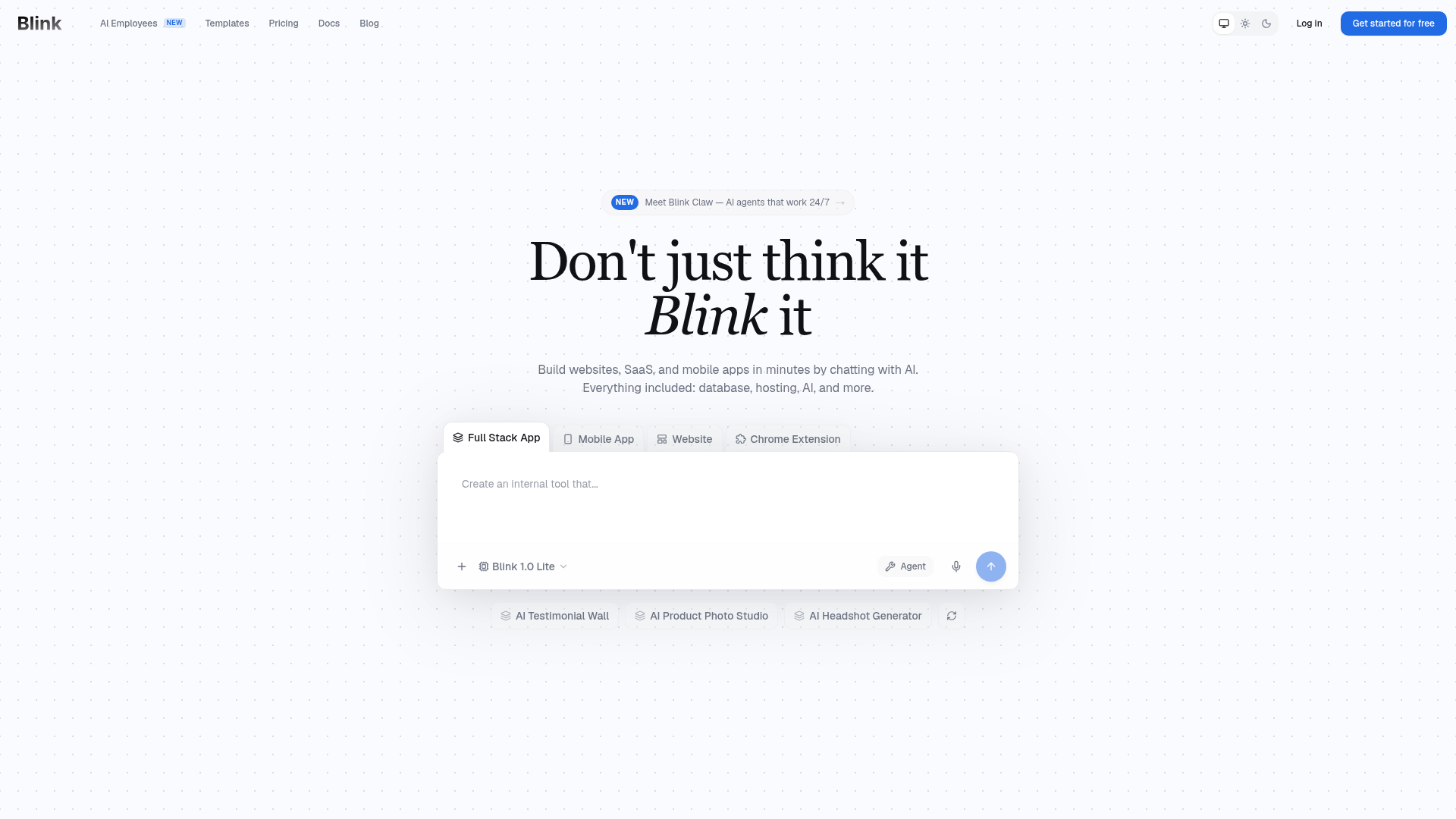
Describe an app in plain English, get a full-stack application with backend, database, auth, and hosting. Ship from your browser without touching boilerplate.
Open Blink.newThe verdict.
Blink.new is a strong pick for founders, solo developers, and small teams who need to validate an idea fast without wiring up infrastructure from scratch. It handles the full stack, from database to deployment, which makes it genuinely useful for MVPs, internal tools, and lightweight SaaS products. If you need pixel-perfect custom UI or deep architectural control, you will hit walls; but for speed-to-ship, it is one of the most capable tools in the vibe coding category right now.
Pricing, straight.
Annual pricing shown. Credit-based system with daily free credits on all plans.
Free
$0
Forever
- 5 daily credits, 30/month cap
- Free hosting + SSL
- Core vibe coding features
Starter
$13/mo
Billed annually
- 100 plan credits
- 5 daily credits (no monthly cap)
- Everything in Free
Pro
$25/mo
Billed annually
- 200 plan credits
- 5 daily credits (no monthly cap)
- Best value for solo builders
Max
$100/mo
Billed annually
- 800+ plan credits
- 5 daily credits (no monthly cap)
- For heavy builders and agencies
Team
$50/seat/mo
Starting price
- Shared credit pool
- Roles & permissions
- Unlimited free viewers
Pricing as captured on 2026-04-24. Check the live site before you commit.
Note: Every plan includes 5 free daily credits. The credit system means your actual cost depends on how many generation and iteration cycles you run. A simple app might take 3 to 5 credits; a complex one with multiple revisions could burn through 20+.
What it actually does.
What Blink actually ships when you describe your app.
Natural Language to Full-Stack App
Describe what you want in plain English. Blink generates the frontend, backend, database schema, and API routes in one pass. No framework selection, no config files.
Automatic Backend + Database
Databases and backend logic are provisioned automatically. You get a working data layer without writing migrations or setting up ORMs. Auth is included out of the box.
One-Click Deploy with Hosting
Deploy to production-grade infrastructure directly from the editor. Free hosting and SSL certificates are included on every plan, even the free tier.
Built-In Integrations
Stripe payments, social auth (Google, GitHub, Microsoft), email via SendGrid or Resend, SMS providers, and AI APIs from OpenAI and Anthropic. These wire up through the prompt.
Authentication Out of the Box
Social login, email/password, and session management are generated automatically when your app description implies user accounts. No manual auth plumbing required.
Team Collaboration
The Team plan supports per-seat pricing with shared credit pools, role-based permissions, and unlimited free viewers. Useful for agencies or small product teams iterating together.
Who it is for.
Blink fits specific workflows well. Here is where it makes the most sense.
Founders Validating MVPs
You have an idea for a SaaS product and need a working prototype with real auth, a database, and Stripe payments. Blink can get you from concept to deployed app in an afternoon instead of a sprint.
Internal Tools and Admin Dashboards
Need a CRM, inventory tracker, or admin panel that nobody outside your team will see? Blink is ideal here. The generated UI is functional and clean enough for internal use without design polish.
Simple E-Commerce and Booking Systems
Straightforward product catalogs, appointment booking flows, or service marketplaces. The Stripe integration and auth layer handle the core complexity. Good for service businesses that need something live quickly.
Developers Prototyping Fast
If you are a developer who wants to skip the boilerplate and get to the interesting parts of a project, Blink generates the scaffolding. You can download the code and continue building from there in your own environment.
The honest part.
Where Blink falls short or requires workarounds.
No In-Platform Code Editing Post-Deploy
Once your app is deployed, you cannot edit the code directly on Blink's platform. You need to download the source and work locally. This creates friction if you want to make quick fixes without a local dev setup.
Credit System Can Be Unpredictable
Each generation and iteration costs credits, but it is not always clear upfront how many credits a complex prompt will consume. Heavy iteration on a single project can drain your monthly allocation faster than expected, especially on the Starter plan's 100 credits.
Limited Design Customization
The generated UI is functional but generic. If your product requires a specific brand identity, custom animations, or a highly polished consumer-facing design, you will need to export the code and refine it manually. Blink is not a design tool.
Prompt Quality Determines Output Quality
Vague descriptions produce vague apps. You need to be specific about data models, user flows, and feature requirements to get useful results. There is a learning curve to writing prompts that produce production-worthy output on the first pass.
Vendor Lock-In Risk on Hosting
While you can download your code, the default deployment runs on Blink's infrastructure. Migrating to your own hosting later means understanding the generated stack and re-configuring deployment yourself. Plan for this if you expect to scale beyond MVP.
Ship Something.
The free tier gives you 5 daily credits with no card required. Enough to test whether Blink fits your workflow before committing.