- SPECIMEN
GenPPT AI
- FILED AS
Generate Polished Slide Decks From a Single Prompt
- INTAKE DATE
- 2026-04-26
- CLASS
- Marketing
- METHOD
- desk research, filed before the Lab logged its counts
No dimension scores were recorded for this specimen, so no Koda Score is published. Read the verdict instead.
AI-powered text-to-PowerPoint generation. Drop in your topic or outline, get a structured, styled presentation back in seconds. Fast, easy, and free to start.
Open GenPPT AI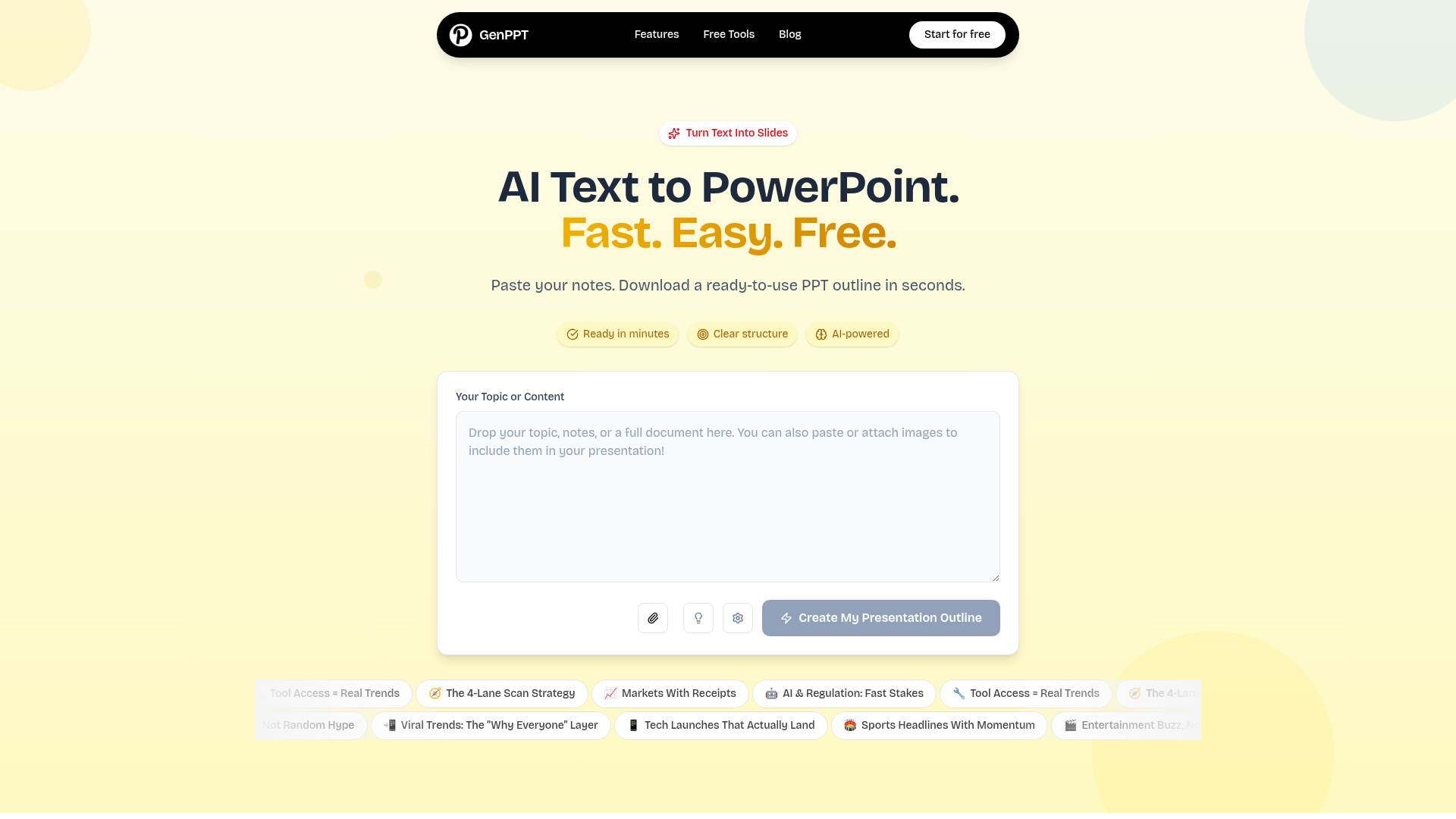
The verdict.
GenPPT is built for anyone who needs a presentable deck in minutes, not hours. If you are a consultant prepping a client proposal, a student assembling lecture notes, or a founder drafting an investor pitch, this tool eliminates the blank-slide paralysis and gives you a workable starting point. It is worth using for speed and structure, but do not expect pixel-perfect design or advanced export options without some manual refinement afterward.
Pricing, straight.
What you get at each tier.
No credit card required
- First few generations included
- Basic presentation structuring
- AI-powered content analysis
- Text input length limits apply
Pricing not publicly listed; described as "affordable"
- Advanced features included
- Higher usage limits
- Presentation refinement options
- Priority generation speed
Pricing as captured on 2026-04-26. Check the live site before you commit.
Note: GenPPT does not publicly disclose exact Pro pricing on their site. You will need to sign up to see current rates. We will update this section when concrete numbers are available.
What it actually does.
What GenPPT actually does well.
Lightning Fast Generation
Type a topic or paste your notes. GenPPT returns a structured presentation outline in seconds, not minutes. The speed advantage is real compared to building slides manually.
Automatic Structure and Flow
The AI analyzes your input and creates a logical slide hierarchy. It handles section breaks, title slides, and content grouping so you do not have to think about information architecture.
AI Content Analysis
GenPPT parses your text to identify key themes, supporting points, and natural breakpoints. It does not just split text evenly across slides; it tries to understand what matters.
Real-Time Outline Building
Watch the outline take shape as the AI processes your input. You can see the structure forming in real time, which helps you decide quickly if the direction is right or if you need to adjust your prompt.
Presentation Refinement
On the Pro plan, you get options to refine and iterate on the generated output. Adjust tone, expand sections, or restructure without starting from scratch.
Flexible Text Input
Feed it a single sentence topic, a bulleted outline, or a full paragraph of notes. GenPPT adapts to different input formats and lengths, though the free tier has character limits.
Who it is for.
Practical scenarios where GenPPT earns its keep.
Consultants and Freelancers
You need to turn client briefs into proposal decks quickly. GenPPT gives you a structured starting point that you can polish in PowerPoint or Google Slides. Saves 30 to 60 minutes per deck on the initial layout.
Students and Educators
Converting lecture notes or research summaries into presentation format is tedious. GenPPT handles the structural thinking so you can focus on the content itself. Particularly useful for academic presentations where clarity of flow matters.
Startup Founders
Investor decks, board updates, internal reviews. You are iterating constantly and do not have a design team. GenPPT gets you to a "good enough" draft that you can refine, rather than staring at a blank slide for an hour.
Internal Team Leads
Weekly standups, quarterly reviews, project kickoffs. These decks do not need to be beautiful; they need to be clear and done. GenPPT is ideal for internal presentations where speed trumps aesthetics.
The honest part.
Where GenPPT falls short. Worth knowing before you commit.
No Direct .pptx Export
This is the biggest gap. Despite the name and marketing, the current tool primarily generates structured outlines rather than downloadable PowerPoint files. You will likely need to copy the output into your own template. For a tool called "GenPPT," this is a notable disconnect between promise and delivery.
Opaque Pro Pricing
The Pro plan is described as "affordable" but no actual price is listed publicly. This makes it hard to compare against competitors like Gamma, Beautiful.ai, or SlidesAI. Transparency here would go a long way.
Free Tier Text Limits
The free tier restricts how much text you can input and how many generations you get. Fine for testing, but you will hit the ceiling quickly if you are producing decks regularly.
No Integrations
There are no listed integrations with Google Slides, Notion, Figma, or any other tool in your workflow. It is a standalone experience. Competitors like Gamma and Tome offer more connected ecosystems.
Design Customization Is Limited
You are getting the AI's default styling choices. There is no theme picker, brand kit upload, or color palette control visible in the current version. If brand consistency matters, plan on manual adjustments afterward.
Skip the blank slide.
GenPPT is best used as a rapid first-draft tool. Feed it your ideas, get a structured outline, then refine in your preferred editor.