- SPECIMEN
Wispr Flow
- FILED AS
Dictate Anywhere With Smooth Voice-to-Text
- INTAKE DATE
- 2026-04-28
- CLASS
- Voice
- METHOD
- desk research, filed before the Lab logged its counts
No dimension scores were recorded for this specimen, so no Koda Score is published. Read the verdict instead.
The voice-to-text AI that turns speech into clear, polished writing in every app. Speak naturally, skip the keyboard, and watch clean text appear wherever your cursor sits.
Open Wispr Flow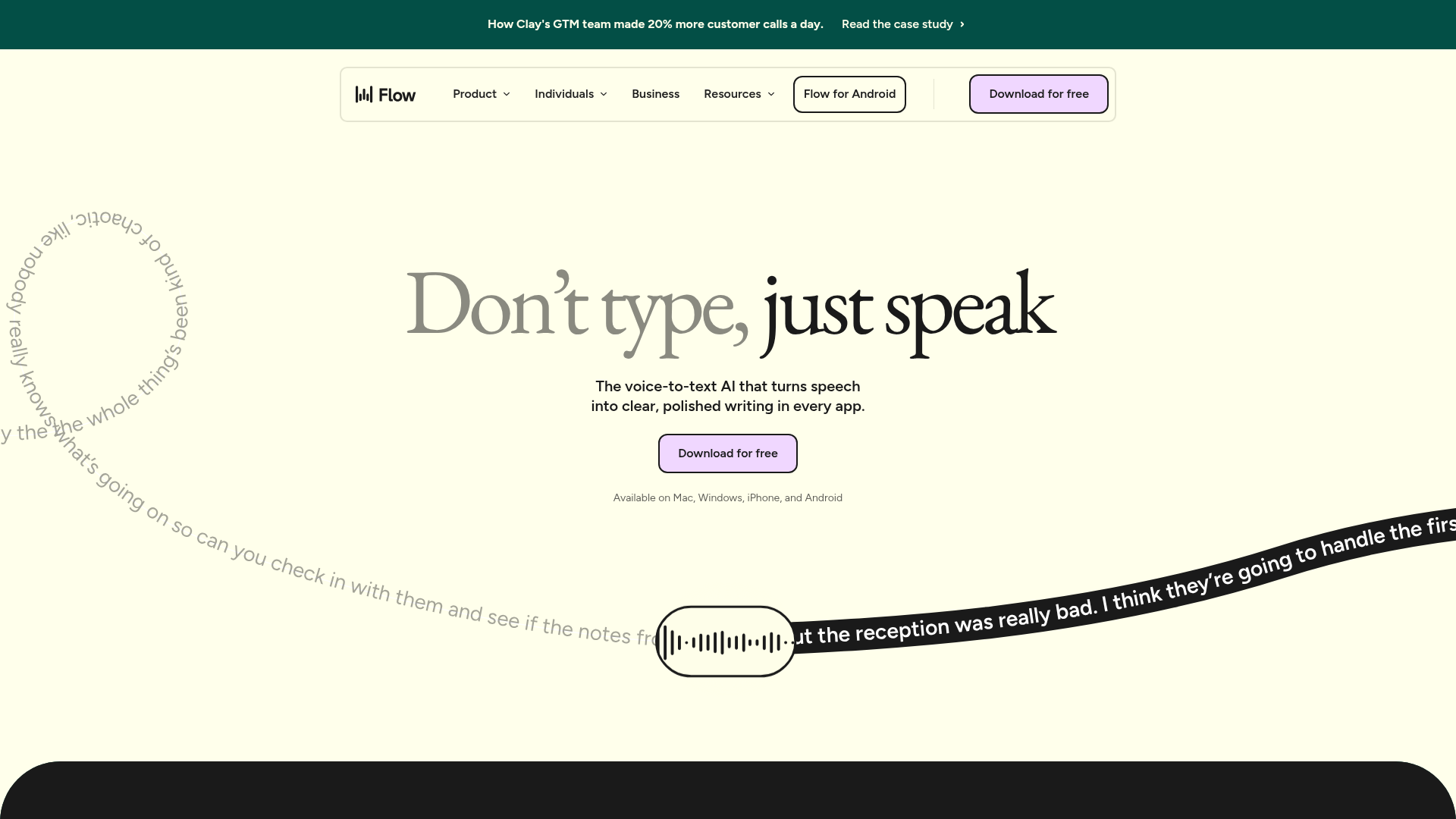
The verdict.
Wispr Flow is a compelling option for anyone who spends hours typing across multiple apps and wants to reclaim that time with voice. It works best for professionals, writers, and knowledge workers who think faster than they type and need polished output without heavy editing. The 14-day free trial is generous enough to stress-test it in real workflows, but the lack of transparent post-trial pricing is a notable gap. If you are comfortable speaking your thoughts aloud and want system-wide dictation that actually produces clean text, Wispr Flow is worth a serious look.
Pricing, straight.
Current publicly available plan information as of April 2026.
14 days, no credit card required
- AI commands
- Auto-edits for polished output
- Mac, Windows, iPhone, Android
- Works in every application
Pricing as captured on 2026-04-28. Check the live site before you commit.
Wispr does not publicly list post-trial pricing on their website. You will need to check their app or contact their team for current paid plan details after the 14-day trial expires.
What it actually does.
What makes Wispr Flow stand out in the voice-to-text space.
4x Faster Than Typing
Wispr claims a 4x speed improvement over keyboard input. In practice, the gap depends on your typing speed, but for anyone below 80 WPM, the difference is real and noticeable.
System-Wide Dictation
This is the core differentiator. Wispr Flow works wherever your cursor is: Slack, Google Docs, Notion, your terminal, email clients. No copy-pasting from a separate app.
AI Auto-Edits
Wispr doesn't just transcribe. It cleans up filler words, fixes grammar, and structures your speech into readable prose. The output reads like something you typed deliberately.
AI Commands
Beyond dictation, you can issue voice commands to rewrite, summarize, or transform text. Think of it as a voice-activated writing assistant layered on top of transcription.
Personal Dictionary
Add jargon, product names, acronyms, and proper nouns so Wispr recognizes them correctly. Essential for anyone working in specialized fields with non-standard vocabulary.
Cross-Platform Support
Available on Mac, Windows, iPhone, and Android. This full platform coverage means you can use the same voice workflow at your desk and on the go.
Deep Integrations
Works with Slack, Notion, Trello, Google Docs, Microsoft Office, and Calendly. Because it operates at the system level, it technically works with anything that accepts text input.
Natural Speech Recognition
Wispr is designed to handle natural, conversational speech rather than requiring robotic, carefully enunciated dictation. Speak the way you normally would and let the AI sort it out.
Who it is for.
Wispr Flow targets a broad audience, but some groups will get significantly more value than others.
Writers and Content Creators
If you draft blog posts, newsletters, scripts, or documentation, Wispr Flow lets you get a rough draft down at the speed of thought. The AI auto-edits mean less cleanup afterward. This is the highest-value use case.
Sales and Customer Support Teams
Responding to tickets, writing follow-up emails, and logging CRM notes are all tasks where voice input can cut response time significantly. The system-wide approach means you don't need a dedicated integration for each tool.
Lawyers and Knowledge Workers
Legal professionals have used dictation for decades. Wispr modernizes that workflow with AI cleanup and a personal dictionary for case-specific terminology. The cross-app support means it works in your document management system, not just Word.
Students
For note-taking, essay drafting, and brainstorming, voice input removes friction. Students who struggle with long typing sessions or have accessibility needs will find particular value here.
Developers (With Caveats)
Useful for writing comments, documentation, commit messages, and Slack discussions. Less useful for actual code. If your day is split between communication and coding, Wispr handles the communication half well.
The honest part.
Where Wispr Flow falls short or requires compromise.
Opaque Post-Trial Pricing
The 14-day free trial is straightforward, but Wispr does not publicly list what happens after. No pricing page, no tier comparison. You have to download the app and presumably see pricing when the trial ends. This is a red flag for budget-conscious teams trying to evaluate tools upfront.
Requires Internet Connectivity
Wispr Flow needs an internet connection for optimal performance. This means it is not a great fit for offline work, airplane mode, or environments with unreliable connectivity. The AI processing happens server-side, which also raises questions about latency and data privacy for sensitive content.
Accent and Dialect Limitations
Like most voice-to-text tools, Wispr may struggle with certain accents, dialects, or non-native English speakers. The personal dictionary helps with vocabulary, but pronunciation-based recognition issues are harder to solve. If you have a strong regional accent, test thoroughly during the trial.
Not Ideal for Noisy Environments
Voice dictation inherently requires a reasonably quiet environment. Open offices, coffee shops, and shared workspaces can degrade accuracy. You also need to be comfortable speaking aloud, which is a social barrier in many work settings.
AI Edits May Over-Correct
The auto-edit feature is a double-edged sword. While it cleans up filler words and grammar, it can also alter meaning or tone in ways you did not intend. For precise technical or legal writing, you will still need to review output carefully.
Open Wispr Flow
14-day free trial. No credit card required. Works on Mac, Windows, iPhone, and Android.