- SPECIMEN
VoiceAppear
- FILED AS
System-Wide Dictation That Corrects as You Speak
- INTAKE DATE
- 2026-05-07
- CLASS
- Voice
- METHOD
- desk research, filed before the Lab logged its counts
No dimension scores were recorded for this specimen, so no Koda Score is published. Read the verdict instead.
A global dictation layer for Windows and Mac that lets you speak into any text field at roughly three times typing speed, with AI-powered autocorrect and punctuation built in.
Open it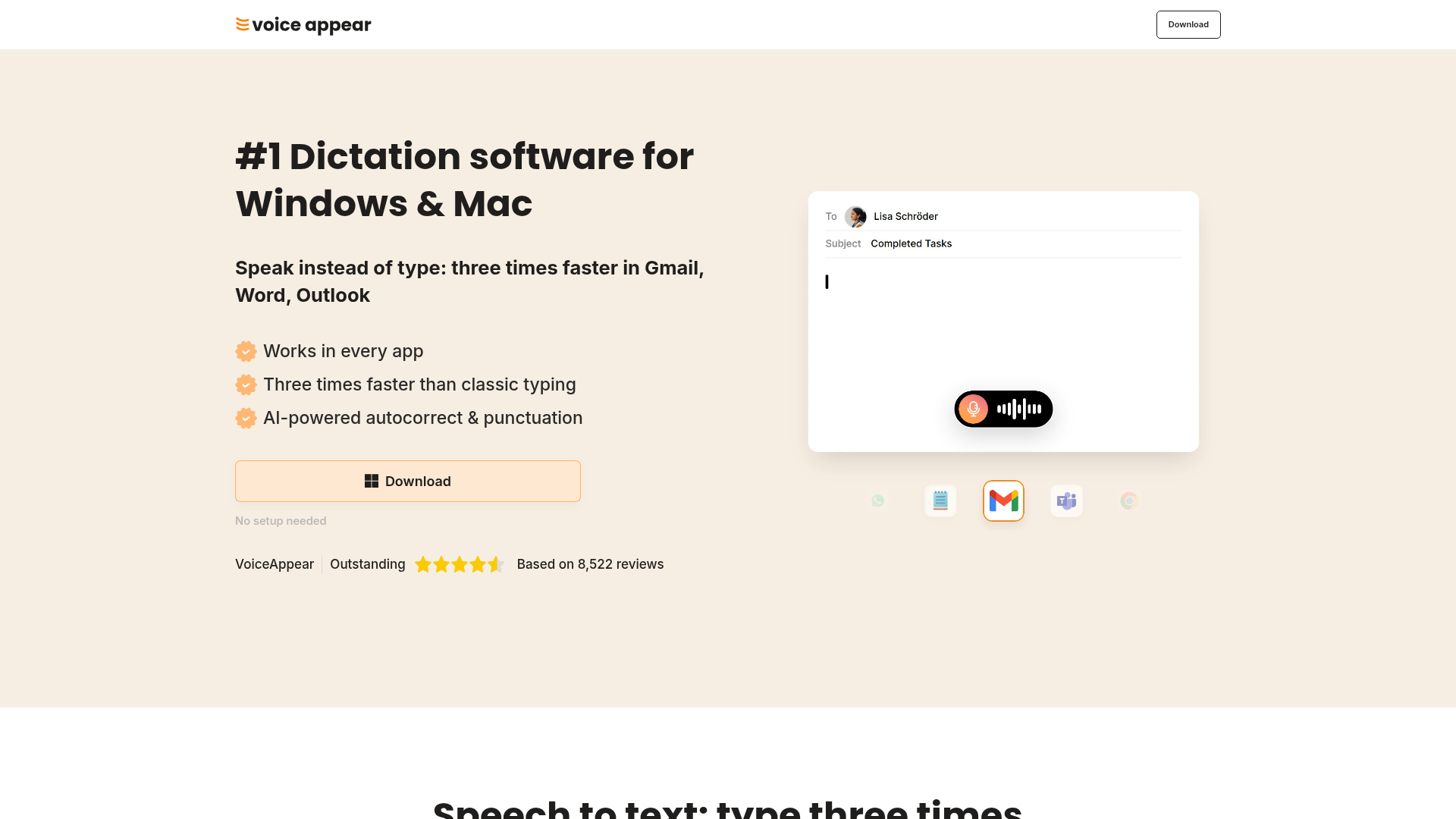
The verdict.
VoiceAppear is built for professionals who spend hours writing emails, Slack messages, and documents and want to reclaim that time through voice. It works well if you have a reliable internet connection and primarily dictate in common business language. If you need offline dictation or work heavily with niche technical jargon, you will hit friction; otherwise, the free trial makes it a low-risk experiment for anyone looking to triple their text output speed.
Pricing, straight.
Free
$0
- Basic dictation features
- No setup needed
Pro
Subscription
Price not publicly listed. No commitment necessary.
- Advanced dictation features
- Personal vocabulary learning
- Cancel anytime
Pricing as captured on 2026-05-07. Check the live site before you commit.
Note: VoiceAppear does not publicly disclose Pro pricing on their website. You will need to download the app and check in-app pricing or contact their team.
What it actually does.
Works in Every App
System-wide dictation that injects text into any field. Word, Outlook, Teams, Chrome, Gmail, Slack, and anything else with a cursor.
3x Faster Than Typing
Measured at roughly three times the speed of traditional keyboard input. Ideal for long-form writing sessions where throughput matters.
AI Autocorrect and Punctuation
Automatically inserts commas, periods, and question marks. Corrects spelling errors in real time so you get clean output without post-editing.
Personal Vocabulary Learning
Adapts to your word choices over time. Names, brand terms, and frequently used phrases get recognized more accurately with continued use.
Privacy by Design (GDPR)
Built with GDPR compliance in mind. Based in Germany, which signals a higher baseline for data handling compared to many US-based alternatives.
Cross-Platform (Windows and Mac)
Native apps for both major desktop operating systems. No browser extension required; it runs as a lightweight background process.
Who it is for.
Freelancers and Remote Workers
If you spend your day bouncing between email, Slack, and docs, VoiceAppear lets you dictate across all of them without switching tools. The speed gain compounds across dozens of daily messages.
Authors and Long-Form Writers
Getting a first draft down at 3x speed is genuinely useful for writers who think faster than they type. The auto-punctuation means you can focus on ideas rather than mechanics.
Leaders and Managers
Executives who need to respond to high volumes of communication quickly. Dictating a thoughtful reply in 20 seconds instead of typing for two minutes adds up across a full day.
People with RSI or Accessibility Needs
Anyone dealing with repetitive strain injuries or physical limitations that make sustained typing painful. A system-wide dictation tool removes the keyboard dependency entirely.
The honest part.
- Requires internet connection. All AI processing happens server-side. No offline mode exists, so airplane mode or spotty Wi-Fi means no dictation. This is a dealbreaker for anyone who works in low-connectivity environments.
- Opaque Pro pricing. The subscription cost is not listed on the website. You have to download the app to discover what you will actually pay. This makes comparison shopping harder than it should be.
- Specialized terminology struggles. Medical, legal, or highly technical jargon may not be recognized accurately out of the box. The vocabulary learning helps over time, but expect a ramp-up period if your work involves niche language.
- No Linux support. Windows and Mac only. If you are on Ubuntu or another Linux distribution, this is not an option for you.
- Limited public documentation. The website is light on technical details. There is no public changelog, API documentation, or detailed feature comparison between Free and Pro tiers.