- SPECIMEN
Motion
- FILED AS
Let AI Build Your Daily Schedule Automatically
- INTAKE DATE
- 2026-05-09
- CLASS
- Analytics
- METHOD
- desk research, filed before the Lab logged its counts
No dimension scores were recorded for this specimen, so no Koda Score is published. Read the verdict instead.
AI-powered scheduling that absorbs your tasks, meetings, and deadlines, then arranges them into an optimized daily plan. Stop spending 30+ minutes figuring out what to do next.
Open Motion Free for 14 Days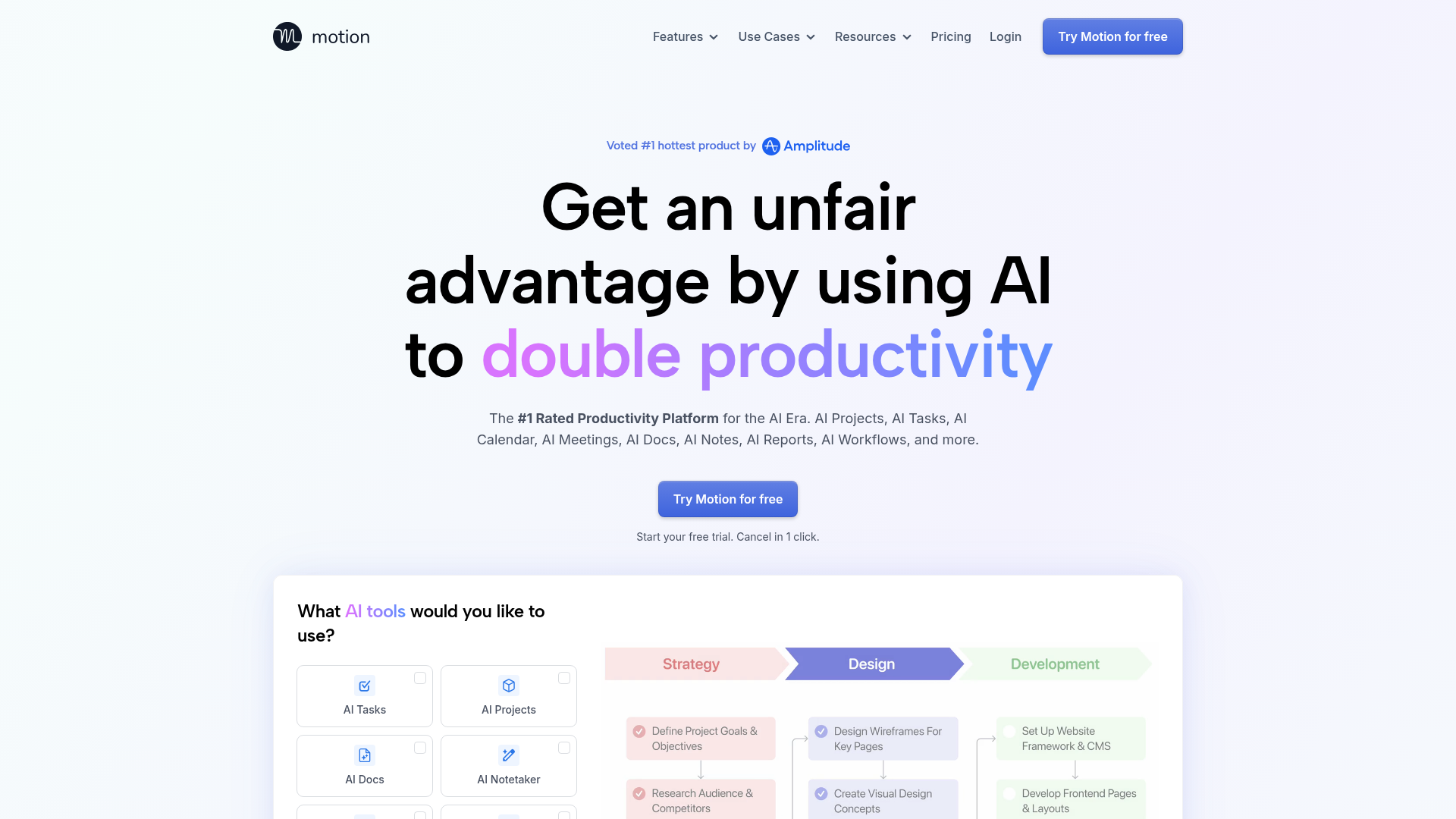
The verdict.
Motion is the real deal for anyone who finds themselves constantly rearranging calendar blocks or losing track of deadlines. At $15/month per user, it pays for itself if you reclaim even two hours a week of scheduling overhead. It works best for knowledge workers, freelancers, and small teams who juggle multiple projects simultaneously. If your workflow is already rigid and predictable, you will not get as much value; but if your days are chaotic and context-switching is killing your output, Motion is one of the strongest AI scheduling tools available today.
Pricing, straight.
Free Trial
$0 / 14 days
- Full access to all features
- No commitment required
- Cancel anytime
Pro
$15 / user / month
- AI Task Planner
- AI Project Manager
- AI Meeting Notetaker
- AI Calendar Assistant
- AI Docs Assistant
Enterprise
Custom
- Dedicated account manager
- Advanced security options
- Custom integrations
- Everything in Pro
What it actually does.
AI Task Planner
Dump your entire to-do list in and Motion auto-schedules each task into available time blocks based on priority, deadline, and estimated duration. It reschedules dynamically when things shift.
AI Project Manager
Breaks projects into subtasks, assigns them across team members, and tracks progress automatically. Surfaces blockers before they become problems.
AI Meeting Notetaker
Joins your Zoom and Google Meet calls, transcribes conversations, and extracts action items that feed directly into your task queue. No more lost follow-ups.
AI Docs Assistant
Built-in document creation with AI assistance. Draft meeting agendas, project briefs, and notes without leaving the platform.
AI Workflows Builder
Create automated sequences that trigger based on task completion, calendar events, or team actions. Connects with Zapier for extended automation chains.
AI Business Intelligence
Analyzes how your team spends time, identifies productivity patterns, and surfaces insights about where hours are being lost. Useful for managers tracking capacity.
Deep Integrations
Connects with Gmail, Outlook, Slack, Teams, HubSpot, Salesforce, Zoom, Google Meet, Siri, and Zapier. Your existing stack stays intact.
Dynamic Rescheduling
When a meeting runs over or a new urgent task appears, Motion automatically reshuffles your remaining schedule. No manual drag-and-drop required.
Who Should Use Motion
Freelancers and solopreneurs juggling multiple clients
If you have 5+ active projects with different deadlines and no admin support, Motion eliminates the daily "what should I work on next" decision fatigue. It prioritizes based on actual deadlines, not gut feeling.
Small teams (5-25 people) without a dedicated PM tool
Motion replaces the need for separate task management, calendar coordination, and project tracking tools. The AI project manager distributes work across team members and keeps everyone aligned without constant standups.
Executives and managers with meeting-heavy calendars
When 60%+ of your day is meetings, finding time for deep work becomes nearly impossible. Motion identifies and protects focus blocks, scheduling tasks in the gaps between calls while respecting your energy patterns.
Anyone who chronically over-commits
Motion makes overload visible. When you add a task with a deadline that is physically impossible given your existing schedule, it tells you immediately. This alone can change how you say yes to new work.
The honest part.
- Learning curve is real. The AI scheduling only works well once you have properly configured task durations, priorities, and working hours. Expect 1-2 weeks of tweaking before it feels accurate.
- No offline mode. Motion requires a stable internet connection for all functionality. If you work in environments with spotty connectivity, this is a dealbreaker.
- Can feel rigid for creative work. If your workflow is intentionally unstructured (writers, designers who need open-ended exploration time), having every minute scheduled can feel constraining rather than liberating.
- No free tier after trial. At $15/user/month with no permanent free plan, it is a harder sell for budget-conscious individuals compared to free alternatives like Google Calendar + Todoist.
- Enterprise pricing is opaque. No published rates for larger teams. You will need to get on a sales call, which slows down evaluation for mid-size companies.
- Limited native integrations outside the big names. While Zapier fills gaps, niche tools (Notion, Linear, ClickUp) do not have direct two-way syncs. You are relying on middleware for anything beyond the listed integrations.