- SPECIMEN
MotionGen
- FILED AS
Filed without a one-line summary.
- INTAKE DATE
- 2026-05-09
- CLASS
- Marketing
- METHOD
- desk research, filed before the Lab logged its counts
No dimension scores were recorded for this specimen, so no Koda Score is published. Read the verdict instead.
Generate video from text prompts or static images. Turn product photos into motion content, or describe a scene and let AI animate it from scratch.
Open it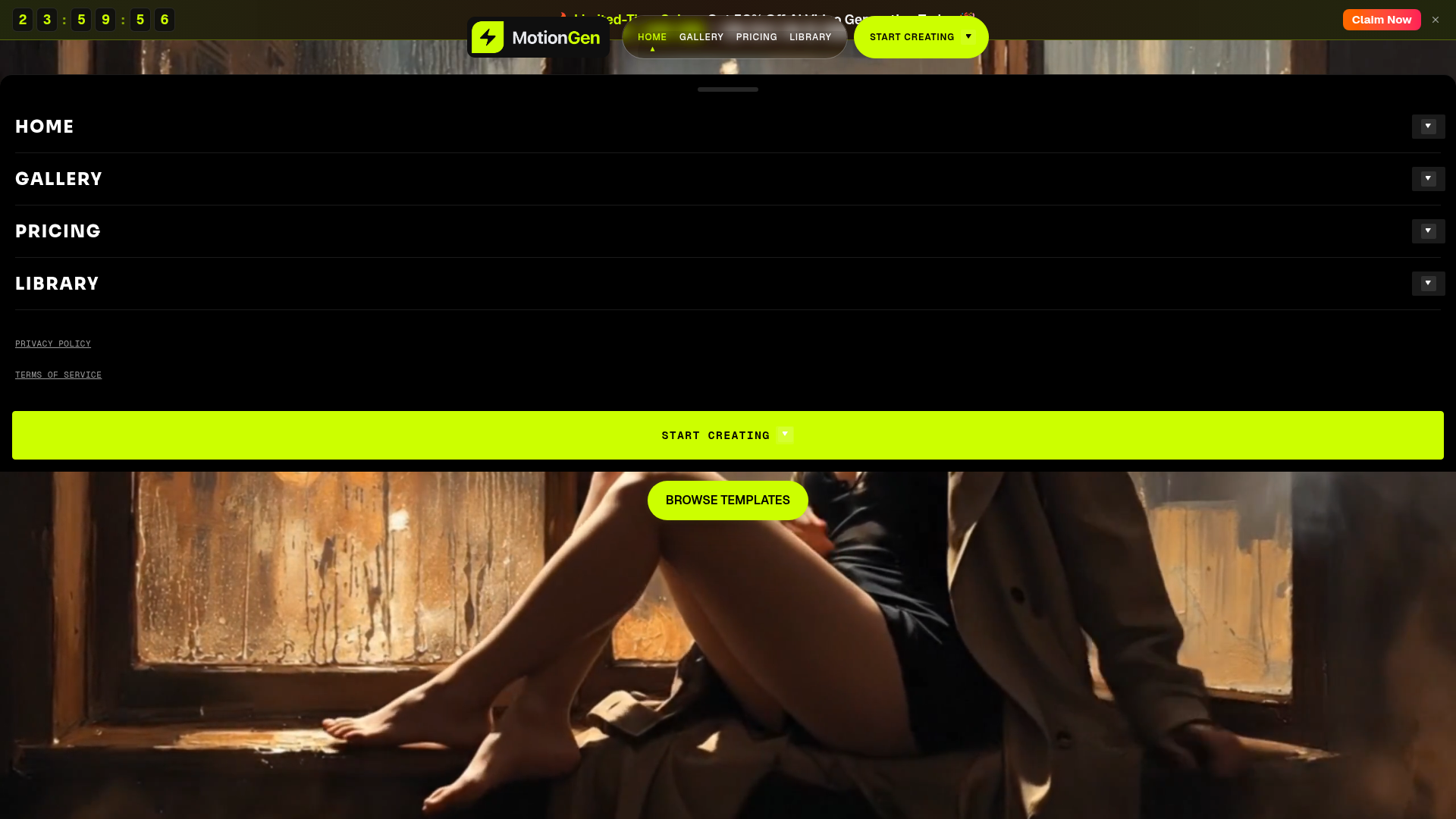
The verdict.
MotionGen is built for marketers and solo creators who need quick video clips without touching After Effects or hiring a motion designer. The one-time credit model is refreshing in a sea of monthly subscriptions, and the per-video cost can drop below $0.07 on the Ultimate plan. If you need short-form product animations or social content at volume, this is a practical, low-commitment option. Just know that you are working with 4-second clips, not full productions.
Pricing, straight.
Free
$0
- 20 credits on signup
- No credit card needed
- All models available
- Commercial use included
Starter
$9.99
One-time payment
- 900 credits
- ~112 videos (4s / 1080p)
- Credits never expire
- ~$0.09 per video
Enhanced
$35.99
One-time payment
- 4,300 credits
- ~537 videos (4s / 1080p)
- Credits never expire
- ~$0.067 per video
Ultimate
$89.99
One-time payment
- 13,000 credits
- ~1,625 videos (4s / 1080p)
- Credits never expire
- ~$0.055 per video
Pricing as captured on 2026-05-09. Check the live site before you commit.
All plans include commercial use rights. No subscriptions; buy once, use at your pace.
What it actually does.
Text to Video
Describe a scene in natural language and MotionGen generates a 4-second video clip. No source material required.
Image to Video
Upload a static product photo or illustration, describe the motion you want, and the tool animates it. Great for e-commerce assets.
Story Mode
Chain multiple clips together into a narrative sequence. Useful for explainer content or short brand stories.
Ready-Made Templates
Pre-built motion templates for common use cases. Skip the prompt engineering and get results faster.
1080p Output
All generated videos render at 1080p resolution. Suitable for social media, ads, and website embeds without upscaling.
No Subscription
One-time credit purchases with no expiration. No recurring charges, no surprise renewals. Pay when you need more.
Who it is for.
E-commerce Teams
Turn product photography into animated ads for Instagram, TikTok, or product pages. Upload a flat lay, describe a rotation or zoom, and get a clip in minutes.
Social Media Managers
Need a steady stream of short video content without a production budget. The credit model works well for batch creation at the start of each month.
Solo Creators and Freelancers
Prototype motion concepts for client pitches without opening After Effects. Quick turnaround for mood boards and concept videos.
Small Marketing Teams
Generate promo clips and brand content without hiring a motion designer. The one-time pricing makes budgeting predictable for small teams.
The honest part.
- 4-second maximum duration. Every clip caps at 4 seconds. For anything longer, you need to stitch multiple clips together externally or use Story Mode, which still produces a sequence of short segments. This is not a tool for producing 30-second or 60-second spots in one pass.
- Free tier is extremely limited. 20 credits gets you roughly 2-3 test videos. Enough to evaluate quality, but not enough to produce anything usable for a campaign. You will need to buy credits almost immediately.
- No integrations listed. There is no documented API, no Zapier connection, no direct publishing to social platforms. Everything is manual download and re-upload.
- Quality variance with text prompts. Like all generative video tools, output quality depends heavily on prompt specificity. Vague descriptions produce vague results. Expect some trial and error, which burns credits.
- No editing or post-processing built in. You get the generated clip as-is. Trimming, color grading, text overlays, and audio all require separate tools.