- SPECIMEN
Spokenly
- FILED AS
Filed without a one-line summary.
- INTAKE DATE
- 2026-05-14
- CLASS
- Voice
- METHOD
- desk research, filed before the Lab logged its counts
No dimension scores were recorded for this specimen, so no Koda Score is published. Read the verdict instead.
Talk, don't type. Offline dictation powered by local speech-to-text models, so your voice data never leaves your device. Available on Mac, iPhone, and Windows.
Open Spokenly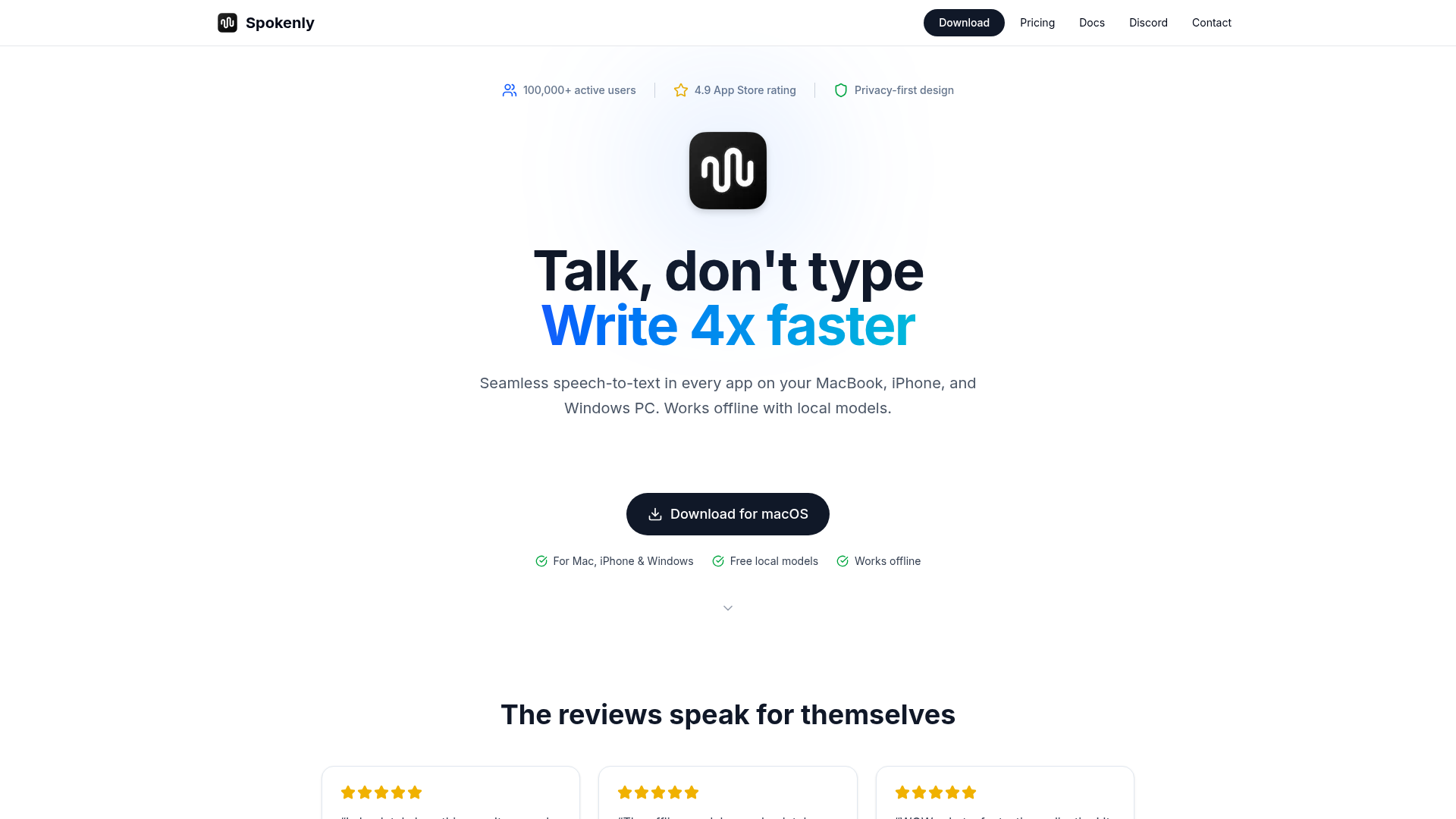
The verdict.
Spokenly is the dictation tool for privacy-conscious professionals who want fast, reliable speech-to-text without sending audio to the cloud. The free tier is genuinely useful with unlimited local transcription via Whisper and Parakeet models, which is rare. If you need multilingual support across 100+ languages, premium cloud models, or cross-platform sync between Mac, iPhone, and Windows, the $9.99/month Pro plan is a fair price. This is best suited for writers, researchers, and anyone who types a lot and wants to reclaim speed without sacrificing data privacy.
Pricing, straight.
Three tiers, including a genuinely free option with no usage limits.
Local Models
Free
- Unlimited use
- Whisper & Parakeet models
- Works completely offline
- No usage limits
Bring Your Own Keys
Free
- Use your own API keys
- All local features included
- OpenAI, Deepgram, Groq, etc.
- Real-time transcription
Spokenly Pro
$9.99/mo
- Cloud features included
- macOS, iOS & Windows apps
- No API keys needed
- Premium cloud models
- Priority support
Pricing as captured on 2026-05-14. Check the live site before you commit.
The BYOK tier is a smart middle ground: you get cloud-quality transcription while paying only your own API costs. Power users who already have OpenAI or Deepgram keys should start there.
What it actually does.
What makes Spokenly stand out from built-in dictation and competitors.
Fully Offline Transcription
Local Whisper and Parakeet models run entirely on-device. No internet required, no audio uploaded. This is the core differentiator.
100+ Languages
Multilingual support across more than 100 languages. Particularly useful for bilingual professionals or international teams who switch between languages frequently.
Agent Mode
Go beyond dictation with voice commands that control your Mac applications. Think of it as a voice-driven automation layer on top of your existing workflow.
Complete Privacy
Voice data stays on your device when using local models. Even with cloud models, audio is processed and immediately deleted. No storage, no training on your data.
Real-Time Speed
Transcription happens as you speak, not after. This makes it practical for live note-taking, drafting emails, and writing first drafts at conversation speed.
History & Search
All your dictations are saved and searchable. Useful for finding that idea you dictated three days ago, or referencing notes from a voice memo session.
Bring Your Own Keys
Plug in your own API keys from OpenAI, Deepgram, or Groq. You get cloud-quality transcription without a subscription, paying only per-use API costs.
Cross-Platform
Native apps for macOS, iOS, and Windows. Dictate on your phone during a walk, then pick up on your desktop. Pro plan includes all platforms.
Who it is for.
Spokenly fits specific workflows better than others. Here is where it shines.
Writers and Content Creators
If you write long-form content, dictation can genuinely 3-4x your first draft speed. Spokenly's "dictate anywhere" approach means you can capture ideas in any app, not just a dedicated editor. The history feature doubles as a searchable idea bank.
Privacy-Focused Professionals
Lawyers, healthcare workers, and anyone handling sensitive information. The local-only mode means confidential dictation never touches a server. This is a hard requirement for many regulated industries, and Spokenly handles it cleanly.
Multilingual Users
If you regularly switch between languages, Spokenly's 100+ language support is a major advantage over Apple's built-in dictation, which handles language switching clumsily. Particularly valuable for translators and international business professionals.
Developers and Power Users
The BYOK tier is tailor-made for technical users who already have API keys from OpenAI or Deepgram. You get a polished UI on top of the transcription APIs you already pay for, without double-paying through a subscription.
The honest part.
What to know before committing.
-
Local model quality varies
Whisper and Parakeet are good, but they are not as accurate as the latest cloud models, especially for accented speech, technical jargon, or less common languages. Expect occasional corrections. The gap narrows significantly with the Pro tier's cloud models.
-
Cloud features require internet
This is obvious, but worth stating: the premium cloud models, real-time transcription via APIs, and cross-device sync all need a connection. The offline story is strong, but the best accuracy is online-only.
-
Hardware demands for local models
Running Whisper locally requires decent hardware. Older Macs or lower-end Windows machines may experience noticeable latency or reduced accuracy when using larger model sizes. Apple Silicon Macs handle this well; Intel machines less so.
-
Agent Mode is still maturing
Voice commands for controlling Mac apps are a compelling idea, but this feature is newer and less polished than the core dictation. Expect some trial and error as you learn what commands work reliably across different applications.
Ditch the keyboard.
Start with the free tier. No account required for local models.