- SPECIMEN
Granola
- FILED AS
Filed without a one-line summary.
- INTAKE DATE
- 2026-05-18
- CLASS
- Analytics
- METHOD
- desk research, filed before the Lab logged its counts
No dimension scores were recorded for this specimen, so no Koda Score is published. Read the verdict instead.
The AI notepad for people in back-to-back meetings. Automatic transcription, clean summaries, and searchable action items without a bot joining your call.
Open Granola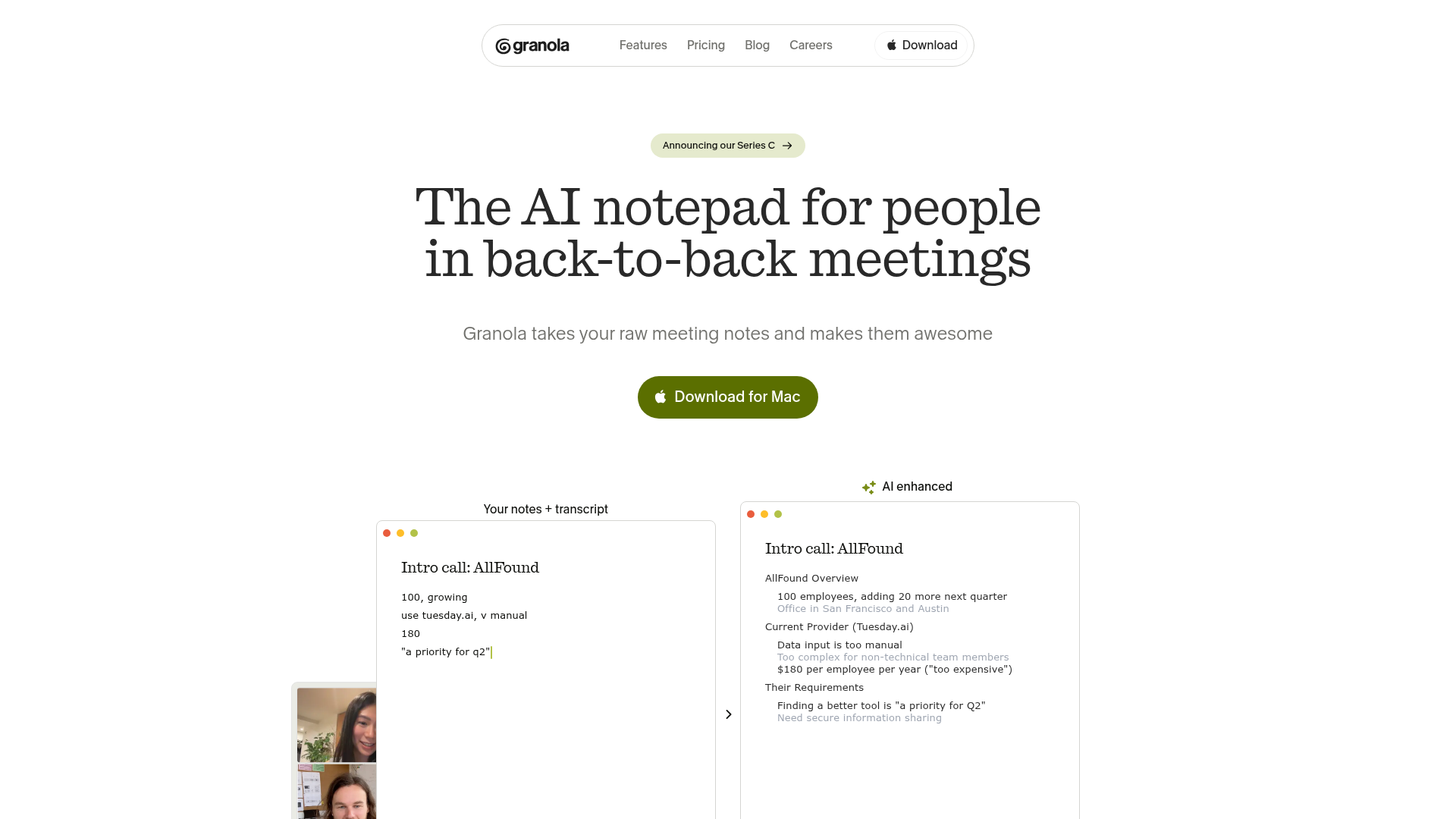
The verdict.
Granola is the best option right now for professionals who want meeting notes without the social friction of a bot joining their calls. At $15/month per seat, it is genuinely useful for managers, founders, and anyone running 4+ meetings a day who needs searchable records and clean action items. If you need deep analytics, speaker coaching, or CRM-grade deal intelligence, you will outgrow it. But for the core job of "capture what happened and make it findable," Granola nails it with minimal setup.
Pricing, straight.
Current as of May 2026. Check Granola's site for the latest.
$0
Limited meetings per month
- Basic AI note-taking
- Meeting transcription
- Good for evaluating the product
$180/employee/year
~$15/month per seat, billed annually
- AI enhanced note-taking
- Full meeting transcription
- Customizable templates
- Tool integrations (Slack, Notion, etc.)
- No meeting bots needed
Pricing as captured on 2026-05-18. Check the live site before you commit.
Granola offers a free tier to get started. The paid plan works out to roughly $15/month, which undercuts heavier platforms like Gong or Chorus significantly. For individual users or small teams, the price-to-value ratio is strong.
What it actually does.
No Bot Required
Granola captures audio directly from your computer's system audio. No "Granola Notetaker" joining your Zoom. Participants never know it is running, which eliminates the awkward "is it okay if I record this?" moment.
AI-Enhanced Summaries
After each meeting, Granola generates structured summaries with key decisions, discussion topics, and extracted action items. The output is clean and scannable, not a wall of text.
Searchable Transcripts
Every meeting becomes a queryable record. Search across all your past meetings by keyword, topic, or participant. This is where the "team memory layer" pitch actually delivers.
Customizable Templates
Define how your notes should be structured. Set templates for standups, 1:1s, customer calls, or board meetings. The AI follows your format instead of imposing its own.
Solid Integrations
Works with Zoom, Google Meet, Microsoft Teams, and Webex for capture. Pushes notes to Slack and Notion for distribution. The integration surface is not massive, but it covers the tools most teams actually use.
Cross-Platform
Available on Mac and Windows. The desktop app is lightweight and stays out of your way. It runs in the background and activates when it detects a meeting, so there is no manual start/stop friction.
Paste Past Recordings
Not just for live meetings. You can upload or paste a recording from a past call and Granola will process it retroactively. Useful for backfilling notes from meetings you did not capture in real time.
Action Item Extraction
Automatically pulls out action items with owner attribution. Not perfect every time, but it catches the majority of commitments made during a call. Saves the "wait, who was supposed to do that?" follow-up.
Who it is for.
Managers in Back-to-Back Meetings
If you run 6+ meetings a day and struggle to remember what was decided in the 10am call by 3pm, Granola is built for you. The searchable archive alone justifies the cost.
Product and UX Teams Running User Research
Customer interviews and feedback sessions produce gold, but only if you can find it later. Granola's searchable transcripts make it easy to pull quotes and patterns across dozens of sessions.
Founders and Small Teams
You cannot afford a dedicated ops person to manage meeting notes, and you do not want to pay $100+/seat for Gong. Granola gives you 80% of the value at a fraction of the cost and complexity.
Anyone Who Hates Meeting Bots
Some clients and partners refuse to allow recording bots. Granola sidesteps this entirely by capturing system audio locally. No participant list notification, no awkward consent requests. Note: you should still follow your organization's recording policies.
The honest part.
-
Requires System Audio Access
Granola needs permission to capture your computer's audio output. On some corporate machines with locked-down IT policies, this can be a blocker. If your company restricts audio drivers or system extensions, check with IT before committing.
-
No Offline Mode
Everything runs through the cloud. If you are in a location with spotty internet, or if you want to process sensitive meetings entirely on-device, Granola cannot do that today. All transcription and AI processing happens server-side.
-
Limited Mobile Experience
Granola is primarily a desktop tool. The mobile experience is minimal. If you take a lot of calls from your phone, you will not get the same capture quality or feature set. This is a desktop-first product.
-
Not a Full Meeting Intelligence Platform
If you need speaker analytics, sentiment tracking, deal scoring, or coaching insights, Granola is not the tool. It does notes and search well. It does not try to be Gong, Chorus, or Clari. That is a feature for some teams and a gap for others.
-
Integration Depth is Shallow
The Slack and Notion integrations work, but they are push-only. You cannot query Granola from inside Slack or trigger workflows based on meeting content. For teams that live in Salesforce or HubSpot, the lack of CRM integration is notable.
Stop losing meeting context.
Granola has a free tier. Try it on your next three meetings and see if the notes match what you would have written yourself.