- SPECIMEN
Windsurf
- FILED AS
The Agentic IDE That Builds Features From Prompts
- INTAKE DATE
- 2026-05-18
- CLASS
- Coding
- METHOD
- desk research, filed before the Lab logged its counts
No dimension scores were recorded for this specimen, so no Koda Score is published. Read the verdict instead.
Formerly Codeium, now a full agentic IDE that generates, edits, and refactors code across multiple files from natural language. More autonomy than Copilot, less setup than Cursor.
Open Windsurf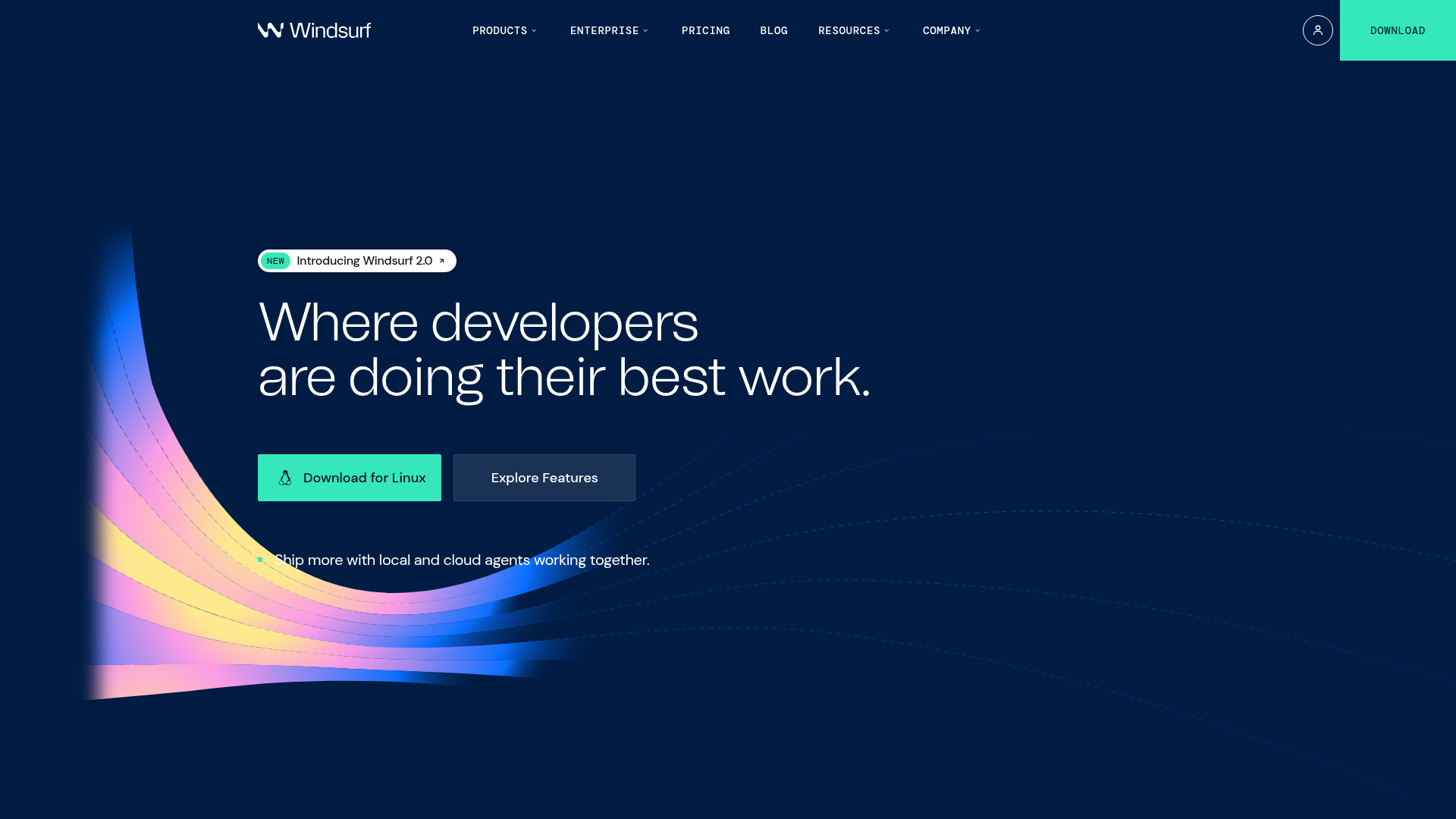
The verdict.
Windsurf 2.0 is the strongest option right now for developers who want an AI that operates at the feature level, not just the line level. If you regularly scaffold new endpoints, write boilerplate tests, or refactor across files, Windsurf's Cascade agent can save you real hours per week. The free tier is generous enough to evaluate seriously, and the $19/month Pro plan is competitive with Cursor and GitHub Copilot. This is worth your time if you want agentic coding without stitching together a custom toolchain.
Pricing, straight.
All plans include access to the core IDE. Pricing as of May 2026.
- Basic coding features and autocomplete
- Access to Cascade and Devin agents
- Community support
- Advanced coding features
- Improved AI capabilities and model access
- Enhanced collaboration tools
- Priority support
- Custom integrations
- Dedicated support and SLAs
- Enterprise-level performance and security
- SSO and admin controls
Pricing as captured on 2026-05-18. Check the live site before you commit.
At $19/month, Pro sits right between GitHub Copilot ($10/month for suggestions only) and Cursor Pro ($20/month). The free tier includes agent access, which neither competitor offers at zero cost.
What it actually does.
What makes Windsurf 2.0 distinct from the growing field of AI coding tools.
Cascade: Deep Codebase Understanding
Cascade is Windsurf's core agent. It indexes your entire codebase, understands file relationships, and can generate or refactor code across multiple files in a single operation. Describe a feature in plain English and Cascade scaffolds the route, handler, types, and tests.
Devin: Autonomous Cloud Agent
Devin runs tasks in the cloud asynchronously. Assign it a bug fix or a migration task, and it works in the background while you focus on other things. You review the result as a diff before merging. Think of it as a junior developer that never sleeps.
Unified Kanban Dashboard
Track all agent tasks, in-progress edits, and pending reviews in a single Kanban-style view inside the IDE. This is a small but meaningful UX decision that keeps you oriented when multiple agents are working simultaneously.
Real-Time Lint Fixing
Windsurf detects lint errors as they appear and offers one-click AI-powered fixes. It goes beyond simple suggestions; it understands the context of the error and applies fixes that respect your project's conventions and style rules.
Integrated Plugin Store
Windsurf ships with a plugin marketplace for extending agent capabilities. Add connectors for Figma, Stripe, or custom internal tools. The ecosystem is still growing, but the architecture is sound and the plugin API is well-documented.
Native Integrations
Built-in connections to GitHub, PostgreSQL, Figma, Slack, and Stripe. The GitHub integration is particularly tight: Cascade can read open issues, generate a fix, and open a PR with a description. Slack integration pushes agent status updates to your team channel.
Diff-First Workflow
Every agent action produces a reviewable diff before anything is committed. You stay in control. Accept, reject, or edit individual hunks. This is the right default for agentic tools, and Windsurf executes it cleanly.
Image-to-Code Dragging
Drag a screenshot or design mockup directly into the editor, and Cascade will attempt to generate matching UI code. Results vary by complexity, but for standard layouts and component structures, it is surprisingly accurate and saves significant prototyping time.
Who it is for.
Windsurf is not for everyone. Here is where it delivers the most value.
Solo Developers Building Full-Stack Apps
If you are a single developer shipping a product, Windsurf's multi-file generation is a force multiplier. Describe an API endpoint, get the route, handler, validation, and test file in one pass. The free tier is enough to evaluate whether this fits your workflow.
Startups Simplifying Development
Small teams that need to move fast without accumulating technical debt. The diff-first workflow means speed does not come at the cost of review discipline. The Kanban dashboard helps founders track what the AI is doing across the codebase.
Enterprise Teams Needing Governance
The Enterprise plan offers SSO, admin controls, and custom integrations. If your organization wants AI coding assistance but needs audit trails and centralized management, Windsurf's enterprise offering is more mature than most competitors in this space.
Developers Outgrowing Copilot
If you find yourself wanting more than inline suggestions, but do not want to invest the setup time that Cursor requires for custom prompts and workflows, Windsurf sits in a productive middle ground. It works well out of the box with minimal configuration.
The honest part.
No tool is perfect. Here is what to watch out for.
Language Support Gaps
Windsurf excels with TypeScript, Python, Go, and Rust. If you work primarily in less common languages (Elixir, Haskell, Zig), the agent's output quality drops noticeably. Check your stack before committing to Pro.
Limited Offline Capabilities
All agent features require an internet connection. Basic editing works offline, but Cascade, Devin, and even the enhanced autocomplete need a live connection. If you code on planes or in areas with spotty connectivity, this is a real constraint.
Feature Gating Across Plans
Some of the most useful features, like advanced model access and collaboration tools, are locked behind the Pro plan. The free tier gives you a taste, but you will likely hit limits quickly on any serious project. The pricing page could be more transparent about exactly what is restricted.
Plugin Ecosystem Is Still Young
The plugin store exists and the API is documented, but the selection is thin compared to VS Code's marketplace. If you rely on niche extensions, verify they are available or have equivalents before switching your primary editor.
Vendor Lock-In Risk
Windsurf is a standalone IDE, not a VS Code extension. Switching to it means leaving your current editor setup. If you decide it is not for you after a few months, migrating back means reconfiguring everything. The code itself is portable, but your workflow is not.
Open Windsurf
Start with the free tier. Describe a feature you need to build, let Cascade scaffold it, and review the diff. You will know within 30 minutes if this fits your workflow.