- SPECIMEN
Google Flow
- FILED AS
Filed without a one-line summary.
- INTAKE DATE
- 2026-05-20
- CLASS
- Voice
- METHOD
- desk research, filed before the Lab logged its counts
No dimension scores were recorded for this specimen, so no Koda Score is published. Read the verdict instead.
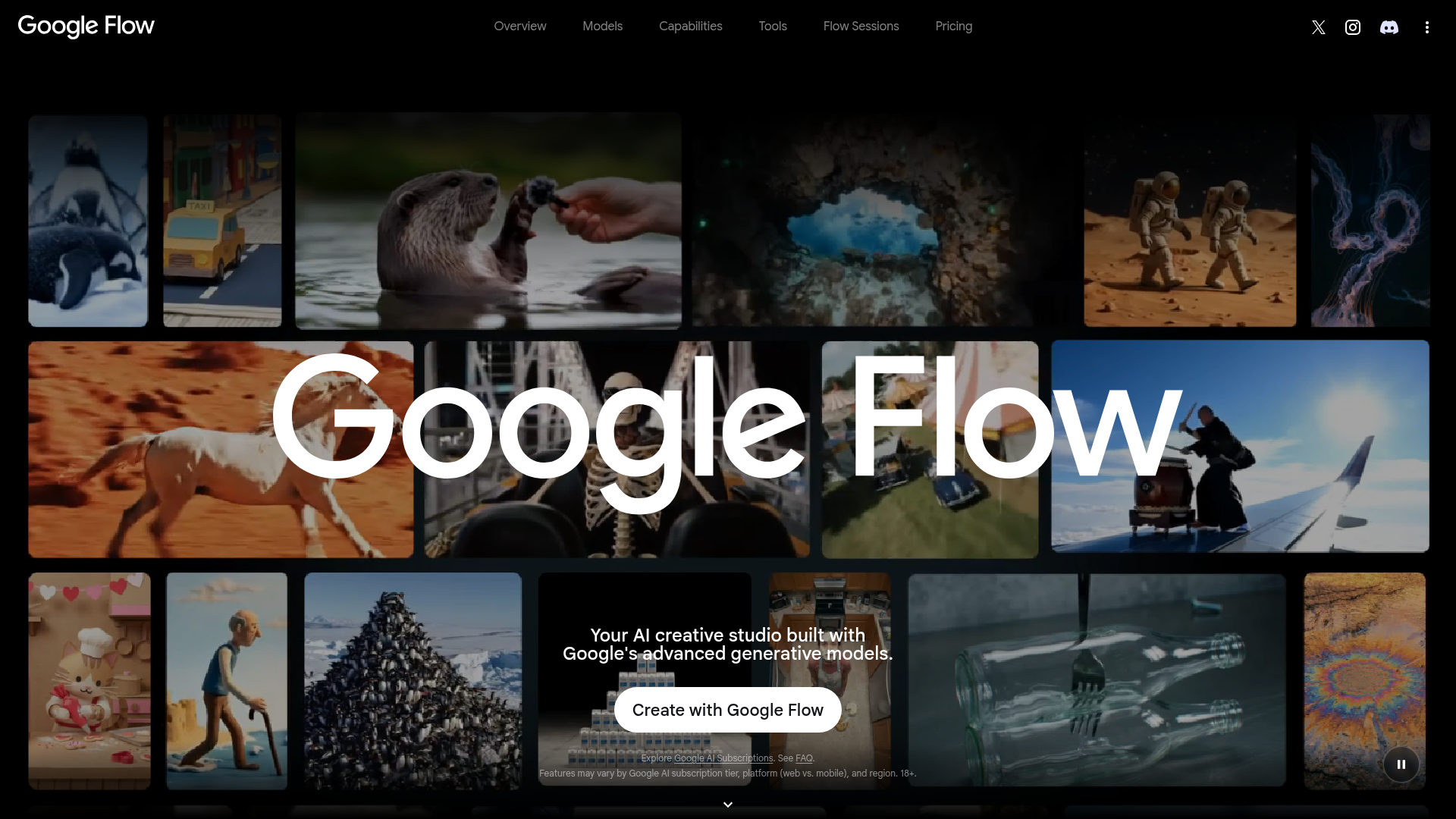
Generate cinematic video with consistent characters. Google's new unified video creation tool, powered by Veo, Imagen, and Gemini.
Open Google FlowThe verdict.
Google Flow is the most complete AI video creation tool to ship from a major lab so far. It collapses character creation, scene building, camera control, and editing into a single workflow, which means filmmakers and content creators no longer need to juggle five different tools to maintain character consistency across shots. At $19.99/month for the base tier, it is competitively priced against standalone generators like Runway or Pika, though the U.S.-only restriction and generation caps will frustrate power users outside the States. If you are producing narrative video content, concept reels, or marketing spots and you want coherent characters without manual compositing, Flow is the tool to beat right now.
Pricing, straight.
Flow is available through Google's AI subscription tiers. There is no free tier.
Google AI Pro
$19.99/mo
- 100 generations per month
- Key Flow features (Scenebuilder, Camera Controls, Assets)
- Access to Imagen and Gemini integrations
Google AI Ultra
$39.99/mo
- Highest usage limits
- Early access to Veo 3
- Native audio generation
- All Pro features included
Pricing as captured on 2026-05-20. Check the live site before you commit.
Google has not disclosed exact generation limits for the Ultra tier. "Highest usage limits" is their language, not ours.
What it actually does.
What sets Flow apart from standalone video generators.
Camera Controls
Direct camera movement, angle, and framing per shot. This is not just prompt-based; you get actual cinematographic controls like pan, tilt, dolly, and zoom that persist across your scene timeline.
Scenebuilder
Construct multi-shot sequences in a timeline interface. Define environments, lighting, and character placement per scene, then generate them as a coherent sequence rather than isolated clips.
Character Consistency
The headline feature. Create character avatars once, then reuse them across scenes. Flow maintains facial features, clothing, and proportions. This solves the single biggest pain point in AI video: identity drift between shots.
Asset Management
Save and organize characters, environments, and props as reusable assets. Build a library over time that you can pull into new projects without re-describing everything from scratch.
Flow TV
A community showcase and discovery feed for Flow-generated content. Browse what others are creating, get prompt inspiration, and see what the tool is capable of at its best. Think of it as a built-in gallery with social features.
Prompt Adherence
Google claims significantly improved prompt fidelity over previous Veo iterations. In practice, this means fewer re-rolls to get the composition, action, and mood you described. Complex multi-element prompts land more reliably.
Native Audio (Ultra)
Ultra subscribers get AI-generated audio that syncs with video output. Ambient sound, dialogue, and music generation without needing a separate audio tool. This is a meaningful differentiator over competitors.
Unified Model Stack
Flow integrates Veo (video), Imagen (images), and Gemini (language/reasoning) under one roof. You are not switching between tools. Gemini helps interpret your intent; Imagen handles stills and references; Veo renders the final video.
Who it is for.
Flow is not for everyone. Here is where it makes the most sense.
Independent Filmmakers
Pre-visualization, concept reels, and proof-of-concept shorts. Flow lets you storyboard with actual video output instead of static frames. Character consistency means you can pitch a narrative with a coherent cast.
Marketing Teams
Produce brand videos, product demos, and social content at a fraction of traditional production cost. Create a brand mascot or spokesperson avatar and reuse them across campaigns without booking talent or studio time.
Visual Storytellers
Authors, game designers, and worldbuilders who want to bring narratives to life visually. Flow is particularly strong for episodic content where the same characters appear across multiple scenes or installments.
Educators and Trainers
Create instructional videos with consistent presenter characters, scenario simulations, or animated explainers. The Scenebuilder workflow maps well to lesson planning and modular content creation.
Not ideal for: Real-time content creation, live streaming overlays, or anyone who needs raw footage for professional post-production pipelines. Flow outputs finished clips, not compositable layers or raw renders.
The honest part.
What to know before you commit.
U.S. Only at Launch
Flow is currently restricted to users in the United States. No timeline has been given for international availability. If you are outside the U.S., you are out of luck for now, and VPN workarounds may violate Google's terms of service.
No Free Tier
You need a Google AI Pro ($19.99/mo) or Ultra ($39.99/mo) subscription to access Flow at all. There is no trial, no freemium option, and no pay-per-generation model. Competitors like Runway and Pika offer limited free generations to let you test before buying.
Generation Caps Are Tight
The Pro plan caps you at 100 generations per month. For iterative creative work where you might need 5 to 10 attempts per scene, that budget evaporates fast. The Ultra plan's "highest usage limits" remain unspecified, which is not reassuring for production planning.
Still in Early Access Territory
Flow launched days ago at I/O 2026. Some features, including Veo 3 access, are labeled as early access. Expect rough edges, feature changes, and potential instability. This is a 1.0 product from Google Labs, not a battle-tested production tool yet.
No External Integrations
Flow is a closed ecosystem. There is no API, no plugin support for editing software like Premiere or DaVinci Resolve, and no way to pipe output into other tools programmatically. You work inside Flow or you export and move on.
Open Google Flow
The most ambitious AI video tool to date. If you are in the U.S. and producing narrative video content, it is worth the subscription to find out if it fits your workflow.