- SPECIMEN
Stitch
- FILED AS
Filed without a one-line summary.
- INTAKE DATE
- 2026-05-20
- CLASS
- Design
- METHOD
- desk research, filed before the Lab logged its counts
No dimension scores were recorded for this specimen, so no Koda Score is published. Read the verdict instead.
Google's AI-powered UI design tool that turns text prompts and reference images into structured, editable interface designs. From idea to prototype without writing a line of code.
Open Stitch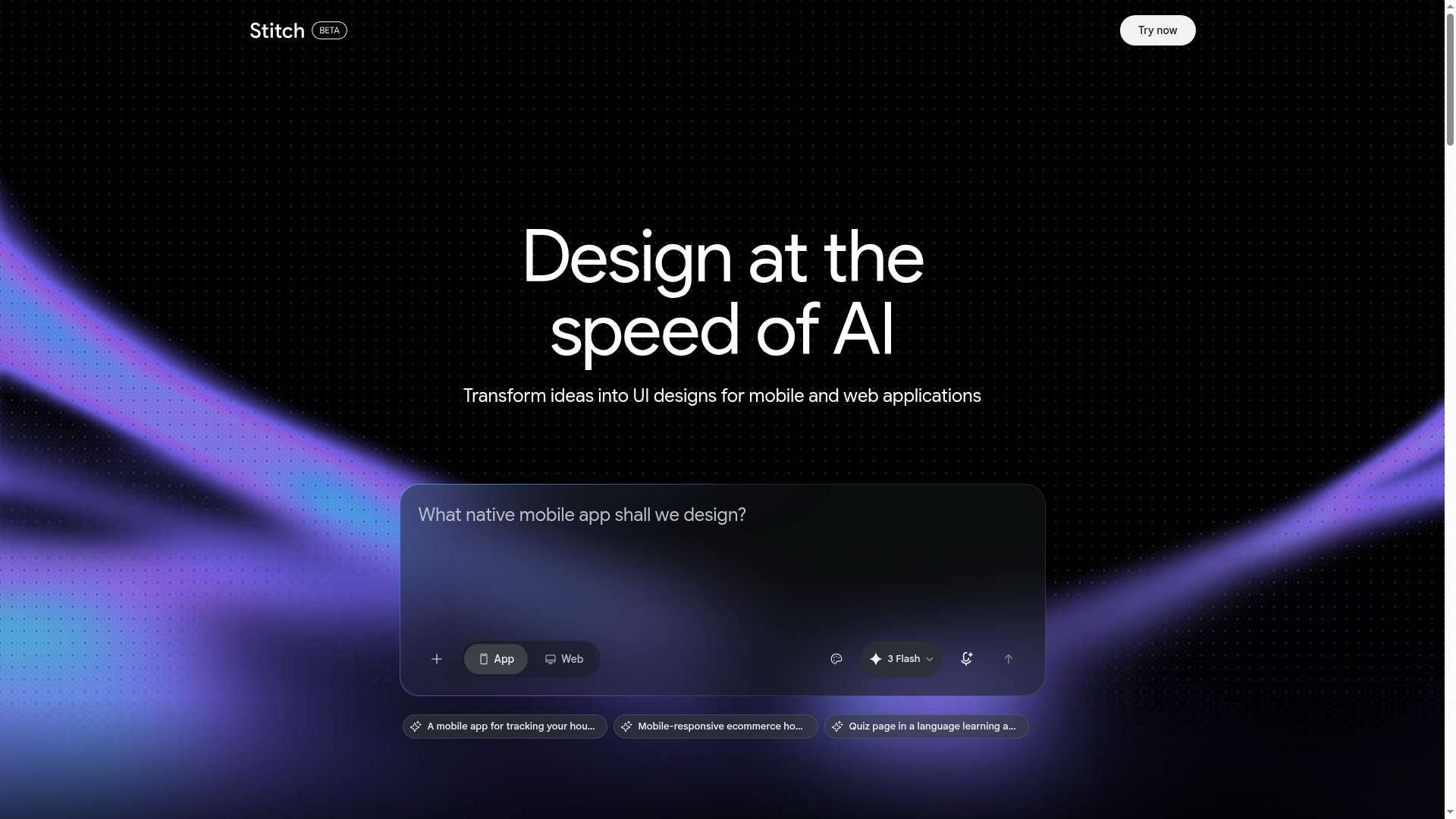
The verdict.
Stitch is the fastest way to go from a vague product idea to a tangible UI mockup, and it is genuinely useful for product teams, solo founders, and designers who need to validate layout concepts before committing to pixel-perfect work. The Figma export and MCP integration make it more than a toy; this is a real prototyping accelerator backed by Google DeepMind's models. The daily credit cap and English-only limitation keep it from being a full production workhorse today, but for rapid ideation and early-stage design exploration, it is hard to beat at the price of free.
Pricing, straight.
Current as of May 2026
Free
Only Tier$0
Free of charge via Google Labs
- Full access to AI-powered UI generation
- Daily credit limit (resets at midnight UTC)
- Export to static HTML and Figma
- Multi-screen interactive flows
- MCP integration support
- Credit usage visible in settings
No paid tiers have been announced. Google may introduce premium plans as the tool matures beyond Labs.
Pricing as captured on 2026-05-20. Check the live site before you commit.
What it actually does.
What Stitch brings to the table
Prompt-to-UI Generation
Describe the screen you need in plain English and Stitch generates a structured, editable UI design. No drag-and-drop required for the initial layout.
Reference Image Input
Upload a screenshot or wireframe and Stitch interprets the layout, recreating it as an editable design. Useful for reverse-engineering competitor UIs or migrating legacy screens.
Static HTML Export
Export any generated design as clean, static HTML. This gives developers a concrete starting point rather than a flat image, reducing the translation gap between design and code.
Figma Export
Push designs directly into Figma for refinement. This keeps Stitch in the ideation lane while letting your design team polish in their native environment.
Multi-Screen Flows
Build interactive, multi-screen prototypes rather than isolated screens. Define navigation paths and screen transitions to simulate real user journeys.
Google DeepMind AI
Powered by models from Google DeepMind, Stitch understands design patterns, component hierarchies, and layout conventions. The outputs feel intentional, not random.
MCP Integration
Supports Model Context Protocol, allowing Stitch to plug into broader AI agent workflows. This positions it as a composable design primitive, not just a standalone tool.
Mobile and Web Targets
Generate designs for both mobile app screens and web application layouts. Stitch adapts its output to the target platform you specify in your prompt.
Who it is for.
Where Stitch fits in real workflows
Solo Founders and Indie Hackers
You have a product idea but no designer on the team. Stitch lets you generate credible UI mockups to validate concepts with users, pitch to investors, or hand off to a freelance developer. The HTML export means you can go from prompt to functional prototype in an afternoon.
Product Managers Running Discovery
Instead of describing a screen in a PRD and hoping the designer interprets it correctly, generate the layout yourself as a conversation starter. Stitch collapses the ambiguity in early-stage design discussions. Export to Figma and let your designer refine from there.
Designers Exploring Variations
Need five different takes on a settings page? Prompt Stitch with variations and get structured layouts in seconds. It is not replacing your design judgment; it is giving you raw material to react to. The Figma integration means these explorations slot directly into your existing workflow.
Frontend Developers Needing a Starting Point
The static HTML export gives you actual markup to build from, not a flat PNG you have to eyeball. For internal tools, admin panels, or MVPs where pixel perfection is not the priority, Stitch can cut your scaffolding time significantly.
AI Agent Builders (via MCP)
If you are building AI-powered development pipelines, Stitch's MCP integration means you can programmatically generate UI designs as part of a larger automated workflow. Think: agent receives a feature request, generates the UI, exports HTML, and opens a PR.
The honest part.
What to know before you commit
Daily Credit Cap with No Paid Upgrade Path
The daily credit limit resets at midnight UTC, but Google has not disclosed the exact number of generations you get per day. For heavy prototyping sessions, you may hit the wall before lunch. There is no way to pay for more credits right now, which makes it unreliable for deadline-driven work.
English Only
Prompts and the interface are limited to English. If your team works in another language or you need to generate UI with non-English content, you will need to edit outputs manually after generation.
Geographic Restrictions
Stitch is only available in countries where Gemini is accessible. If you are in a region where Google's AI services are restricted, you are out of luck. There is also an 18+ age requirement.
Labs Product, Not Production-Grade
This is a Google Labs experiment. That means it could change significantly, lose features, or be discontinued. Do not build critical workflows around it without a fallback plan. The outputs are good for prototyping but will need refinement for production use.
No Design System Enforcement
Stitch generates designs based on general UI conventions, not your specific design system. If you need outputs that conform to your brand's component library, spacing tokens, or color palette, you will still need a manual pass in Figma or code.
Open Stitch
Free to use with a daily credit limit. No signup beyond your Google account.