- SPECIMEN
Vidocu
- FILED AS
Turn Screen Recordings Into Polished Documentation
- INTAKE DATE
- 2026-05-21
- CLASS
- Marketing
- METHOD
- desk research, filed before the Lab logged its counts
No dimension scores were recorded for this specimen, so no Koda Score is published. Read the verdict instead.
Record your workflow once. Let AI extract the structure, annotate key steps, and output publish-ready tutorials, help articles, and step-by-step docs.
Open Vidocu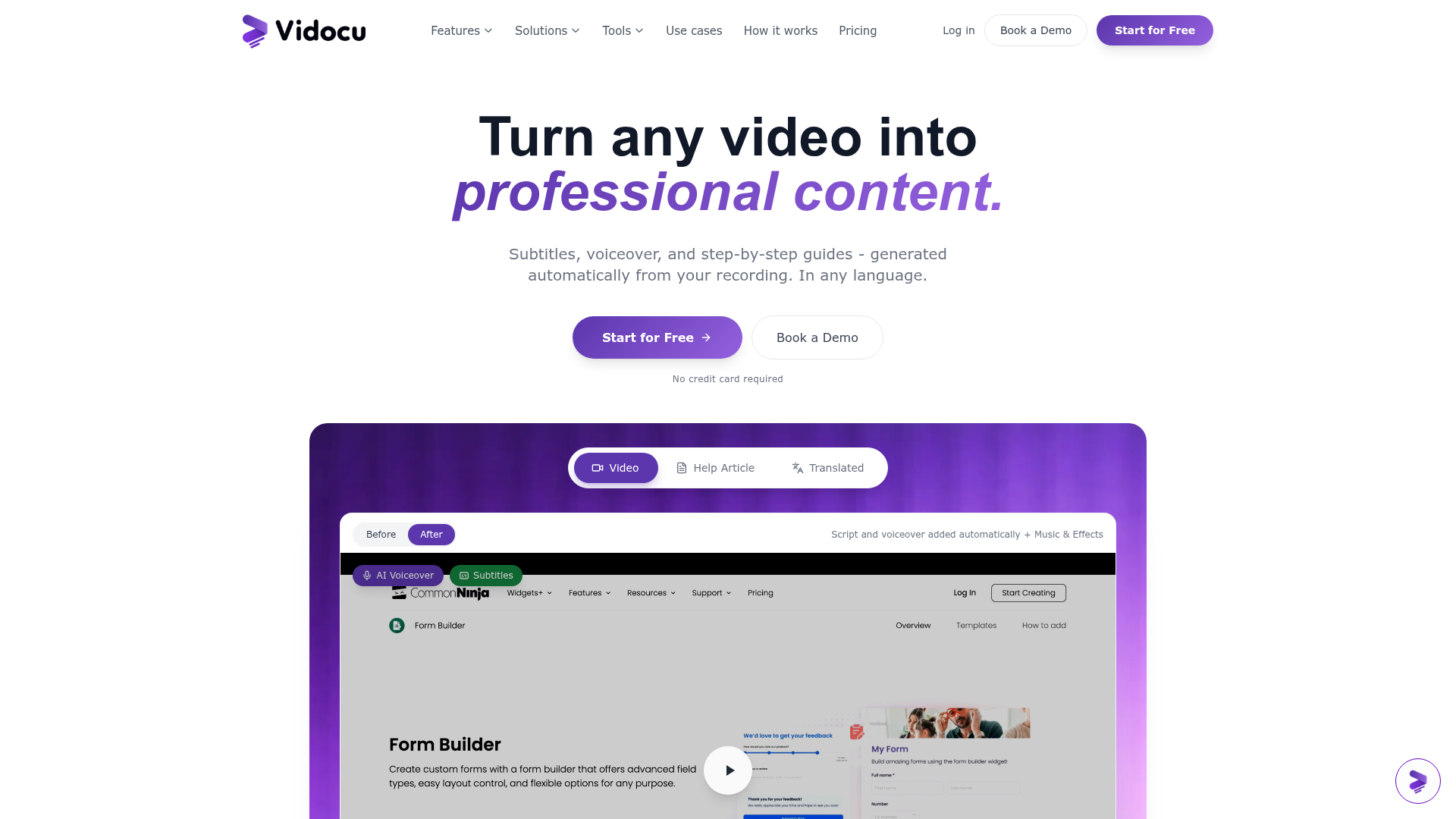
The verdict.
Vidocu solves a real, painful problem: the gap between "I recorded a Loom" and "we have actual documentation." If you are a DevRel team, support engineer, or ops lead who maintains internal knowledge bases, this tool can cut documentation time from hours to minutes. The free tier is limited enough to be a trial rather than a real working plan, but the core concept is sound. Worth testing if you are drowning in undocumented processes and screen recordings that nobody watches.
Pricing, straight.
Two tiers available. Pro pricing is not publicly listed.
No credit card required
- Basic editing tools
- Limited exports
- Step-by-step doc generation
Custom pricing, likely per-seat or usage-based
- Unlimited subtitles and voiceovers
- Advanced editing features
- Priority support
- Multi-track video editing
Pricing as captured on 2026-05-21. Check the live site before you commit.
Note: the lack of transparent Pro pricing is a friction point. You will need to reach out to their team to get a quote, which suggests they may be tailoring pricing to team size or enterprise needs.
What it actually does.
What Vidocu actually does under the hood.
Step-by-Step Doc Generation
The core feature. Upload a screen recording and Vidocu extracts individual steps, annotates them with screenshots, and outputs structured documentation. This is the main reason to use the tool.
Auto-Generated Subtitles
Generates subtitles in any language from your video's audio track. Useful for making tutorials accessible and for multilingual teams that need localized documentation.
AI Narration
Generate natural-sounding voiceovers without recording your own voice. Handy for polishing rough screen captures into presentable tutorials without re-recording anything.
Multi-Track Video Editing
A built-in editor lets you trim, rearrange, and layer video tracks. Not a full Premiere replacement, but enough to clean up recordings before generating docs.
Royalty-Free Background Music
Built-in music library for adding background audio to video tutorials. A small but appreciated touch that saves you from hunting for license-free tracks elsewhere.
Multi-Channel Publishing
Export docs and videos to YouTube, help centers, or blogs. The integrations are basic but cover the most common destinations for documentation content.
Who it is for.
Vidocu targets a specific pain point. Here is where it fits best.
Customer Support Teams
Turn common support walkthroughs into self-serve help articles. Record the fix once, generate the doc, publish to your help center. Reduces ticket volume over time.
Developer Relations
DevRel teams constantly produce tutorials and integration guides. Vidocu lets you record a demo and get a structured tutorial without manually writing every step and capturing every screenshot.
Training and HR
Onboarding new hires to internal tools is a documentation nightmare. Record the workflow, generate the SOP, and stop relying on tribal knowledge passed through Slack messages.
Product Marketing
Create polished product walkthroughs and feature demos from raw recordings. The AI narration and subtitle features help produce content that looks more professional than a raw Loom.
The honest part.
Where Vidocu falls short or needs improvement.
-
Opaque Pro pricing. The lack of a public price for the Pro plan is a real barrier. Teams evaluating tools need to compare costs quickly. Having to "contact sales" for what appears to be a relatively straightforward SaaS product creates unnecessary friction.
-
Free plan is very limited. Export restrictions and basic-only editing tools mean the free tier is more of a demo than a usable plan. You will hit walls quickly if you try to use it for real work.
-
Cloud-only processing. All video processing requires an internet connection. No offline mode, which matters for teams working with sensitive internal recordings or in environments with restricted connectivity.
-
Limited integrations. YouTube, help centers, and blogs are the listed outputs. There is no mention of direct integrations with Notion, Confluence, GitBook, or other documentation platforms where teams actually maintain their knowledge bases. This is a notable gap.
-
Early-stage product feel. The feature set is promising but still feels like it is being built out. Competitors like Scribe and Tango have more mature step-detection and deeper integration ecosystems. Vidocu's video-first approach is differentiated, but the surrounding tooling needs to catch up.
Open Vidocu
Record your workflow. Let AI write the docs. See if it fits your team's documentation needs.
Open Vidocu