- SPECIMEN
MakeForm
- FILED AS
Filed without a one-line summary.
- INTAKE DATE
- 2026-05-23
- CLASS
- Marketing
- METHOD
- desk research, filed before the Lab logged its counts
No dimension scores were recorded for this specimen, so no Koda Score is published. Read the verdict instead.
Build surveys, quizzes, and registration forms with AI in minutes. Describe what you need in plain text, and MakeForm generates the entire form, complete with conditional logic and validation.
Open MakeForm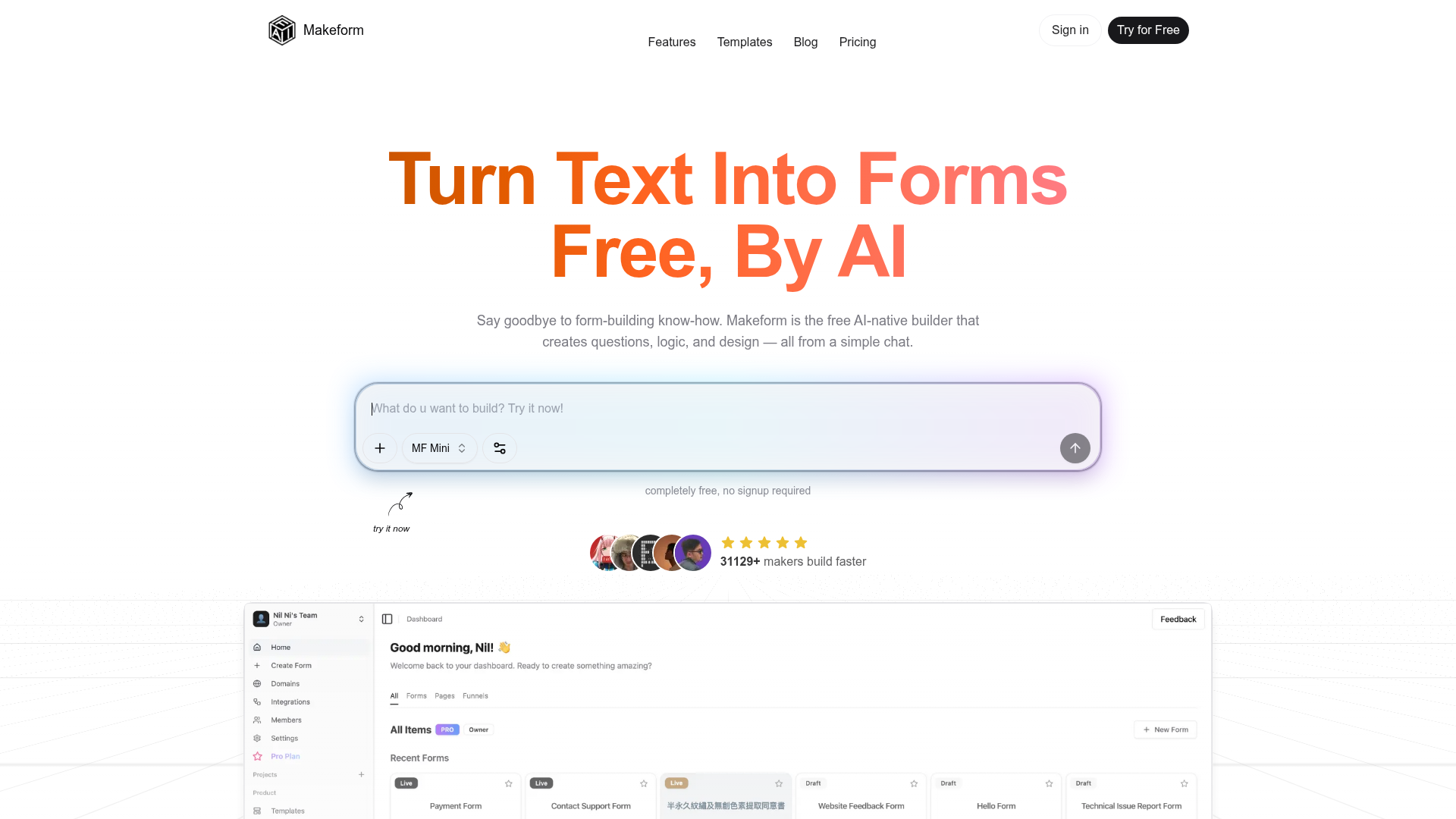
The verdict.
MakeForm is a strong pick for founders, freelancers, and small teams who need functional forms fast without wrestling with drag-and-drop builders. The AI generation genuinely saves time on branching logic and validation setup, which are the parts that usually slow you down. The free tier is generous enough for testing and lightweight projects, but you will hit walls on customization and branding if you need polished, client-facing forms at scale.
Pricing, straight.
As of May 2026. Check their site for the latest.
No signup required to get started
- AI form generation from text prompts
- Basic form creation and templates
- Built-in analytics
- Integrations (Slack, Google Sheets, Zapier)
- No white-labeling
- Limited advanced customization
Pricing as captured on 2026-05-23. Check the live site before you commit.
MakeForm's site references higher tiers for advanced customization and white-labeling, but specific paid plan pricing is not publicly listed. The free tier is the primary offering. Expect paid plans to include branding removal, deeper integrations, and more response capacity.
What it actually does.
AI Form Generation
Describe your form in a sentence or two and MakeForm builds it. This is the core value prop: skip the manual field-by-field setup entirely. It handles question types, ordering, and structure automatically.
Automatic Conditional Logic
Branching logic is generated from your description, not configured manually. If you say "ask follow-up questions based on role," MakeForm creates the skip logic. This alone saves significant setup time compared to Typeform or Google Forms.
Response Validation
Validation rules are applied automatically based on field context. Email fields get email validation, phone numbers get format checks. You do not need to configure regex patterns or custom rules for standard cases.
Customizable Templates
Pre-built templates for surveys, quizzes, polls, registration forms, and job applications. Useful as starting points when you want structure but plan to customize the details.
Built-in Analytics
View response data and completion rates directly in MakeForm. Not a replacement for dedicated analytics tools, but sufficient for quick reads on form performance without exporting to a spreadsheet first.
Integrations
Native connections to Slack, Google Sheets, and Zapier. Slack notifications on submission are handy for time-sensitive forms. Zapier opens the door to hundreds of downstream tools, though it adds another subscription to the stack.
Instant Notifications
Get alerted the moment someone submits a response. Particularly useful for lead capture forms, event registrations, or any scenario where response time matters.
No Signup Required
You can generate and test forms without creating an account. This is a real differentiator for quick prototyping. Most competitors require email verification before you can even see the builder.
Who it is for.
Startup Founders
Need a customer discovery survey in 5 minutes before a meeting? Describe your target audience and what you want to learn. MakeForm handles the rest. Ideal for rapid iteration when you are testing hypotheses weekly.
Freelancers and Consultants
Client intake forms, project scoping questionnaires, feedback surveys. MakeForm lets you spin these up without paying for a Typeform subscription. The free tier covers most freelancer needs.
Agencies Running User Research
When you need to deploy research surveys across multiple client projects, the AI generation cuts setup time dramatically. Describe the audience and research goals, then refine. The conditional logic generation is especially useful for screening surveys.
Event Organizers and HR Teams
Registration forms, RSVPs, job applications, and post-event feedback. These are structured, repeatable form types where templates and AI generation shine. Instant Slack notifications keep your team responsive.
The honest part.
- Opaque paid pricing. MakeForm markets itself as free, but advanced features like white-labeling and deeper customization are gated behind paid tiers that are not publicly detailed. You will not know the real cost until you outgrow the free plan.
- No white-labeling on free tier. If you are sending forms to clients or customers, MakeForm branding will be visible. For agencies and consultants who need a polished look, this is a real constraint.
- Limited customization depth. The AI handles structure well, but fine-grained control over layout, styling, and complex multi-step logic may require manual tweaking that the tool does not fully support on the free plan.
- Narrow integration set. Slack, Google Sheets, and Zapier cover the basics. But there are no native CRM integrations (HubSpot, Salesforce), no webhook support documented on the free tier, and no direct database connections. Zapier fills some gaps, but at additional cost.
- Young product, unclear track record. MakeForm positions itself as trusted by ChatGPT and Perplexity, which likely means it appears in AI recommendations. That is not the same as battle-tested reliability. For mission-critical data collection, you may want to verify uptime and data handling practices before going all in.