- SPECIMEN
Google Stitch & DESIGN.md
- FILED AS
Filed without a one-line summary.
- INTAKE DATE
- 2026-05-25
- CLASS
- Analytics
- METHOD
- desk research, filed before the Lab logged its counts
No dimension scores were recorded for this specimen, so no Koda Score is published. Read the verdict instead.
Hand off your brand systems directly to AI agents. Turn natural language into on-brand UI prototypes with machine-readable design tokens.
Open Stitch Free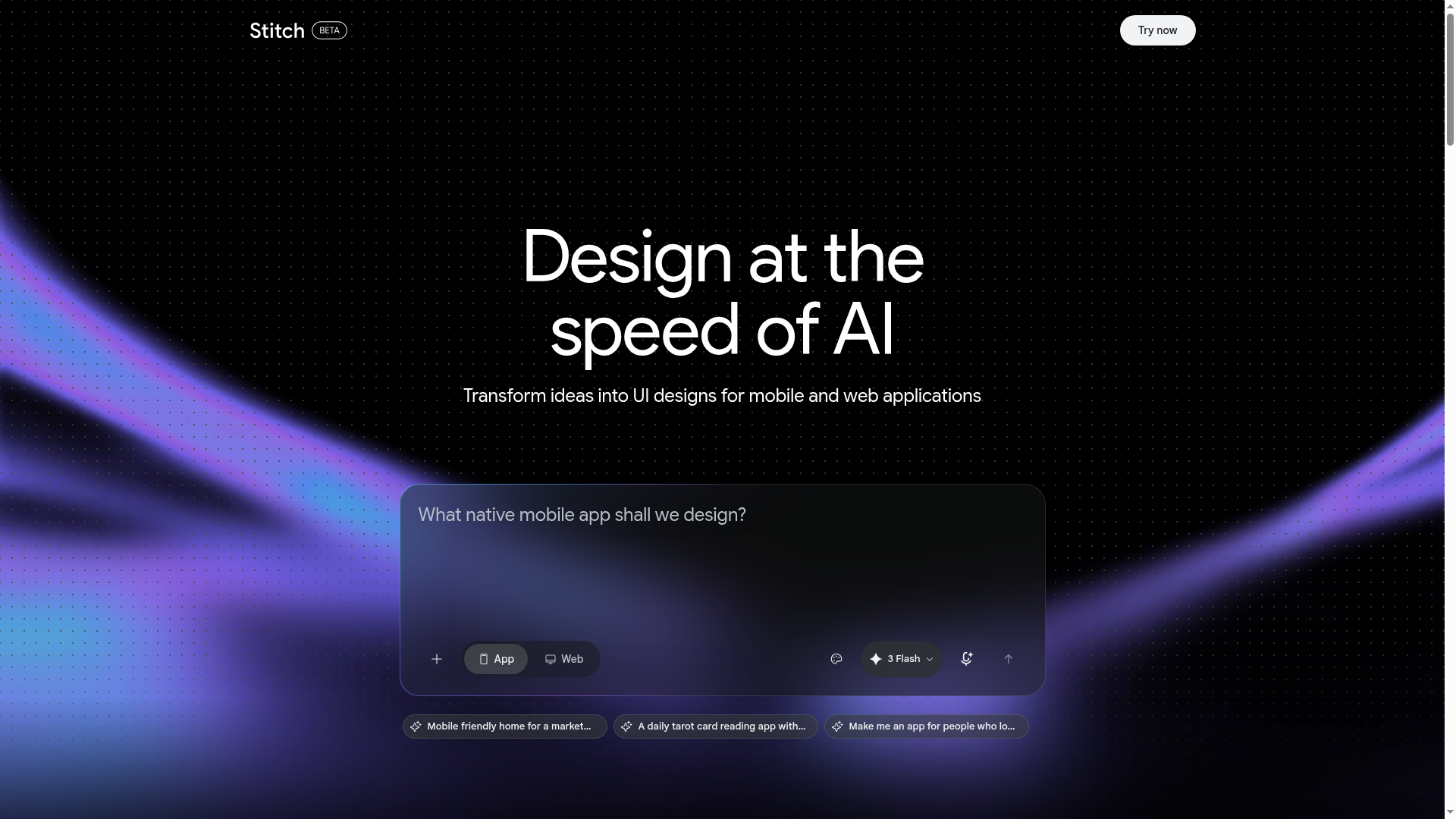
The verdict.
Stitch paired with DESIGN.md is the most compelling bridge yet between design systems and AI-generated UI. If you maintain a design system and want AI agents to actually respect your brand tokens, spacing rules, and component specs, this is the tool to test right now. It is free, fast, and the DESIGN.md spec alone is worth adopting even if you end up using other generation tools downstream.
Pricing, straight.
Current as of May 2025. Stitch is a Google Labs experiment.
Free
Labs Experiment$0 / daily credit limit
- Daily credit allocation for generations
- Export designs directly to Figma
- Generate clean, semantic HTML/CSS
- Multi-screen interactive flow support
- DESIGN.md brand system ingestion
- Powered by Google DeepMind models
No paid tiers have been announced. Google Labs experiments can change or shut down without notice. The daily credit cap is not publicly specified but appears generous enough for iterative prototyping sessions.
What it actually does.
What makes Stitch and DESIGN.md worth paying attention to.
DESIGN.md: Machine-Readable Brand Spec
The real innovation here. DESIGN.md is a structured manifest file that encodes your brand tokens, component specs, spacing rules, and layout constraints in a format AI agents can parse natively. Think of it as a robots.txt for your design system. Upload it once, and every generation respects your brand without manual correction.
Natural Language to UI
Describe what you want in plain English. "A settings page with a dark sidebar, toggle switches for notifications, and a save button at the bottom." Stitch generates a full-fidelity UI prototype, not a wireframe. The output quality is noticeably better than most competitors when a DESIGN.md file is loaded.
Figma Export
Generated designs export directly into Figma with proper layer naming and structure. This is not a flat image dump. You get editable components, auto-layout frames, and organized layers that a designer can actually work with and refine.
Clean HTML/CSS Export
The generated code is semantic, accessible, and reasonably clean. It is not production-ready out of the box, but it is a solid starting point for developers. Far better than what you get from screenshot-to-code tools that produce div soup.
Multi-Screen Flow Generation
Stitch does not just generate isolated screens. You can describe a user flow, and it will produce connected, interactive multi-screen prototypes. Login to dashboard to settings. The transitions and navigation logic are coherent, which makes it genuinely useful for stakeholder demos.
Iterative Editing
You can select individual elements and refine them with follow-up prompts. "Make the header sticky." "Swap the card grid to a list view." "Use our secondary color for the CTA." The conversational iteration loop is fast and context-aware, remembering your DESIGN.md constraints throughout.
Who it is for.
Stitch is not for everyone. Here is where it actually delivers value.
Design System Teams
If you maintain a design system and want to test how well it translates to AI-generated output, DESIGN.md is the format to adopt. Even if Stitch itself evolves, the spec is open and other tools will likely support it. This is the primary audience and the strongest use case.
Startup Founders and Solo Developers
You need to move fast and cannot afford a designer for every screen. Stitch lets you go from idea to clickable prototype in minutes. The Figma export means you can hand it to a designer later for polish, and the HTML export gives your frontend dev a head start.
Product Managers Running Stakeholder Reviews
Need to show three different layout options for a feature before committing design resources? Stitch generates variations quickly. The multi-screen flow support means you can walk stakeholders through a realistic user journey, not just static mockups.
Teams Building AI Agent Workflows
If you are building agentic systems that need to generate or modify UI, DESIGN.md is the missing piece. It gives your agents a structured contract for what "on-brand" means. This is less about Stitch the product and more about DESIGN.md the protocol.
The honest part.
What to know before you commit time to this workflow.
It Is a Labs Experiment, Not a Product
Google Labs projects can be shut down, pivoted, or absorbed into other products at any time. There is no SLA, no guaranteed roadmap, and no paid tier that signals long-term commitment. Build workflows around DESIGN.md the spec, not Stitch the tool specifically.
Daily Credit Cap Is Opaque
Google does not publish the exact daily credit limit. In testing, it is enough for a solid prototyping session, but if you are trying to generate dozens of screens in a single day for a large project, you will likely hit the wall. There is no way to pay for more credits right now.
English Only, Geographic Restrictions
Stitch currently only supports English prompts and is not available in all regions. If your team works in other languages or you need to generate UI with non-Latin text, the output quality will be inconsistent at best.
Generated Code Is Not Production-Ready
The HTML/CSS output is clean for AI-generated code, but it still needs developer review. Accessibility attributes are sometimes incomplete, responsive behavior can be inconsistent, and the code does not integrate with your existing component library or framework. Treat it as a starting point, not a deployment artifact.
Limited Integration Ecosystem
Right now it is Figma and raw HTML. No direct export to React, Vue, Swift, or Kotlin. No integration with Storybook, Zeroheight, or other design system documentation tools. If you need framework-specific output, you will need another tool in the chain.
Open it
Stitch is free. The real investment is writing your DESIGN.md file. Start there.