- SPECIMEN
Vidocu
- FILED AS
Filed without a one-line summary.
- INTAKE DATE
- 2026-05-25
- CLASS
- Marketing
- METHOD
- desk research, filed before the Lab logged its counts
No dimension scores were recorded for this specimen, so no Koda Score is published. Read the verdict instead.
Turn screen recordings into polished tutorials and help docs automatically. Record once, publish everywhere.
Open Vidocu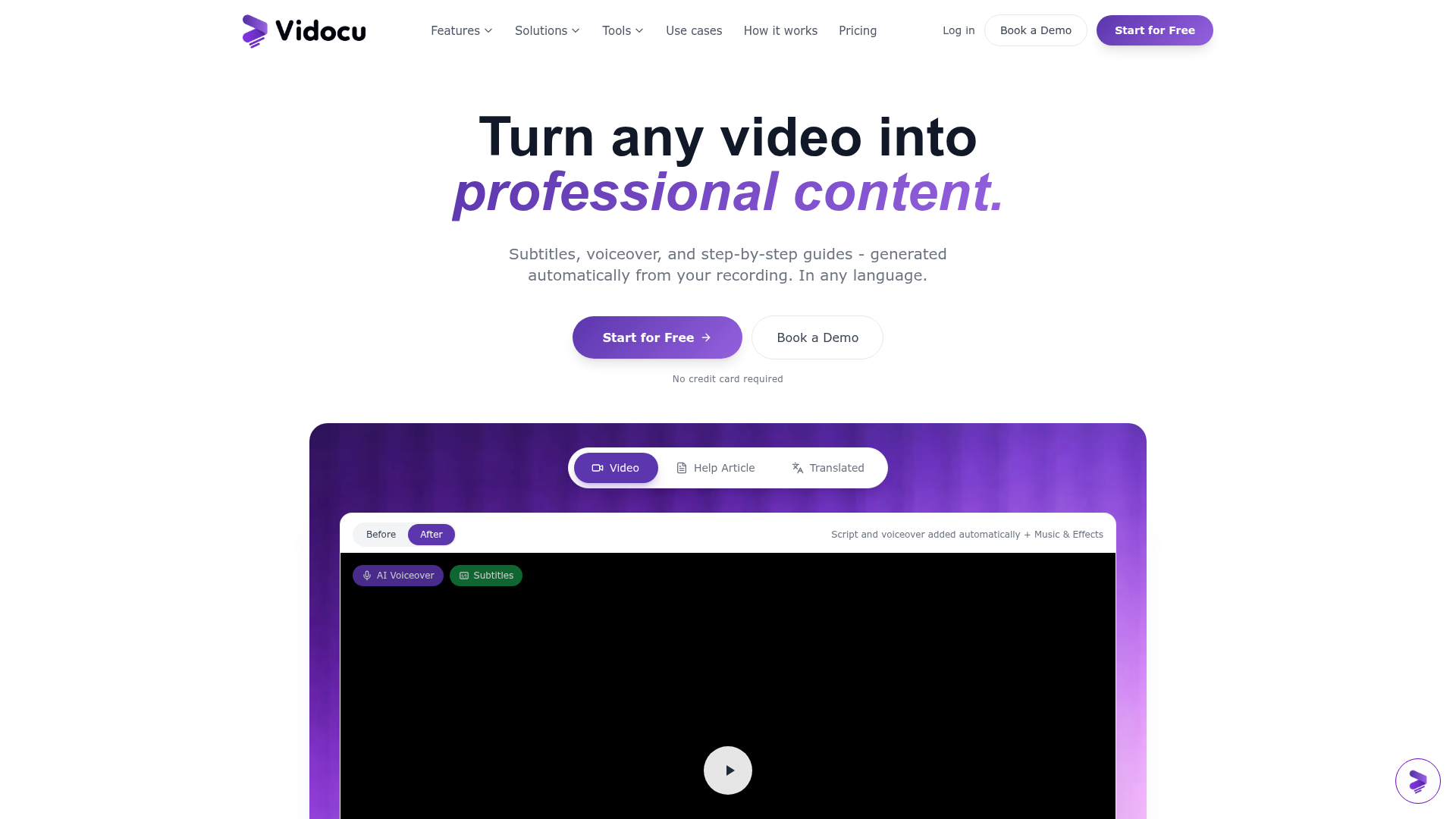
The verdict.
Vidocu solves a real, painful problem: turning raw screen recordings into structured, readable documentation without the hours of manual editing. If you are a developer advocate, support lead, or product marketer who regularly creates how-to content, this tool can compress a multi-hour workflow into minutes. The free tier is limited but functional enough to test the core value proposition; the Pro tier's pricing opacity is the main friction point before committing.
Pricing, straight.
What you get at each tier.
No credit card required
- Upload videos
- Automated subtitles
- AI voiceover for one video
- Basic editing tools
Custom plans for teams
- Multi-language support
- Advanced editing capabilities
- Export: SRT, VTT, HTML, Markdown
- Collaboration features
Pricing as captured on 2026-05-25. Check the live site before you commit.
What it actually does.
What Vidocu actually does under the hood.
Self-Writing Documentation
Upload a screen recording and Vidocu extracts key frames, generates step-by-step written instructions, and formats them into publishable docs. This is the core value proposition.
Auto-Generated Subtitles
Automatic subtitle generation in multiple languages. Available even on the free tier, though multi-language support requires Pro.
AI Voiceover & Avatar
Generate professional narration without recording your own voice. The AI avatar presenter feature adds a visual host to tutorials, useful for polished product walkthroughs.
Multi-Track Video Editing
Built-in editor with multi-track support. Not a full replacement for Premiere or DaVinci, but sufficient for trimming, reordering, and annotating tutorial content.
Flexible Export Formats
Export documentation as HTML, Markdown, SRT, or VTT. Markdown export is particularly useful for teams publishing to GitHub, Notion, or static site generators.
Team Collaboration
Collaborate on documentation projects with team members. Details on permissions and real-time editing are sparse, but the feature exists for Pro users.
Royalty-Free Music Library
Built-in music library for adding background audio to tutorials. A nice touch that saves you from hunting down separate audio assets.
Multi-Language Support
Generate subtitles and documentation in multiple languages. Valuable for global teams maintaining docs across regions, though this is locked behind the Pro tier.
Who it is for.
Vidocu targets specific workflows. Here is where it fits best.
Customer Support Teams
Record a solution once, generate a help article automatically. This is the strongest use case. Support teams drowning in repetitive tickets can build a self-serve knowledge base significantly faster.
Developer Advocates & DevRel
If you regularly produce getting-started guides, API walkthroughs, or integration tutorials, Vidocu can cut your production time dramatically. The Markdown export is especially useful for docs-as-code workflows.
Product Marketing
Create polished product demos and feature walkthroughs without a video production team. The AI avatar and voiceover features help maintain a consistent, professional presentation layer.
Training & HR
Onboarding documentation, internal process guides, and training materials. Record the workflow, let Vidocu generate the docs. Particularly useful for companies scaling quickly where tribal knowledge needs to be captured fast.
The honest part.
What to know before committing.
- Opaque Pro pricing. The biggest red flag. "Contact for pricing" with no published tiers makes it impossible to budget or compare. This is a dealbreaker for smaller teams who need to justify spend quickly.
- Free tier is very constrained. One AI voiceover, basic editing only, and limited export options. It is enough to evaluate the tool, but not enough to use it in production.
- No listed integrations. There is no mention of integrations with tools like Notion, Confluence, Zendesk, or GitHub. For teams with established documentation pipelines, this means manual export and import steps.
- Format support unclear. The free tier may not support all video formats. There is no published list of supported input formats, which could cause friction during onboarding.
- Early-stage feel. The collaboration features and editing tools are described in broad terms without much detail. Expect some rough edges compared to mature documentation platforms like Scribe or Tango.
Open Vidocu
Record your workflow once. Let AI handle the rest.