- SPECIMEN
Goblin Tools Magic ToDo
- FILED AS
Break Any Overwhelming Task Into Bite-Sized Steps
- INTAKE DATE
- 2026-05-31
- CLASS
- Marketing
- METHOD
- desk research, filed before the Lab logged its counts
No dimension scores were recorded for this specimen, so no Koda Score is published. Read the verdict instead.
A collection of small, simple tools for when things feel too big or complicated. Paste a daunting task, adjust the "spiciness" slider, and watch it decompose into concrete, sequenced steps.
Open Goblin Tools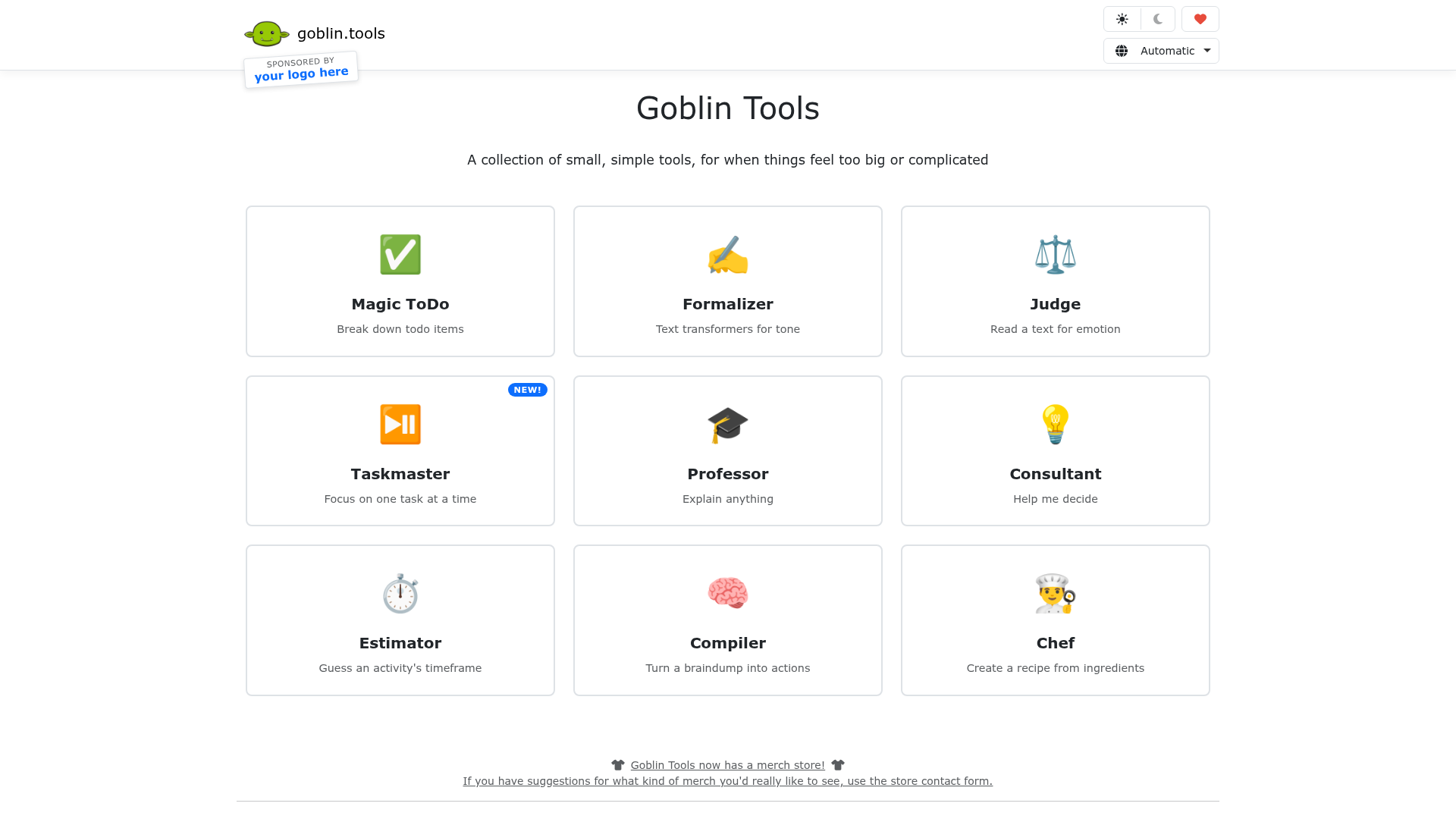
The verdict.
Goblin Tools Magic ToDo is a genuinely useful, low-friction tool for anyone who stalls at the starting line of a big project. It is especially valuable for neurodivergent users, people with ADHD, or anyone who experiences task paralysis. The free tier is generous enough to test the concept, and the $9.99/month Pro plan is reasonable if you rely on it daily. However, this is a personal productivity aid, not a project management platform. If you need Gantt charts, team collaboration, or dependency tracking, look elsewhere.
Pricing, straight.
Two tiers. No annual discount currently listed.
Forever free
- Access to all tools (Magic ToDo, Formalizer, Judge, Chef, etc.)
- Limited functionality per tool
- No priority support
Full access
- Access to all tools
- Full functionality for each tool
- Priority support
- Integrations with Google Calendar, Slack, Trello, Zapier
Pricing as captured on 2026-05-31. Check the live site before you commit.
What it actually does.
Magic ToDo is the headline tool, but Goblin Tools is actually a suite of focused utilities.
Magic ToDo Task Breakdown
Paste any task, no matter how vague or intimidating. The AI returns a sequenced list of concrete sub-steps. Each sub-step can be broken down further by clicking on it, creating nested layers of granularity.
Spiciness Slider
A slider from 1 to 5 controls how granular the breakdown gets. Low spiciness gives you 3 to 5 high-level steps. Crank it up and you get 10+ micro-steps, useful when you need hand-holding through every action.
Formalizer (Tone Rewriter)
Paste text and shift its tone along a spectrum from casual to formal. Handy for turning a rough Slack message into a polished email, or vice versa.
Judge (Emotion Analysis)
Paste a message you received and the tool estimates the emotional tone. Designed for people who struggle to read subtext in written communication. It is not therapy, but it can reduce anxiety around ambiguous messages.
Chef (Recipe Generator)
List the ingredients you have on hand and the tool generates a recipe. A surprisingly practical addition to the suite, especially for executive function struggles around meal planning.
Integrations
Pro users get connections to Google Calendar, Slack, Trello, and Zapier. The Zapier integration is the most flexible, letting you pipe broken-down tasks into virtually any project management tool.
Who it is for.
Goblin Tools is purpose-built for specific situations and specific people.
Neurodivergent Users
This is the core audience, and it shows. People with ADHD, autism, or executive function challenges will find the task decomposition genuinely therapeutic. The spiciness slider is a thoughtful touch; sometimes you need micro-steps, sometimes you just need a nudge.
Solo Freelancers and Indie Developers
When you are the entire team, you do not have a project manager breaking work into tickets for you. Paste "launch the new marketing site" and get a reasonable first draft of a task list in seconds. Then refine from there.
Students Facing Big Assignments
"Write a 20-page thesis" is paralyzing. "Find three relevant sources on your subtopic" is not. Magic ToDo bridges that gap. It does not write the paper for you; it just makes starting possible.
Anyone Who Overthinks Communication
The Formalizer and Judge tools are surprisingly useful for people who spend 20 minutes agonizing over an email's tone. Quick sanity checks that save real time and mental energy.
The honest part.
Honest gaps to consider before committing.
Not a Project Management Tool
There are no timelines, no assignees, no dependencies, no Gantt charts. If you need to coordinate a team of five people across a multi-month project, Goblin Tools is not the answer. It generates lists, not workflows.
Free Tier Is Limited
The free plan gives you access to all tools but with reduced functionality. The exact limits are not clearly documented on the site, which is frustrating. You may hit walls without warning during a session.
No Offline Access
Every tool requires an internet connection. There is no PWA with offline caching, no local model. If you are on a plane or in a dead zone, you are out of luck.
AI Output Quality Varies
Like any LLM-powered tool, the task breakdowns can be generic or miss domain-specific nuances. "Migrate our database to PostgreSQL" will give you reasonable steps, but it will not know about your specific schema constraints or team conventions. Treat the output as a starting point, not a finished plan.
No Task Persistence on Free Tier
Generated task lists do not persist between sessions unless you manually copy them or use the Pro integrations. There is no built-in history or saved lists on the free plan, so you need to capture the output yourself.
Break Down Your Next Big Task.
Goblin Tools is free to try. Paste a task, slide the spiciness, and see if it unblocks you.