- SPECIMEN
Granola
- FILED AS
The AI Notepad That Actually Works With You
- INTAKE DATE
- 2026-05-31
- CLASS
- Design
- METHOD
- desk research, filed before the Lab logged its counts
No dimension scores were recorded for this specimen, so no Koda Score is published. Read the verdict instead.
Granola listens to your calls and augments the notes you are already taking, filling in gaps you missed and structuring everything into summaries with action items. It works with your shorthand rather than replacing it.
Open Granola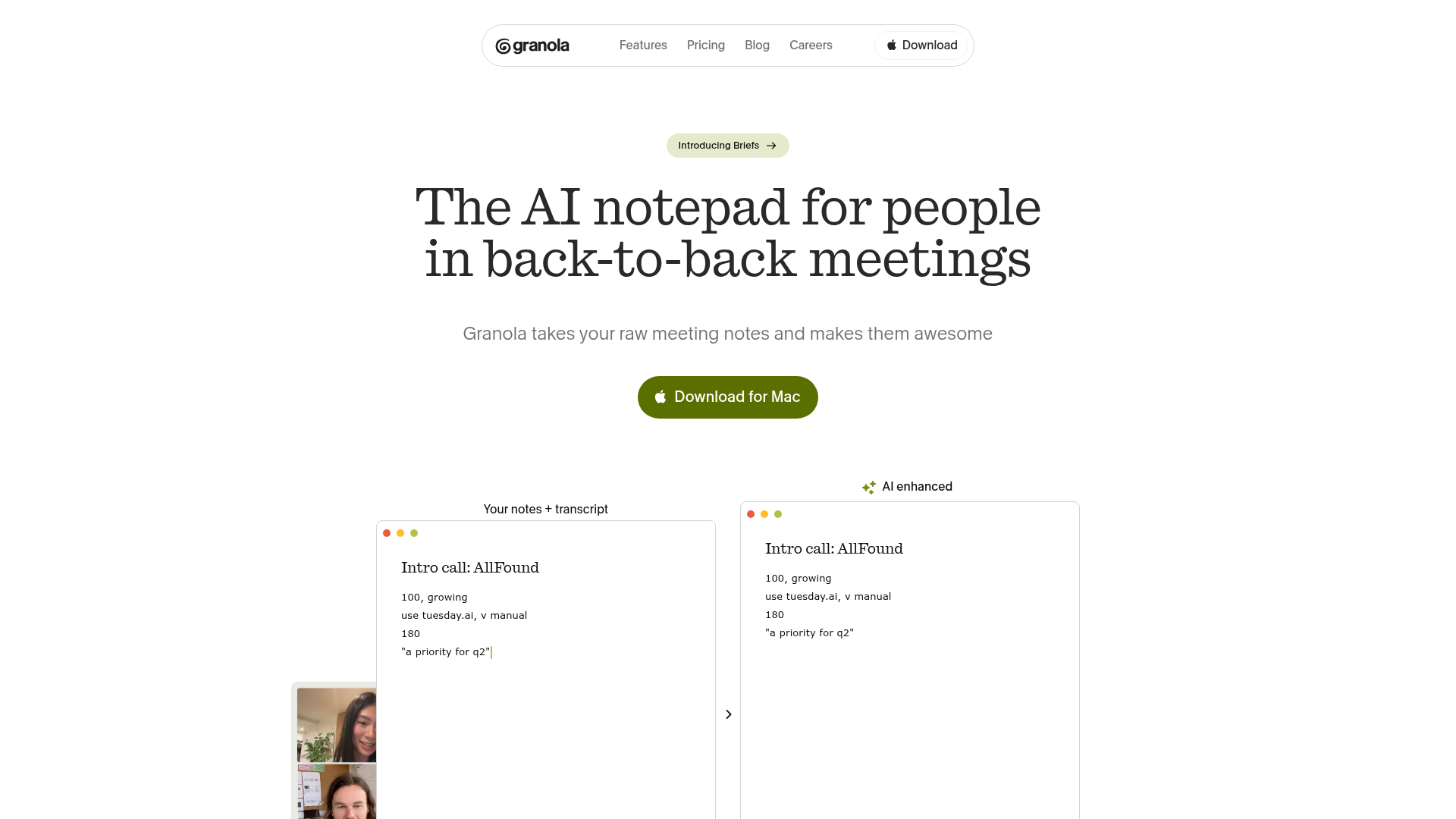
The verdict.
Granola is built for the person who already takes notes during meetings but loses context the moment things move fast. If you are in back-to-back calls all day, whether standups, client discovery, or user interviews, this tool fills in what you missed without forcing you to rely on a full transcript you will never read. At $15/month on the Standard plan, it is a strong value for anyone whose meeting output directly drives their work. If you rarely take meetings or prefer full transcription tools like Otter or Fireflies, Granola is probably not for you.
Pricing, straight.
Per-employee, billed annually. No free tier listed publicly.
~$15/month per seat
- AI-enhanced meeting notes
- Full meeting audio transcription
- Customizable note templates
- Slack and Notion integrations
- Secure information sharing
~$4-6/month per seat
- Employee engagement tools
- Mobile support
- Ease of use for non-technical staff
Note: The Budget tier appears to be a lighter offering. Feature parity with Standard is not guaranteed. Confirm details on their site before committing.
Pricing as captured on 2026-05-31. Check the live site before you commit.
Pricing data collected May 2026. Granola does not prominently advertise a free plan. Check granola.ai for the latest.
What it actually does.
AI-Enhanced Notes, Not Replacement
Granola reads your shorthand and fills in the gaps from the meeting audio. You keep your note-taking style; the AI adds what you missed. This is fundamentally different from tools that dump a full transcript on you.
Full Audio Transcription
The underlying transcript is still there if you need it. You can search through it, reference exact quotes, or use it as a source of truth when your notes are ambiguous.
Customizable Templates
Set up templates for different meeting types: standups, 1-on-1s, client calls, user interviews. The AI structures its output to match your template, so you get consistent, actionable notes every time.
No Bot Joins Your Call
Granola works locally on your machine. There is no "Granola Bot has joined the meeting" moment that makes everyone self-conscious. It captures audio through your system without any visible participant.
Slack and Notion Integration
Push your enhanced notes directly to Slack channels or Notion pages. This closes the loop between "meeting happened" and "team is informed" without manual copy-pasting.
Cross-Platform Meeting Support
Works with Zoom, Google Meet, Microsoft Teams, and Webex. You do not need to switch platforms or install separate plugins for each service.
Auto-Generated Action Items
Granola pulls out action items and decisions from the conversation and surfaces them in your notes. This is where the real time savings happen: no more re-listening to figure out who committed to what.
Secure Sharing
Share notes with specific teammates without exposing raw transcripts or audio. Useful for sensitive client conversations where you want to share outcomes, not every word spoken.
Who it is for.
Product Teams
If your day is a chain of standups, sprint reviews, and stakeholder syncs, Granola captures the decisions and action items that usually evaporate by the time you open your task tracker. Templates for recurring meeting types keep output consistent.
User Researchers
During user interviews, you need to stay present and ask good follow-up questions. Granola lets you jot quick shorthand while it captures the full context. You get structured notes without sacrificing rapport with your participant.
Sales and Customer Success
Client discovery calls and account check-ins generate commitments that need to be tracked. Granola structures these into shareable summaries you can push to Slack or your CRM workflow. No bot joining the call means clients are not put off.
Anyone in Back-to-Back Meetings
If you regularly finish a day of meetings with a vague sense of what was discussed but no clean record, Granola is built specifically for you. It is the difference between "I think they said Q3" and having the exact quote in your notes.
The honest part.
-
Mobile Experience Needs Work
Granola is primarily a desktop tool. The mobile experience is reported as clunky. If you take a lot of calls from your phone, you will not get the same quality of note augmentation. This is a meaningful gap for people who are frequently on the go.
-
You Still Need to Take Notes
This is not a passive tool. Granola augments your notes, which means you need to actually write something during the meeting. If you want a fully hands-off transcription and summary tool, Otter.ai or Fireflies.ai are better fits. Granola's value proposition depends on you meeting it halfway.
-
Price Can Add Up for Teams
At $180/employee/year on the Standard plan, a 20-person team is looking at $3,600 annually. That is competitive with other AI meeting tools, but it is not trivial. The Budget tier at $50-75 strips out key features. There is no visible free tier for evaluation, which makes it harder to trial before committing a team.
-
Not Ideal for Non-Technical Teams
Granola's setup and template customization assume a degree of technical comfort. Teams that are less tech-savvy may find the onboarding friction higher than expected. The tool is clearly designed for product, engineering, and design workflows first.
-
Limited Integration Depth
Slack and Notion integrations are solid, but if your team lives in Linear, Jira, Asana, or HubSpot, you are looking at manual transfers or workarounds. The integration list is growing but still narrow compared to more established competitors.
Stop losing meeting context.
Try Granola on your next standup or client call. You will immediately see how much you normally miss.
Open Granola