- SPECIMEN
BeatMV v2.4
- FILED AS
AI Music Creation and Video Generation Without Music Theory
- INTAKE DATE
- 2026-06-04
- CLASS
- Voice
- METHOD
- desk research, filed before the Lab logged its counts
No dimension scores were recorded for this specimen, so no Koda Score is published. Read the verdict instead.
Turn text prompts and mood descriptions into production-ready music, then generate beat-synced music videos with 20+ visual styles. No licensing headaches, no theory required.
Open BeatMV Free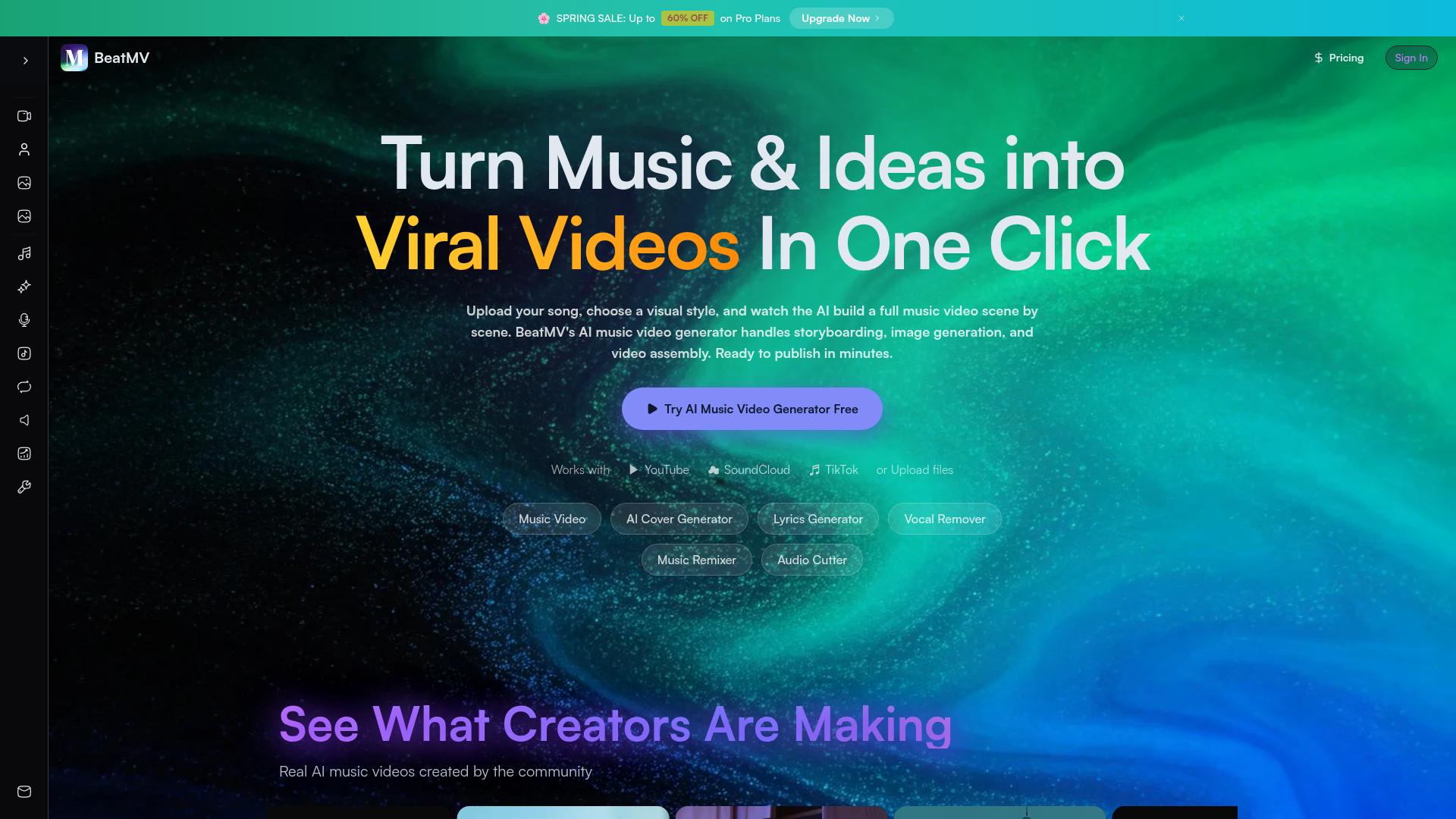
The verdict.
BeatMV is best suited for content creators, podcasters, and indie musicians who need original music paired with visuals but lack the budget for a composer or video editor. The free tier is genuinely usable for testing, and the beat-synced video generation is the real differentiator here. If you are a professional musician looking for deep production control, this is not your tool; but if you need a fast, licensing-clean pipeline from idea to finished music video, BeatMV v2.4 delivers surprising value for the price.
Pricing, straight.
Two tiers. Free gets you in the door; Pro includes commercial use and quality upgrades.
- Upload your song
- Choose visual style
- Generate music video
- Limited styles and resolution
- No commercial license
- Access 20+ video styles
- Commercial use license
- Higher resolution exports
- AI Director mode
- Scene-by-scene storyboard editor
Pricing as captured on 2026-06-04. Check the live site before you commit.
Note: BeatMV does not publicly list exact Pro pricing on their site. Expect a credit-based or subscription model. We recommend checking beatmv.ai directly for current rates.
What it actually does.
What you actually get inside BeatMV v2.4.
AI Music Video Generation
Upload a track or generate one from a text prompt, then BeatMV creates a full music video automatically. The AI analyzes audio structure to match visuals to the music.
Scene-by-Scene Storyboard Editor
Not just a one-click generator. You can edit individual scenes, swap visual styles per section, and control the narrative flow of your video before final render.
Beat-Synced Transitions
Visual cuts and transitions lock to the beat of your track. This is the feature that separates BeatMV from generic AI video tools. The sync quality is noticeably better than manual editing for most users.
20+ Visual Styles
From anime and cyberpunk to watercolor and cinematic realism. Each style is tuned for music video aesthetics, not just generic image generation. Pro includes the full library.
AI Director Mode
Let the AI handle everything: scene composition, pacing, visual style selection, and transitions. Useful when you want a finished product in minutes with minimal input.
Direct Platform Exports
Integrates with YouTube, SoundCloud, and TikTok. Export in the right aspect ratios and formats for each platform without needing a separate editing step.
Who Should Use BeatMV
Specific scenarios where this tool earns its keep.
Indie Musicians Releasing Singles
You have a track but no budget for a video shoot. BeatMV generates a visual companion that looks professional enough for a YouTube or Spotify Canvas release. It will not replace a real music video, but it fills the gap convincingly.
TikTok and Reels Creators
Short-form content thrives on visual novelty. The beat-synced transitions and diverse style library let you produce scroll-stopping clips quickly. The direct TikTok export is a genuine time saver.
Podcasters Needing Visual Content
Podcast promotion on video platforms requires visuals. BeatMV can turn your intro music or episode highlights into engaging video clips for social distribution. Much faster than manually syncing waveform animations.
Gaming Content and Montages
Gaming montages live and die by their music sync. BeatMV's beat-locked transitions can serve as a starting template or a standalone intro/outro sequence for your channel.
Brand and Marketing Teams
Need a quick branded video with original music for a product launch or social campaign? BeatMV's commercial license on Pro means you can use the output without worrying about rights clearance.
The honest part.
Where BeatMV falls short. No sugarcoating.
Opaque Pro Pricing
BeatMV lists Pro pricing as "Varies" with no public breakdown. This is frustrating for anyone trying to budget. You have to sign up to see what you will actually pay. For a tool targeting indie creators, this lack of transparency is a miss.
Free Tier Quality Ceiling
The free plan works for testing, but resolution and style options are noticeably limited. Exports may have watermarks or lower fidelity. You will hit the paywall quickly if you want anything publishable.
Fully Cloud-Dependent
Everything runs in the browser. No offline mode, no desktop app. If BeatMV's servers are slow or down, you are stuck. Render times can vary depending on server load, and there is no way to queue jobs locally.
Limited Production Control
If you are a producer who wants to tweak EQ curves, layer instruments, or fine-tune mix levels, BeatMV is not built for that. The music generation side is prompt-driven with basic tempo and instrumentation controls. It prioritizes speed over depth.
Video-First, Music-Second
Despite the "music creation" positioning, BeatMV's core strength is clearly the video generation side. The music generation capabilities exist but feel secondary compared to dedicated AI music tools like Suno or Udio. If you only need music, those alternatives may serve you better.
Open BeatMV
The free tier is enough to test the workflow. Start with a track you already have and see how the beat-synced video generation holds up before committing to Pro.