- SPECIMEN
Blink.new
- FILED AS
Filed without a one-line summary.
- INTAKE DATE
- 2026-06-07
- CLASS
- Coding
- METHOD
- desk research, filed before the Lab logged its counts
No dimension scores were recorded for this specimen, so no Koda Score is published. Read the verdict instead.
Describe an app in plain English. Get a deployed, full-stack product with database, auth, and hosting. No code required.
Open Blink.new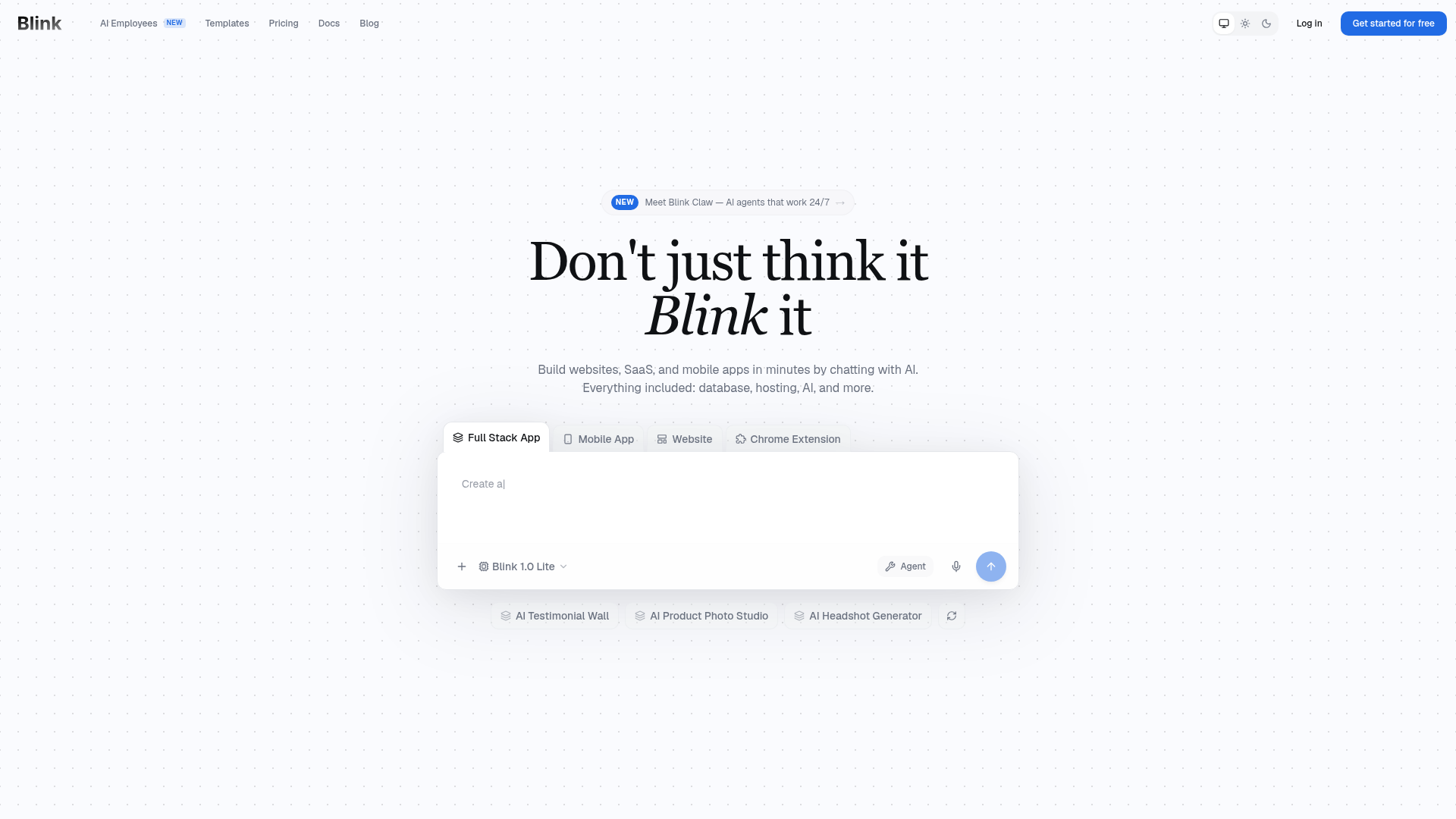
The verdict.
Blink.new is the fastest path from "I have an idea" to "here's the live URL" that we have tested. It is built for founders, product managers, and solo operators who want a deployable MVP without hiring a developer or wrestling with infrastructure. The free tier is tight (30 credits per month), but it is enough to validate whether the tool fits your workflow before committing $25 or more per month. If your project needs deep customization or complex backend logic, you will eventually hit the ceiling of what AI generation can produce. For everything else, especially internal tools, dashboards, landing pages, and straightforward SaaS products, Blink delivers real, working software surprisingly fast.
Pricing, straight.
All plans include free hosting, SSL certificates, and core AI coding features. Credits refresh daily; paid plans remove the monthly cap.
Free
$0
- 5 daily refresh credits
- Capped at 30 credits/month
- Free hosting + SSL
- Core vibe coding features
Starter
$25/mo
- 100 plan credits
- 5 daily refresh credits
- No monthly cap
- Free hosting + SSL
Pro
$50/mo
- 200 plan credits
- 5 daily refresh credits
- No monthly cap
- Free hosting + SSL
Pricing as captured on 2026-06-07. Check the live site before you commit.
Max
$200+/mo
- 800+ plan credits
- 5 daily refresh credits
- No monthly cap
Team
$40/seat/mo
- Shared credit pool
- Roles and permissions
- Unlimited free viewers
What it actually does.
What you actually get when you type a description and hit deploy.
Natural Language to Full-Stack App
Describe what you want in plain text. Blink generates the frontend, backend, database schema, and API routes. No boilerplate, no config files.
Automatic Database Setup
Blink infers your data model from the description and provisions a database automatically. Tables, relationships, and CRUD operations are generated without manual schema design.
Built-in Authentication
User signup, login, and session management come pre-wired. You do not need to integrate a third-party auth provider or write middleware from scratch.
Instant Deployment + Hosting
Every app gets a live URL with SSL the moment you deploy. No configuring servers, no CI/CD pipelines. Free hosting is included on all plans.
10+ Native Integrations
Connect Stripe for payments, Slack for notifications, HubSpot for CRM, Shopify for e-commerce, and more. Integrations are configured through the builder, not code.
Team Collaboration
The Team plan adds per-seat pricing with shared credit pools, role-based permissions, and unlimited free viewers. Useful for agencies or product teams building for clients.
Iterative AI Editing
After the initial generation, you can refine your app with follow-up prompts. Change layouts, add features, or adjust logic through conversation rather than code edits.
Blink Claw: Autonomous AI Agents
A newer feature that lets AI agents work on your app around the clock. Assign tasks, and the agent handles implementation, testing, and iteration without constant supervision.
Who it is for.
Blink is not for everyone. Here is where it makes the most sense.
Solo Founders Validating Ideas
If you are testing whether a SaaS concept has legs, Blink can produce a working prototype in minutes instead of weeks. Ship it, show it to users, and decide whether to invest further. The free tier is enough for a first pass.
Operations Teams Building Internal Tools
Admin dashboards, CRM tools, booking systems, and inventory trackers are Blink's sweet spot. These are well-understood patterns that AI can generate reliably. No need to wait in the engineering queue.
Agencies Delivering Client Projects
The Team plan with shared credits and role-based permissions makes it practical for agencies building landing pages, e-commerce storefronts, or simple web apps for clients at scale.
Non-Technical Product Managers
If you have been communicating product ideas through wireframes and slide decks, Blink lets you produce a functional version instead. It is a more convincing artifact for stakeholder buy-in than a Figma mockup.
The honest part.
What to know before you commit.
-
The Free Tier Is Very Tight
30 credits per month with a 5-credit daily cap means you can experiment, but you cannot build anything serious without upgrading. Each iterative prompt costs credits, so complex projects burn through the allowance fast.
-
AI Generation Has a Complexity Ceiling
Blink handles standard CRUD apps, dashboards, and landing pages well. But if your product requires custom algorithms, complex state management, or non-standard backend logic, the AI will produce code that needs significant manual rework. This is a prototyping tool, not a replacement for a senior engineer.
-
Vendor Lock-in Risk
Your app is hosted on Blink's infrastructure. If you outgrow the platform or want to migrate to your own stack, the export path is not clearly documented. Plan for this if you are building something you expect to scale significantly.
-
Shared Credit Pool Can Create Friction
On the Team plan, credits are pooled across seats. One heavy user can drain the budget for the rest of the team. There is no per-user credit allocation or spending limits visible in the current pricing structure.
-
Credit Pricing Is Opaque
It is not immediately clear how many credits a typical app generation or iteration costs. This makes it hard to budget accurately, especially on the Starter plan where 100 credits might last a week or a month depending on project complexity.