- SPECIMEN
Google AI Studio
- FILED AS
Filed without a one-line summary.
- INTAKE DATE
- 2026-07-09
- CLASS
- Design
- METHOD
- desk research, filed before the Lab logged its counts
No dimension scores were recorded for this specimen, so no Koda Score is published. Read the verdict instead.
The fastest way to start building with Gemini. Prototype with multimodal models, tune prompts, and export API-ready configurations before you write production code.
Open it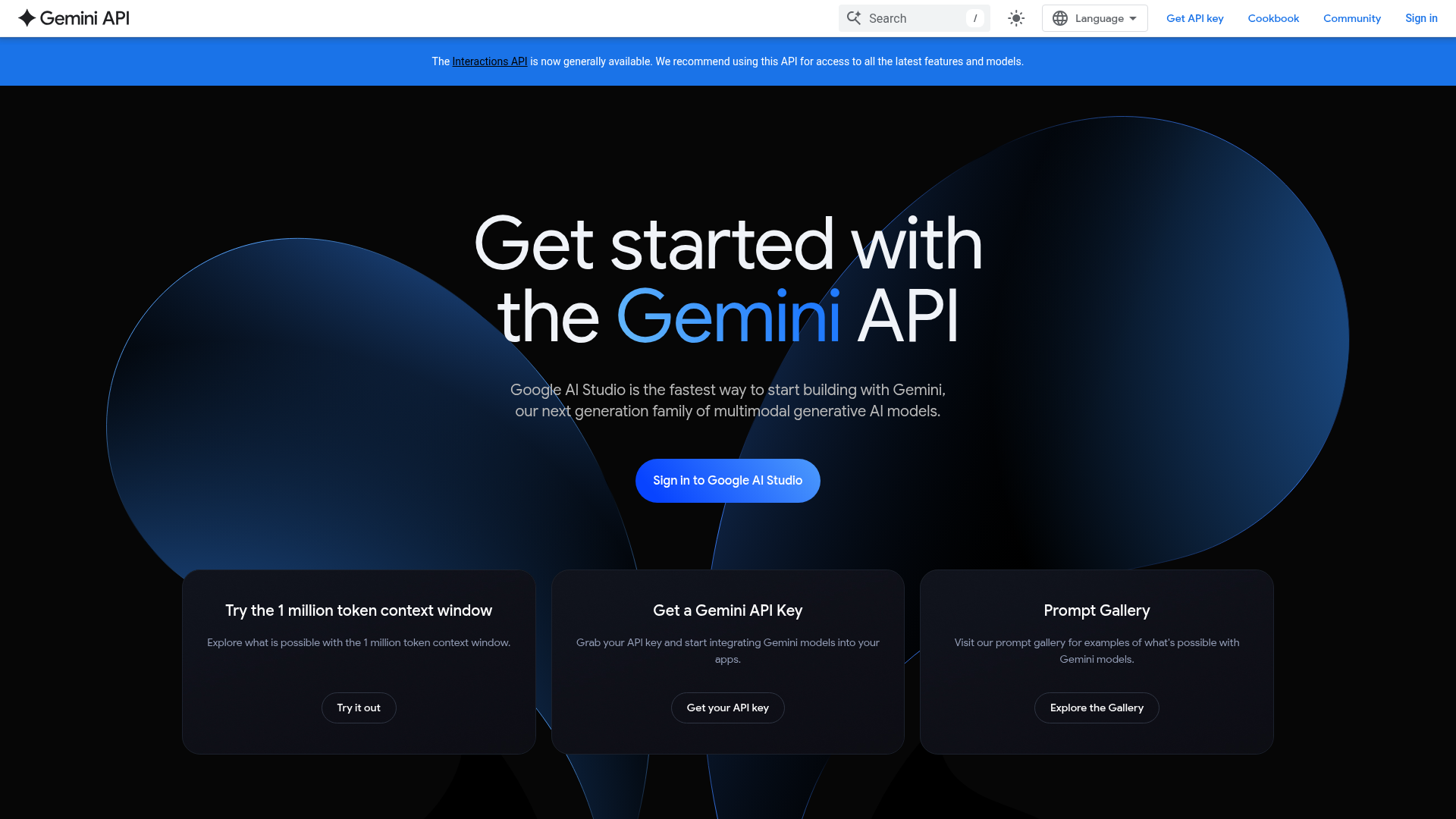
The verdict.
AI Studio is the best free on-ramp to Gemini that exists, full stop. If you want to test model behavior, compare Gemini variants, or hand a working prompt to a junior dev, this is the fastest path from idea to API call. It is less compelling as a permanent home for serious production work, where you will graduate to Vertex AI or the raw API, but for prototyping and prompt iteration it is hard to beat at $0.
Pricing, straight.
AI Studio itself is free to use in the browser. The tiers below reflect Gemini API access, which is where costs appear once you move beyond the studio.
Free
$0
- Access to core Gemini models
- Up to 1 million token context window
- Community support
- Prompt Gallery and tuning tools
Pro (Paid API)
Usage based
- Enhanced model access
- Higher API request quotas
- Priority support
- Billed per token via Google Cloud
Pricing as captured on 2026-07-09. Check the live site before you commit.
Note: Google publishes per model token pricing that changes regularly. Check the current rate card before you build a cost model around it.
What it actually does.
Multimodal models
Text, image, and generation tasks run through Gemini in one interface, including image generation for visual prototyping.
1M token context
Feed entire codebases or long documents into a single prompt without chunking gymnastics.
Prompt tuning
Adjust temperature, system instructions, and output settings visually, then watch behavior change in real time.
API export
Copy your tuned prompt as ready to run code in Python, JavaScript, and other languages with one click.
Prompt Gallery
A library of working examples you can fork and adapt, useful for learning what the models do well.
Google Cloud integration
Connects cleanly to Firebase and Google Cloud when you are ready to ship into a real backend.
Who it is for.
- Developers building AI apps. Prototype a feature, validate the prompt, export the code, and move on. This is the core loop AI Studio is built for.
- Businesses evaluating Gemini. Test whether the models handle your actual data and tasks before committing engineering time or budget.
- Researchers. Poke at model behavior across modalities with the long context window and no infrastructure setup.
- Educators and learners. The Prompt Gallery and free tier make it a low friction sandbox for teaching prompt engineering and generative AI basics.
The honest part.
- Free tier rate limits. The free tier will throttle you fast under any real load. Fine for prototyping, not for a live product.
- No on premises option. Everything runs through Google infrastructure. If your data cannot leave your own environment, this is a non starter.
- Not a production home. AI Studio is a prototyping surface. Serious workloads push you toward Vertex AI, which adds complexity and cost.
- Google lock in. The tight integration with Firebase and Google Cloud is convenient, but it also nudges you deeper into one vendor's stack.