- SPECIMEN
Spellar AI
- FILED AS
Filed without a one-line summary.
- INTAKE DATE
- 2026-07-11
- CLASS
- Productivity
- METHOD
- desk research, filed before the Lab logged its counts
No dimension scores were recorded for this specimen, so no Koda Score is published. Read the verdict instead.
AI meeting notes without any bots. Local recording, cross-meeting memory, and 100+ language support.
Open it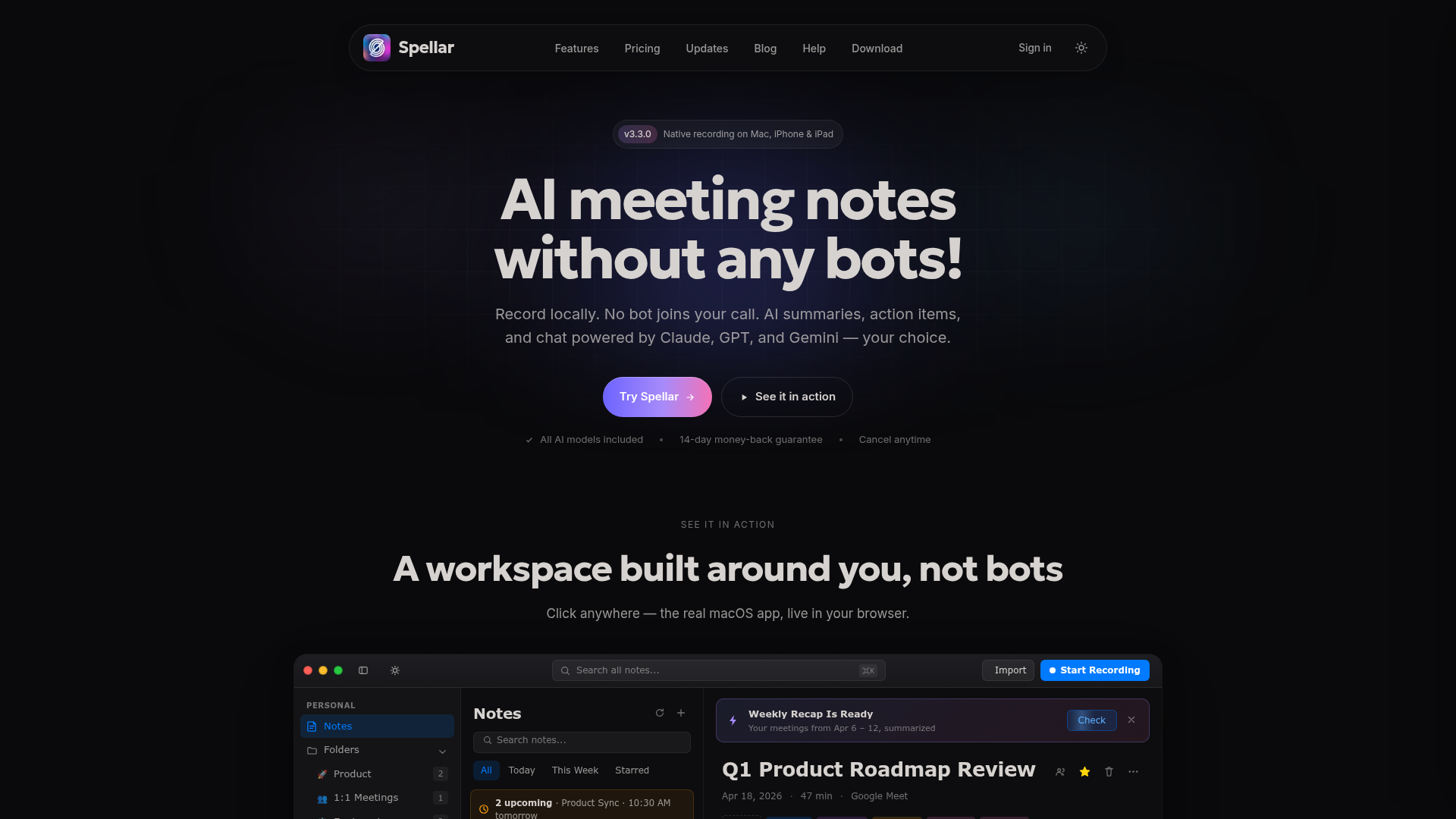
The verdict.
Spellar is a strong pick for privacy-conscious teams that live on Apple devices and want searchable meeting memory without a bot showing up in the call. The bot-free, local-first recording is the real differentiator, and at $11.99 per month it undercuts most bot-based rivals. If you run Windows or Android, or you need real-time collaborative note editing, look elsewhere.
Pricing, straight.
Spellar keeps its pricing simple with a single paid tier. There is no free plan advertised, but a 14-day money-back guarantee covers the risk.
Basic
$11.99/month- All AI models included
- Cancel anytime
- 14-day money-back guarantee
Pricing as captured on 2026-07-11. Check the live site before you commit.
What it actually does.
Local recording
Audio is captured on your Mac, iPhone, or iPad rather than through a cloud bot, which keeps recordings under your control.
No bots join calls
No awkward third participant appears in your Zoom or Meet call. Nothing announces that the meeting is being recorded on Spellar's side.
Summaries and action items
Each meeting gets an auto-generated summary with extracted tasks, so follow-ups do not slip through the cracks.
Choice of AI models
Pick between Claude, GPT, and Gemini for summaries and queries instead of being locked to a single provider.
Cross-meeting memory
Context builds across recurring calls, letting you ask what a client said three meetings ago and get a real answer.
20+ native integrations
Push notes and tasks straight into Notion, Slack, Linear, Jira, Asana, HubSpot, Salesforce, and more, with Zapier for the rest.
Who it is for.
Spellar fits best for a few clear groups:
- Client-facing teams in sales, consulting, or customer success who need searchable institutional memory across recurring conversations.
- Privacy-first professionals in legal, healthcare, or finance who cannot have a recording bot visibly parked in the call.
- Apple-centric teams already living in the Mac and iOS ecosystem who want native, on-device capture.
- Multilingual operations that run meetings across borders and need transcription in 100+ languages.
The honest part.
- Apple only. Recording is limited to Mac, iPhone, and iPad. Windows and Android users are out of luck.
- No shared bot experience. Because nothing joins the call, you lose the collaborative real-time note view some bot-based tools offer.
- Server-side transcription is opt-in. The strongest AI transcription runs server-side only when you choose it, which is good for privacy but a step to remember.
- Premium AI may need your own keys. Some advanced model features can require external API keys, adding hidden cost and setup.