- SPECIMEN
Spellar AI
- FILED AS
Filed without a one-line summary.
- INTAKE DATE
- 2026-07-12
- CLASS
- Analytics
- METHOD
- desk research, filed before the Lab logged its counts
No dimension scores were recorded for this specimen, so no Koda Score is published. Read the verdict instead.
AI meeting notes without any bots. A privacy-first memory layer that captures your calls and lets you interrogate weeks of conversations later.
Open it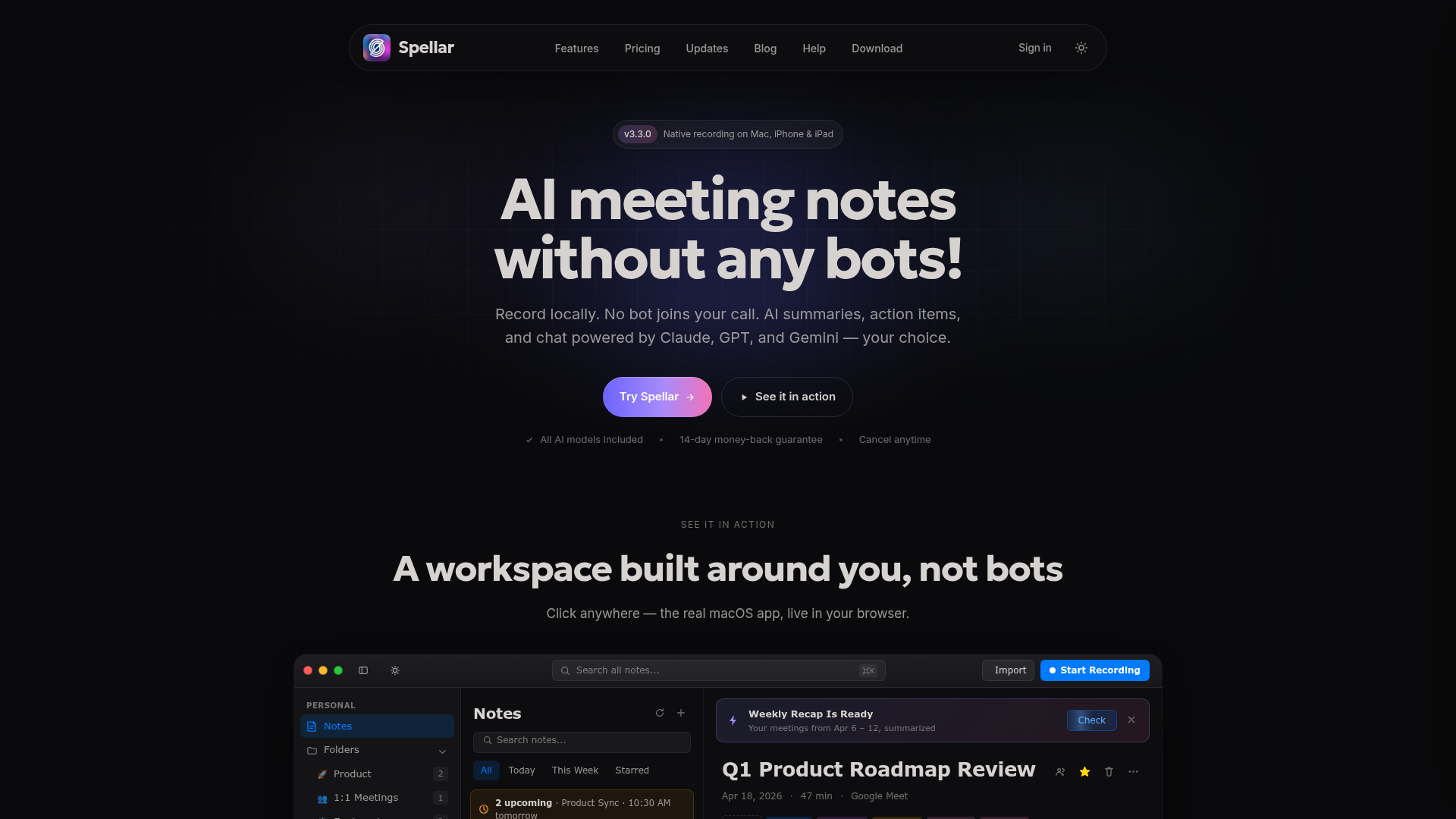
The verdict.
Spellar is built for Apple-native professionals who live in recurring meetings and want a searchable memory instead of a graveyard of scattered notes. At $11.99 a month with local recording and no meeting bots, it is one of the cheaper and less intrusive options in this category. If you are Mac and iPhone only and value privacy, it is easy to recommend. Windows and Android users, and anyone who needs a bot that dials into video calls, will want to look elsewhere.
Pricing, straight.
Basic
$11.99/month
- All AI models included
- Cancel anytime
- 14-day money-back guarantee
Pricing as captured on 2026-07-12. Check the live site before you commit.
Spellar publishes a single tier, which keeps the decision simple. Access to Claude, GPT, and Gemini is bundled into that one price rather than gated behind an upsell, which is unusual and welcome. Note that server-side transcription is opt-in, so the flat rate does not hide surprise usage penalties.
What it actually does.
Local Recording
Captures audio directly on Mac, iPhone, and iPad. No bot joins your call, so participants see nothing extra on the roster.
Privacy-First Design
Recording happens on device by default. Sending audio to server-side AI is opt-in, giving you control over what leaves your machine.
Multiple AI Models
Claude, GPT, and Gemini are all included in the plan. You can pick the model that fits the task rather than being locked to one vendor.
Persistent Context
Builds a memory layer across all meetings. Ask what a client said three sessions ago and get an answer without scrubbing transcripts.
20+ Integrations
Native connections to Notion, Google Docs, Jira, Slack, Asana, Linear, HubSpot, and Salesforce push notes where your team already works.
Custom Templates
Configure output formats for standups, client calls, or interviews. Setup is manual, but the payoff is consistent, structured summaries.
Who it is for.
Spellar earns its keep when you run many recurring meetings and need to recall detail across sessions. Consultants, account managers, and founders juggling a dozen client relationships are the obvious fit; the persistent memory layer replaces the mental gymnastics of remembering which decision was made in which call.
It also works for teams doing project management and task tracking, since notes flow into Jira, Linear, and Asana. Instant summaries help anyone who wants a clean recap without transcribing by hand. The catch is that everyone on the tool needs an Apple device to record, so it is best for individuals or teams already committed to the Mac ecosystem.
The honest part.
- Apple only. Recording is limited to Mac, iPhone, and iPad. There is no Windows or Android capture, which rules it out for mixed-device teams.
- Audio, not video. Spellar captures spoken audio on supported devices. If you need screen or video context tied to your notes, this is not it.
- Internet needed for AI. Local recording works offline, but the AI models that power summaries and search need a connection. The privacy pitch has a practical ceiling.
- Manual template setup. Custom templates deliver the best summaries but require configuration up front. Expect to invest time before the output feels tailored.