- SPECIMEN
Morflax Studio 2.0
- FILED AS
Filed without a one-line summary.
- INTAKE DATE
- 2026-07-18
- CLASS
- Marketing
- METHOD
- desk research, filed before the Lab logged its counts
No dimension scores were recorded for this specimen, so no Koda Score is published. Read the verdict instead.
A browser-based 3D design suite for illustrations, mockups, and motion graphics, with no desktop install required.
Open it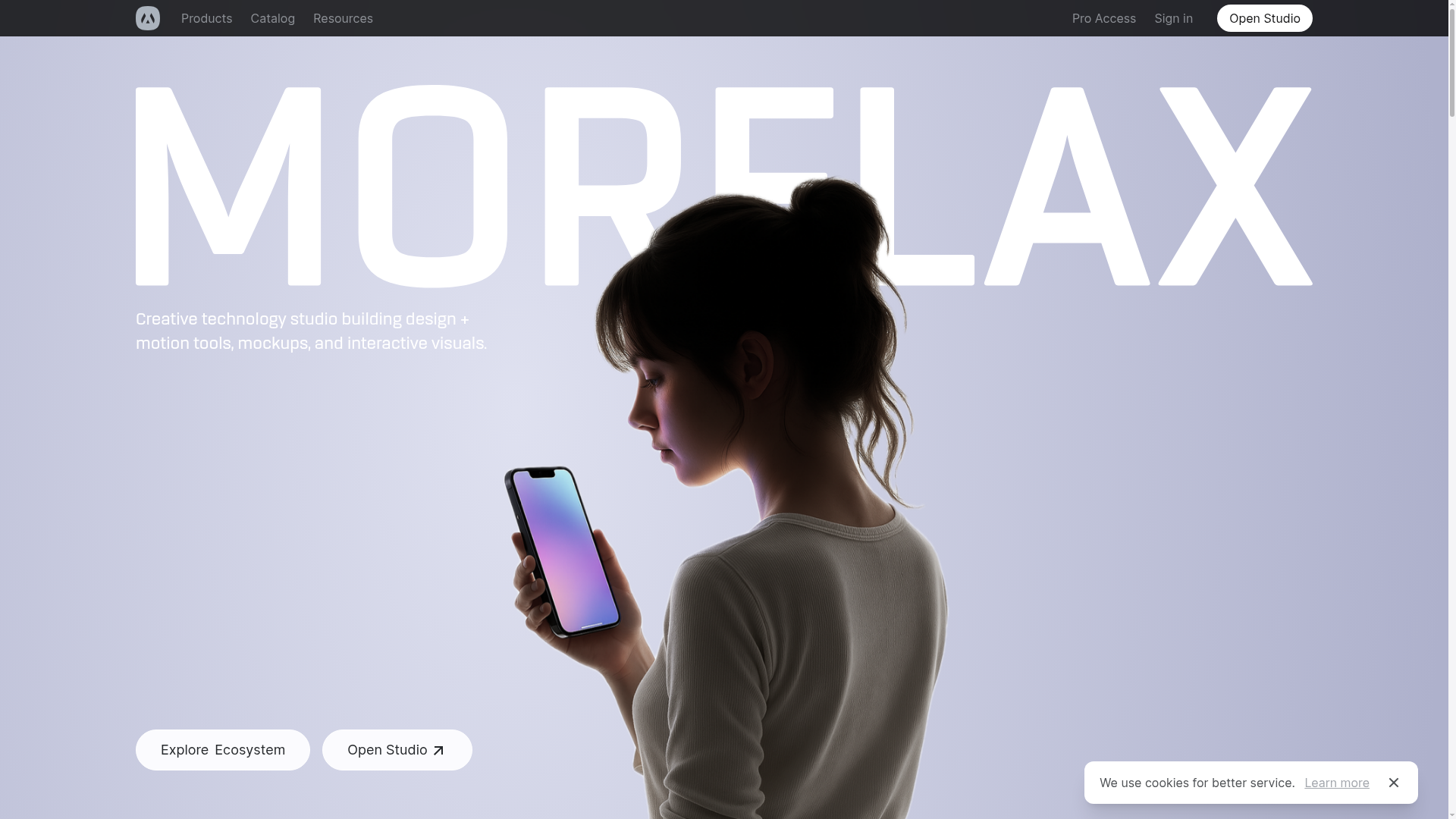
The verdict.
Morflax Studio is a fast way to produce polished 3D visuals without opening Blender or Cinema 4D. If you are a designer or marketer who needs a device mockup, a packaging shot, or a hero illustration for a landing page in the next twenty minutes, this is worth bookmarking. The free tier is generous enough to test the workflow, and the $19/month Pro plan is reasonable if 3D visuals become a regular part of your output. It is not a replacement for a full 3D pipeline, but it was never trying to be.
Pricing, straight.
Free
$0
- Access to basic mockups
- Limited templates
- Community support
Pro
$19/month
- Unlimited mockups
- Full template library
- Priority support
Enterprise
Contact for pricing
- Tailored solutions
- Dedicated support
- Custom integrations
Pricing as captured on 2026-07-18. Check the live site before you commit.
The jump from Free to Pro is mostly about volume and template access. If you only need the occasional mockup, the free tier holds up. If mockups are part of your weekly workflow, the $19 removes the cap and pays for itself quickly.
What it actually does.
Zero setup in the browser
Everything runs in a tab. No downloads, no licensing, no GPU driver headaches. Open the URL and start building.
Device, clothing, packaging mockups
Drop your artwork onto ready-made 3D surfaces. Useful for product shots and store listings without a photographer.
Ready-to-use templates
Start from a preset scene rather than a blank canvas. This is where the speed advantage really shows.
200+ customizable elements
A library of 3D shapes and objects you can recolor, reposition, and combine into original compositions.
Scene builder
Combine multiple 3D elements into a single arranged scene, then export it as a static shot or animation.
Design tool integrations
Connections to Adobe Creative Cloud, Figma, Sketch, and Slack keep exports moving into the tools you already use.
Who it is for.
Morflax fits people who need decent 3D output but do not want to learn a full 3D application. In practice that means:
- Graphic designers who want 3D depth in their work without switching software.
- Marketing professionals producing quick product shots and campaign visuals.
- Students in design experimenting with 3D on a zero budget.
- 3D artists who need to rough out a scene fast before moving to heavier tools.
- Entrepreneurs building branding assets and landing page visuals together.
The honest part.
- The free plan is a preview, not a full product. Limited mockups and templates mean you will hit the ceiling if you use it seriously.
- No offline support. Because it runs in the browser, a weak connection kills your session. There is no local fallback.
- Rendering limits on some templates. Not every scene renders at the fidelity you might expect, which matters for high resolution print work.
- Not a substitute for a real 3D pipeline. If you need precise modeling, custom rigging, or complex physics, this is not the tool. It trades depth for speed and accessibility.