- SPECIMEN
Grok for Excel
- FILED AS
A free Excel add-in that answers plain-English questions and writes real formulas in your sheet.
- INTAKE DATE
- 2026-07-22
- CLASS
- Analytics
- METHOD
- 1 page scraped, 3 search passes, 23 community sources
Koda Score = weighted blend: capability 35, ease 20, value 25, momentum 20.
xAI parked Grok 4.5 inside a docked Excel panel, so the formula-building and what-if grunt work never leaves your workbook.
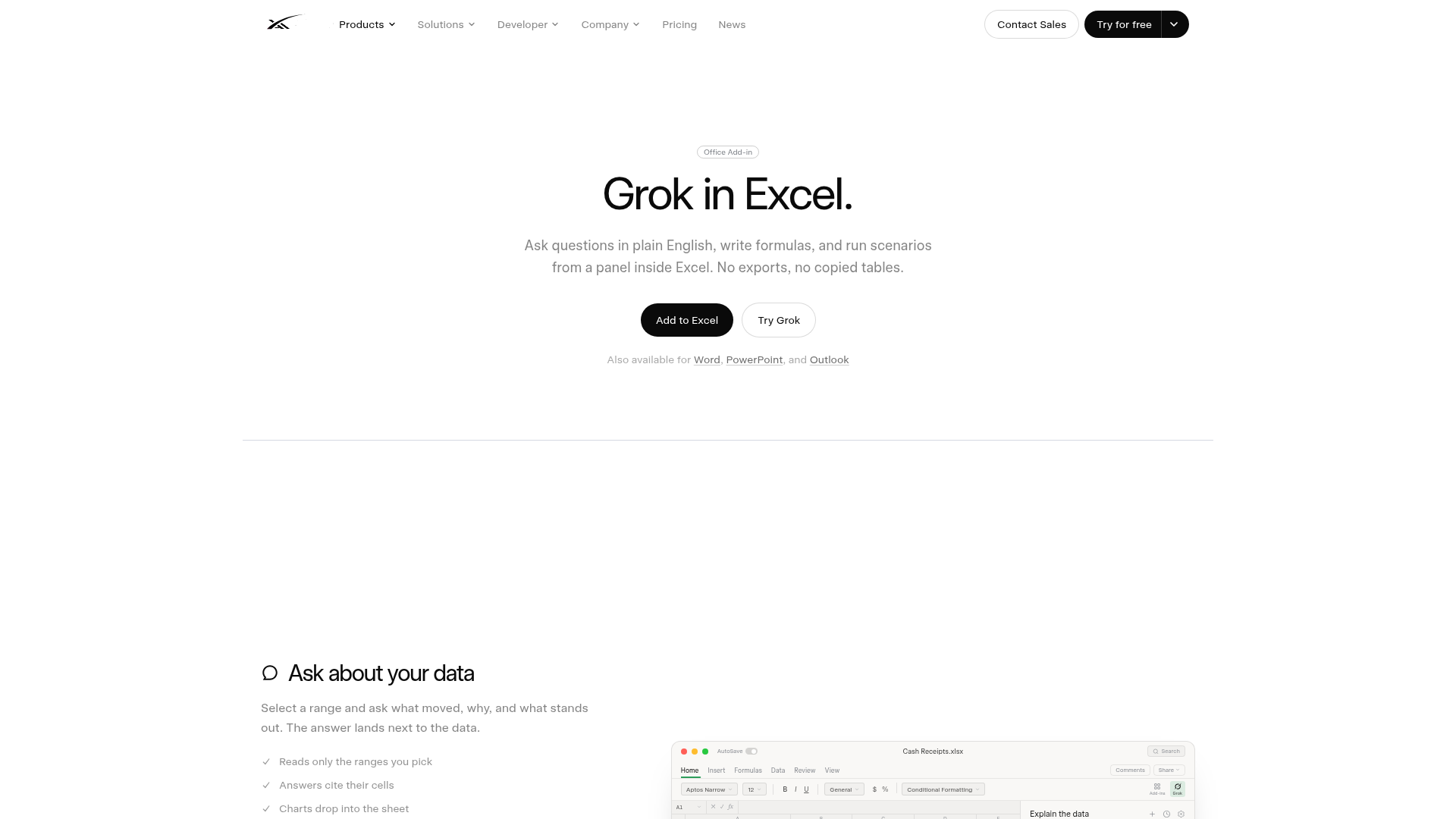
Captured: x.ai/grok/excel on 2026-07-22.
It is free and installs in one click from the Microsoft Marketplace, so the cost of trying it is basically zero. It is also for analysts, finance folks, and anyone who lives in Excel and wants an assistant that edits cells in place rather than making you export tables to a chat window. So if you already run Microsoft 365 and do repetitive formula work or scenario modeling, it is worth a slot in your toolbar.
What it actually does.
Natural language queries
Select a range and ask what moved and why; the answer lands next to the data and cites its cells.
Real formula writing
Describe the outcome and Grok writes actual formulas into the formula bar, editable like any normal edit.
Scenario reruns
One line rebuilds a downside case or reruns a forecast without you reconstructing the sheet by hand.
Docked panel
Lives in the Home tab toolbar and opens beside the workbook rather than as another tab.
Charts in place
Generated charts drop directly into the sheet instead of a chat window.
Range-scoped reading
Reads only the cells you point it at, and flags changed cells so you can review edits.
Org-wide deployment
Admins can push the add-in across a Microsoft 365 tenant, not just per-user installs.
How you would actually use it.
Concrete setups pulled from the research, not feature-list hand-waving.
Month-end close without the rebuild
FP&A analyst
Point Grok at your cash receipts sheet and ask it to close out the month or rerun a forecast; it edits the cells directly and flags what changed.
Faster close cycles with an audit trail of edited cells.
Downside scenario in one line
Finance lead building an FY forecast
Ask Grok to test a downside revenue case against your FY26 plan; it rebuilds the scenario in place without touching your base model structure.
What-if answers in seconds instead of a manual copy-and-tweak.
Formula handoff
Excel power user
Describe a calculation like a rolling three-month average across regions and let Grok write the real formula into the formula bar.
Correct syntax without hunting through function docs, editable afterward.
Pricing, straight.
Add from Microsoft Marketplace, one-click install, docked panel beside your workbook, org-wide admin deployment.
Free with a one-click install means the only real cost is the time to test it, which is fair for an early add-in.
Pricing as captured on 2026-07-22. Check the live site before you commit.
What people online are saying.
Real reactions surfaced during research. Paraphrased faithfully, linked to source.
Public firsthand reaction is too thin to summarize reliably; most coverage so far is launch news and product description rather than user reviews.
The add-in can read selected ranges, write formulas, fill and sort cells, and even change document data and send it over the internet per the marketplace privacy language.
Grok Code Fast 1 is not well suited to reading Excel files accurately, which raises questions about spreadsheet parsing.
The community is buzzing, with people using Grok on large datasets and inventory tracking in Excel.
The field.
Microsoft's native AI assistant built directly into Excel and the rest of Microsoft 365.
PICK IT WHENYou want the default in-sheet option that is already integrated and backed by Microsoft.
General assistant that can analyze uploaded spreadsheets with broad, flexible reasoning.
PICK IT WHENYou want ad hoc analysis and are fine copying data out of Excel.
Google Workspace AI offering natural-language help inside Sheets.
PICK IT WHENYour team lives in Google Sheets rather than Excel.
The honest part.
- Locked to the Microsoft 365 environment and requires Excel to function.
- May not handle complex formulas well at launch, per the vendor's own limitations note.
- Marketplace privacy language indicates the add-in can read, change, and transmit document data over the internet.
- One third-party report questions Grok's accuracy at reading Excel files.
- Almost no independent firsthand user reviews exist yet to validate real-world reliability.
Getting started.
Time to first value: under 10 minutes
Add the add-in free from the Microsoft Marketplace with one click.
Open Grok from the Home tab and sign in once.
Select a range and ask a question or describe a formula to get your first answer in place.
Quick answers.
Is Grok for Excel actually free?
Yes, the add-in is listed as free and installs in one click from the Microsoft Marketplace. There is no separate paid tier published for the Excel add-in itself.
Does my spreadsheet data leave the workbook?
The product messaging says data never leaves the workbook and Grok reads only the ranges you select. However, a separate report notes the marketplace privacy language suggests the add-in can read, change, and send document data over the internet, so review the permissions before deploying it on sensitive data.
How does it compare to Copilot in Excel?
Copilot is the closest native alternative and is already built into Microsoft 365, making it the default in-sheet comparison. Grok for Excel competes on the same natural-language formula and scenario work, but with far less independent testing published so far.
Can my company deploy it to everyone?
Yes, admins can deploy the add-in org-wide across a Microsoft 365 tenant rather than relying on per-user installs. That makes rollout to a whole finance or analytics team straightforward.
Free, native, and low-friction; add it, point it at a range, and decide for yourself whether it beats the Copilot already in your ribbon.
Field research: 1 pages scraped · 3 search passes · 23 community sources. Reviewed by the Koda desk on 2026-07-22.