- SPECIMEN
Google Antigravity
- FILED AS
Agentic dev platform where agents plan, code, test, and verify in a VS Code shell
- INTAKE DATE
- 2026-08-07
- CLASS
- Coding
- METHOD
- 1 page scraped, 3 search passes, 12 community sources
Koda Score = weighted blend: capability 35, ease 20, value 25, momentum 20.
Google shipped an editor that assumes you are managing agents, not typing code, and it is free while the credit rules are still being written.
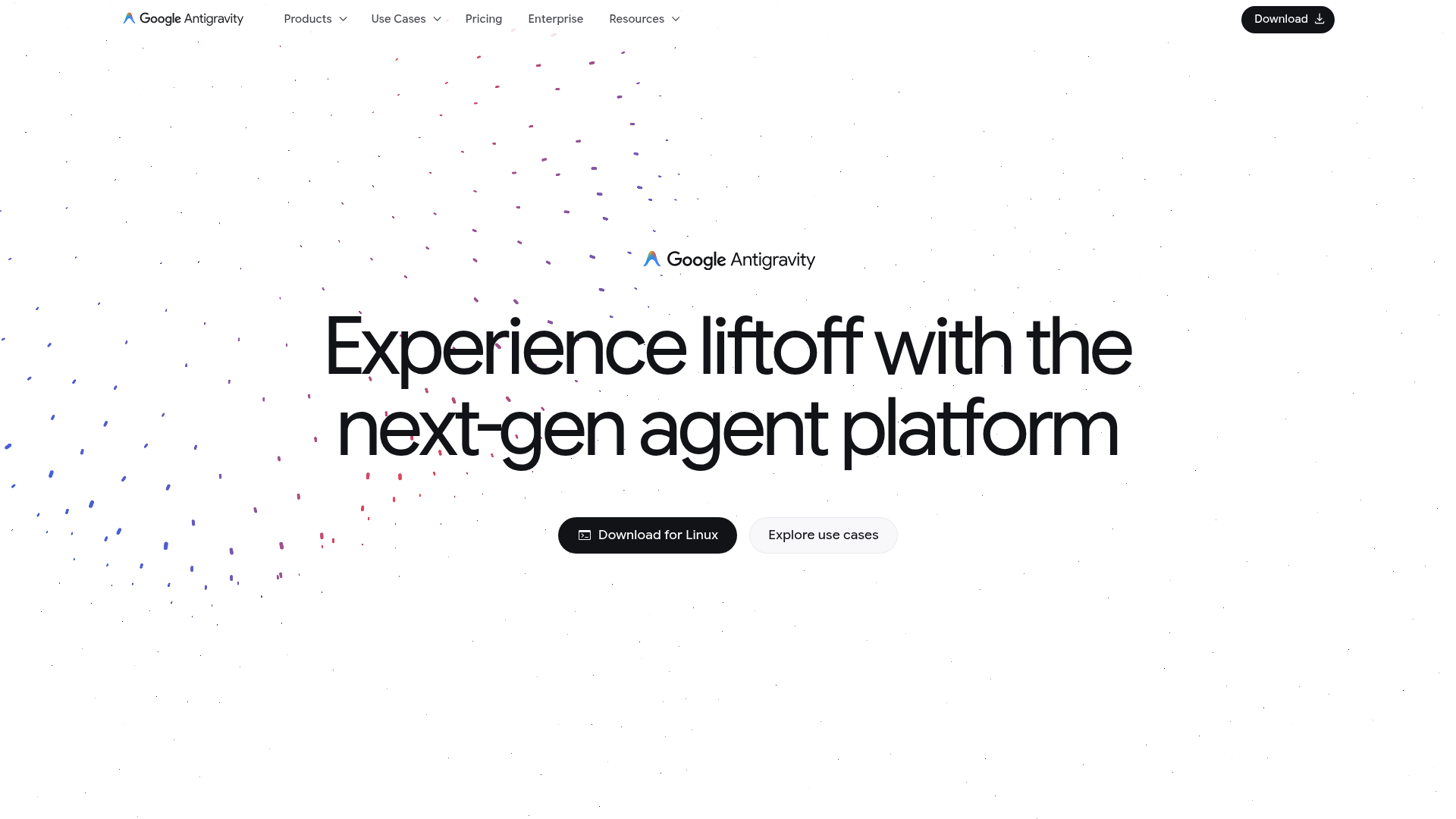
Captured: antigravity.google on 2026-08-07.
Worth adopting now as a second editor on a staging-scoped project, not as the place your production deploy keys live. Antigravity is for developers who already trust agents with multi-step work and want a command center for running several of them in parallel instead of babysitting one chat. If your workflow is single-session, one-file-at-a-time coding, Cursor or Windsurf will feel less like overhead.
What it actually does.
Agent manager view
A command center for running multiple local agents in parallel and grouping their conversations into Projects.
Multi-workspace operation
Agents can operate across multiple workspaces rather than being pinned to a single open folder.
Scheduled messages
Automate routine tasks by queuing agent instructions to fire on a schedule.
Antigravity CLI
A lightweight terminal-first surface to run autonomous coding agents, execute shell commands, and manage background subagents.
Antigravity SDK
Simple Python scripts to prototype custom agents, automate engineering tasks, and run evaluations on the same agent harness.
Browser verification
Reviewers highlight built-in browser checks that let agents test what they built inside the IDE, which matters for frontend and end-to-end work.
Codebase-aware IDE
The full IDE ships with the agent manager, artifacts, and a deep index of your repository.
How you would actually use it.
Concrete setups pulled from the research, not feature-list hand-waving.
The internal tool deploy loop
Full stack dev with a small internal admin tool
Open the existing repo in the IDE, give the agent a scoped task like adding an audit log endpoint, and wire only staging deploy credentials into the environment.
You find out within one afternoon whether the plan, test, and deploy loop actually closes or whether you are still the glue.
Parallel bug queue
Enterprise developer with a backlog of small tickets
Group related tickets into a Project in the manager view and hand each one to a separate local agent across the relevant workspaces.
Several low-risk fixes progress at once, and you review diffs instead of context-switching between chats.
Frontend verification pass
Frontend developer shipping UI changes
Ask the agent to implement a component change and then verify it in the browser inside the IDE before you look at it.
Fewer round trips where the code compiles but the screen is wrong.
Custom agent prototype
Platform engineer evaluating agent harnesses
Use the Python SDK to script a narrow task agent against your own repo and run an evaluation set on the Antigravity harness.
A concrete read on whether Google's harness beats your in-house scaffolding before you commit.
Pricing, straight.
Core features, community support, basic integrations; advanced features are limited on this plan.
Free access to a multi-agent IDE is unbeatable value on paper, with the honest caveat that reviewers already flag unclear credit systems and reduced free-tier limits as moving targets.
Pricing as captured on 2026-08-07. Check the live site before you commit.
What people online are saying.
Real reactions surfaced during research. Paraphrased faithfully, linked to source.
Reaction is early and mixed: review-style coverage likes the agent-first workflow and browser verification, while skeptics dismiss it as another VS Code fork and report reliability wobbles, and there is little verifiable long-form community discussion yet.
Reviewers keep coming back to the manager view and the agent-first workflow as the real differentiator, especially when a task spans code, tests, and browser checks.
The free preview with no credit card is called out as a big reason to try it over paid competitors.
A recurring dismissal is that this is just another VS Code fork, an incremental wrapper rather than a new editor.
Hands-on write-ups report agents looping or stalling, agent terminated errors, noisy artifacts, and memory issues on longer sessions.
Coverage is split on whether Antigravity beats a plain VS Code setup, with the answer depending heavily on how agentic your workflow already is.
The field.
The more established editor-first AI IDE.
PICK IT WHENYou want a mature, simpler single-session coding experience rather than parallel agent orchestration.
A conventional AI coding IDE in the same family as Cursor.
PICK IT WHENYour workflows are straightforward and you do not need built-in browser verification or multi-agent management.
Terminal-first agentic coding tool.
PICK IT WHENYou live in the terminal and want raw strength on complex agentic coding tasks over a visual IDE.
The honest part.
- No offline support, so agent work stops when the connection does.
- The free plan gates advanced features, and reviewers report unclear credit systems plus reduced free-tier limits.
- Reliability complaints are consistent across hands-on reviews: agent loops, stalls, syntax mistakes, and memory issues in long sessions.
- There is a real learning curve, and the VS Code fork lineage means skeptics reasonably question how much is new underneath.
Getting started.
Time to first value: about 30 minutes for a first agent run on an existing repo
Download the build for your OS from antigravity.google/download and install the IDE.
Open a small existing repo and create a Project, then confirm only staging credentials are present in the environment.
Hand one scoped ticket to a single agent and watch whether it plans, tests, and verifies without your intervention.
Quick answers.
Is it really free, or is there a catch?
The published plan is Free at $0 with core features, community support, and basic integrations. Advanced features are limited on that plan, and reviewers already mention unclear credit systems and reduced free-tier limits, so treat current access as a preview rather than a commitment.
Can I trust it with a real deploy?
Not on day one. Multiple hands-on reviews report agent loops, stalls, and memory problems in longer sessions, so keep credentials scoped to a staging environment for at least the first week and gate anything production behind your own review.
How is this different from Cursor or Windsurf?
Cursor and Windsurf are positioned in the research as editor-first and more mature for everyday single-session coding. Antigravity leans into orchestration: parallel local agents, Projects, scheduled messages, and browser-based verification inside the IDE.
Do I have to use the IDE?
No. There is a terminal-first CLI for running autonomous agents, executing shell commands, and managing background subagents, plus a Python SDK for prototyping custom agents and running evaluations on the same harness.
Install it, point it at a low-stakes internal tool with staging credentials, and judge it by whether the plan-test-verify loop actually closes without you stepping in.
Field research: 1 pages scraped · 3 search passes · 12 community sources. Reviewed by the Koda desk on 2026-08-07.