- SPECIMEN
NotebookLM Video Overviews
- FILED AS
Turns your uploaded docs into narrated explainer videos people will actually watch
- INTAKE DATE
- 2026-08-10
- CLASS
- Productivity
- METHOD
- 1 page scraped, 3 search passes
Koda Score = weighted blend: capability 35, ease 20, value 25, momentum 20.
Nobody reads the 40-page vendor report. Video Overviews turns it into something they will click, which is either a distribution win or a new way to launder a summarization error.
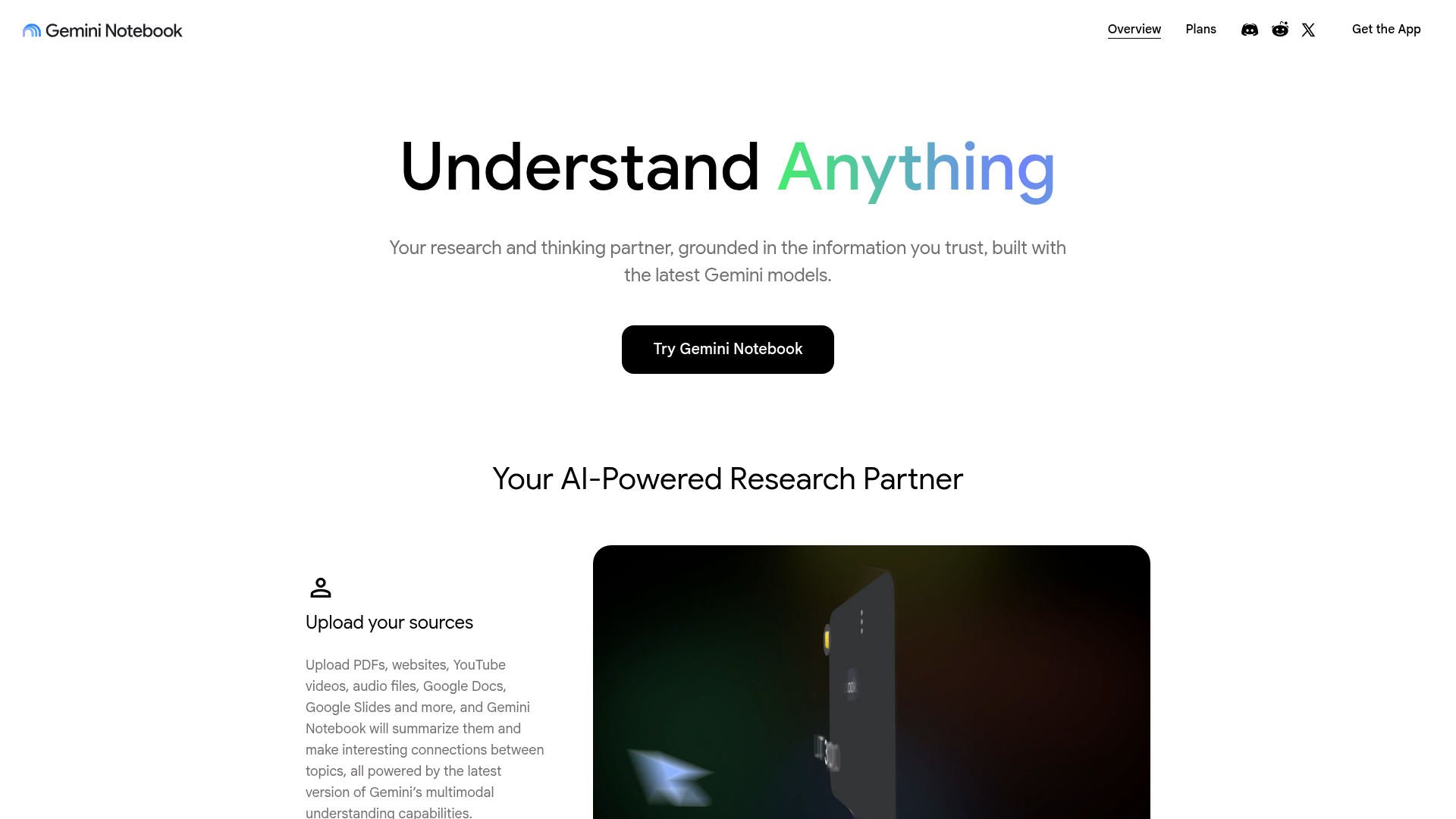
Captured: notebooklm.google on 2026-08-10.
This is for anyone whose job depends on getting dense internal documents read: enablement leads, PMs shipping specs, ops people writing onboarding. NotebookLM is already the strongest grounded-sources notebook on the market and Video Overviews is the best distribution format it has shipped since Audio Overviews, so yes, adopt it. Just treat every generated video as a draft you fact-check against the source before it leaves your team.
What it actually does.
Video Overviews
Generates a narrated explainer video from documents you have uploaded, aimed at material people skip in written form.
Audio Overviews
One click turns your sources into a Deep Dive style spoken discussion for listening on the go.
Multimodal source ingestion
Accepts PDFs, websites, YouTube videos, audio files, Google Docs and Google Slides in a single notebook.
Citations to exact quotes
Every response points back to the specific passage in your sources so you can verify rather than trust.
Grounded answering
Insights are constrained to the documents you provide, which Google positions as the reason hallucinations drop.
Presentation outlining
Turns source material into a structured outline with talking points and supporting evidence.
Idea surfacing across sources
Reads brainstorm notes and market or competitor research together to flag trends and gaps.
Web plus iOS and Android apps
Runs in the browser with a mobile app for reviewing overviews away from a desk.
How you would actually use it.
Concrete setups pulled from the research, not feature-list hand-waving.
The spec nobody opened
Product manager shipping a cross-team feature
Drop the full spec plus the two design docs into one notebook, generate a Video Overview, and post the video in the launch channel with the doc link underneath. Watch it once against the spec first and note any point the narration overstates.
Engineers, support, and sales all absorb the same framing without anyone reading 40 pages.
Onboarding week one
Enablement or people ops lead
Build a notebook per role from the existing handbook pages, tool guides, and recorded sessions, then generate one video per topic so new hires get a narrated walkthrough instead of a link dump.
A reusable onboarding library assembled from documents you already wrote.
Vendor report triage
Ops or procurement owner
Load the vendor report and competing proposals, generate a Video Overview for the leadership briefing, and use the citation panel to pull the exact quotes behind any claim you plan to repeat in the meeting.
A five minute briefing that decision makers actually consume, with source quotes ready for pushback.
Research to study loop
Student or independent researcher
Upload lecture recordings, chapters, and papers into one notebook, then alternate between Audio Overviews for commute review and grounded Q and A with citations for exam prep.
Faster comprehension of a reading pile, with a path back to the original text.
Pricing, straight.
Upload documents, basic features, summarization and insights.
Additional features, advanced summarization tools, priority support.
Twenty dollars a month for grounded document synthesis plus audio and video output is cheap enough that the real cost is your review time, not the subscription.
Pricing as captured on 2026-08-10. Check the live site before you commit.
What people online are saying.
Real reactions surfaced during research. Paraphrased faithfully, linked to source.
No community threads or user reviews surfaced in today's research, so there is no street reaction to report yet; the only reactions on record are vendor-curated press blurbs on the homepage, and those praise Audio Overviews rather than the video format.
The field.
Script-to-video platform with AI presenters and brand templates.
PICK IT WHENThe video is customer facing and needs controlled scripting, branding, and localization rather than automatic synthesis.
Screen and camera recording for quick asynchronous walkthroughs.
PICK IT WHENYou want a human voice and accountability on the explanation, especially for anything contentious or high stakes.
General assistant that can read uploaded files and produce written summaries.
PICK IT WHENYou need a text summary you can edit line by line and do not care about audio or video output.
The honest part.
- Insights are confined to your uploaded sources, so it will not fill gaps the documents never covered.
- Deleted notes have no recovery option, which makes it a poor system of record.
- Narration errors are harder to spot than text errors, so every video needs a manual pass against the source before sharing.
- The scraped product page details Audio Overviews and source ingestion but publishes little on Video Overview length, language support, or export, so plan a pilot rather than a rollout.
Getting started.
Time to first value: about 10 minutes
Sign in with a Google account and create a notebook.
Upload the PDFs, Docs, Slides, links, or recordings you want covered.
Generate a Video Overview, watch it with the source open, then share the link.
Quick answers.
Can I trust the narration enough to send it to leadership?
Not without watching it first. The product is grounded in your uploaded sources and cites exact quotes, which reduces invention, but synthesis mistakes slide past more easily in spoken video than in a written summary. Treat the video as a draft and keep the citation panel open while you review.
What can I actually feed it?
PDFs, websites, YouTube videos, audio files, Google Docs and Google Slides, per the product page. That means you can mix a written spec with a recorded meeting in one notebook and generate an overview across both.
Is the free tier enough to evaluate this?
Yes for a pilot. Free includes uploads, basic features, and summarization; Pro at $19.99 a month adds advanced summarization tools and priority support. Run two real documents through the free tier before deciding whether the paid tier earns its keep.
Does this replace writing the document?
No. The video is a distribution layer on top of a document that still has to be correct, and the tool only knows what you upload. If the underlying spec is vague, the overview will be confidently vague at a higher production value.
Use it as the last mile for documents that keep getting ignored, not as the document itself. Watch the whole video with the PDF open before you paste the link in a channel.
Field research: 1 pages scraped · 3 search passes. Reviewed by the Koda desk on 2026-08-10.