- SPECIMEN
IdeaVideo AI
- FILED AS
Prompt-to-video workspace bundling Veo 3.1, Seedance 2.5, Kling 3.0 Turbo and more
- INTAKE DATE
- 2026-08-15
- CLASS
- Marketing
- METHOD
- 2 pages scraped, 3 search passes, 12 community sources
Koda Score = weighted blend: capability 35, ease 20, value 25, momentum 20.
It is a model buffet with a credit meter, and the smartest way to use it is to generate ads you fully intend to delete.
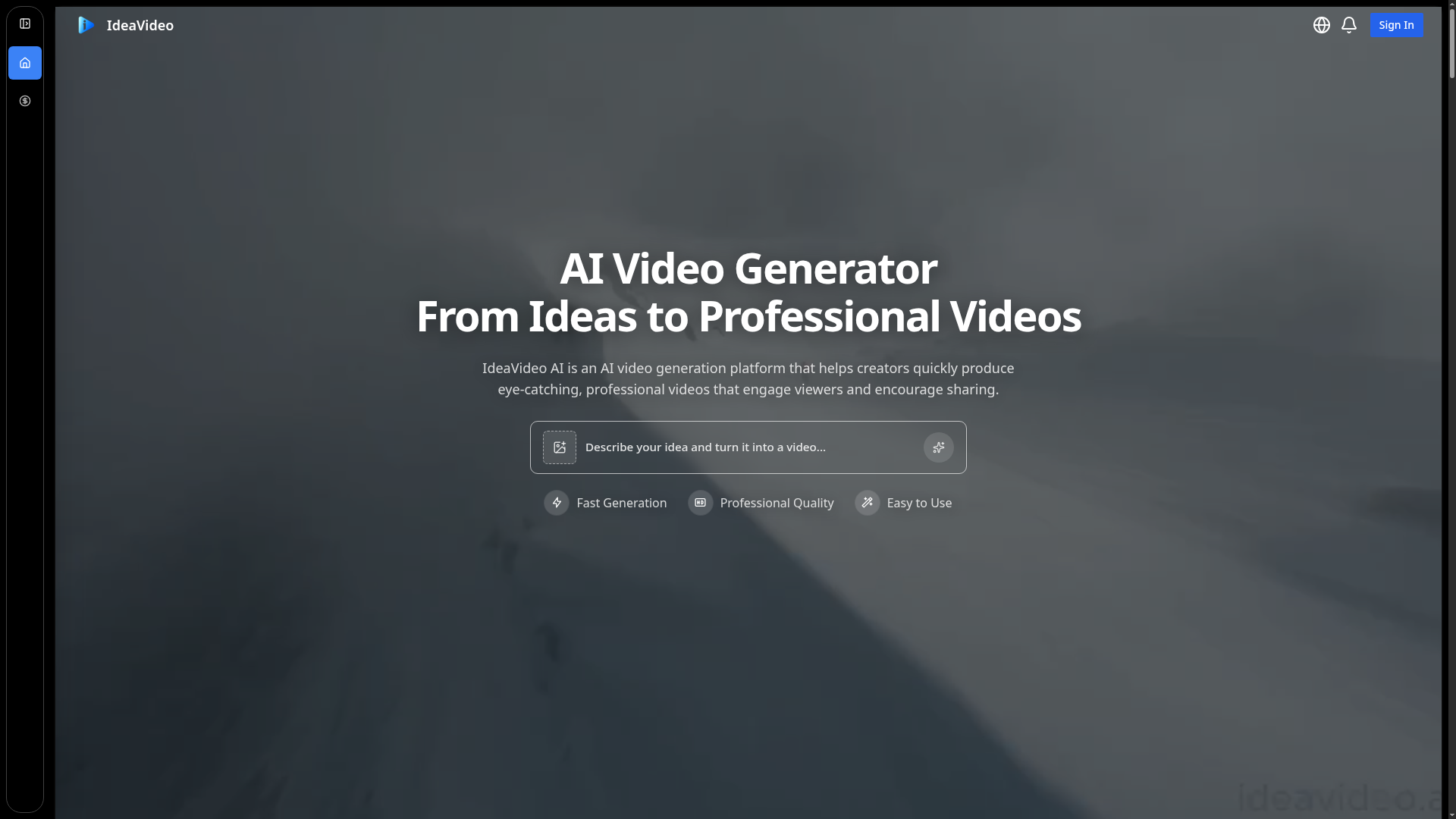
Captured: ideavideo.ai on 2026-08-15.
Worth the Pro seat if you are testing creative weekly; skip it if you need broadcast-ready assets out the other end. This is for marketers and solo founders who need to see three hook variations before committing budget to a shoot or an editor. It is a competent aggregator with a clean single workspace and a credible model lineup, but it is a concepting tool, not a finishing tool, so treat every output as a storyboard that happens to move.
What it actually does.
Multi-model access together
Veo 3.1, Seedance 2.5, Kling 3.0 Turbo, MiniMax H3, Gemini Omni, PixVerse V6, Wan 2.7, Grok Imagine Video 1.5 and more sit behind a single prompt box.
Text, image, and video-to-video generation
All three input paths are available even on the entry plan, so you can drive a clip from a reference frame instead of prose alone.
Text-to-image plus image editing
Generate or fix a still first, then push it into a video model, which is the usual way to get the composition you actually wanted.
Advanced parameters
Exposed generation controls on every plan rather than a locked one-click box, which matters when you are chasing a specific pacing.
Queue priority tiers
Standard speed on Basic, priority queue on Pro, fastest queue on Business, so throughput is part of what you are buying.
Commercial license included
Commercial use is covered from the lowest tier, which removes the usual rights question for client and ad work.
Per-model usage table
The pricing page maps credits to expected video counts per model per plan, so you can budget the expensive models honestly.
How you would actually use it.
Concrete setups pulled from the research, not feature-list hand-waving.
Three hooks before the shoot
Performance marketer with a paid social budget
Write one product premise, generate the same six-second opener across three models, and cut only the first two seconds of each into a hook test.
You learn which framing earns the scroll stop for credits instead of a shoot day, then brief the real production around the winner.
Storyboard a movie-trailer style launch
Solo founder announcing a release
Generate a sequence of cinematic beats with a single model for visual consistency, then hand the clips to an editor as an animatic reference.
The editor gets pacing and shot order instead of a vague vibe doc, which cuts one full revision round.
Weekly social filler that nobody has to shoot
Social content manager on a thin calendar
Batch generate abstract or animated b-roll on the cheaper models, avoid on-screen text entirely, and add copy in your own editor afterward.
A stock of usable vertical clips with a commercial license, without booking anyone or anything.
Model bake-off before you standardize
Agency creative lead choosing a house model
Run one identical prompt across Veo3, Seedance, Kling, and MiniMax, and compare credit cost per acceptable take using the plan usage table.
A defensible internal default model and a real cost-per-clip number for client estimates.
Pricing, straight.
1000 credits per month, up to 50 videos and 100 images, standard speed, commercial license. Also shown as $118.8/year, so confirm what you are actually charged.
5000 credits per month, up to 250 videos, priority queue and support, $478.8/year billed annually.
15000 credits per month, up to 750 videos, fastest queue, dedicated account manager, $958.8/year billed annually.
Pro at $59.9/month for up to 250 videos is reasonable for a concepting habit, but the Basic tier showing both $0/month and $118.8/year is the kind of ambiguity that should be fixed before you enter a card.
Pricing as captured on 2026-08-15. Check the live site before you commit.
What people online are saying.
Real reactions surfaced during research. Paraphrased faithfully, linked to source.
There is effectively no public street reaction yet; the research turned up no substantive Reddit, Hacker News, Product Hunt, G2, or YouTube discussion of IdeaVideo AI, only a single positive user-style comment on a third-party listing page.
Simple to use, the video quality holds up, and having several AI video models under one roof is the appealing part.
The field.
AI video generation aimed at social and promotional clips.
PICK IT WHENYou want a prompt-to-marketing-video pipeline with more opinionated ad structure rather than raw model access.
AI-assisted video editor for cutting and finishing.
PICK IT WHENYour bottleneck is editing and delivery, not generating concepts from scratch.
AI video tooling oriented toward team messaging clips.
PICK IT WHENYou need internal or external communication video rather than ad creative.
The honest part.
- Generated video still breaks on on-screen text, hands, and tight product close-ups, so it cannot carry a real product hero shot.
- No integrations are published, which means every asset leaves by download and re-enters your stack manually.
- The Basic plan is listed as both $0/month and $118.8/year, an unresolved contradiction on the pricing page itself.
- Web only, with no desktop or mobile app mentioned, and no editing or timeline layer for finishing work.
- Almost no public user discussion exists, so there is no third-party evidence on reliability, queue times, or support responsiveness.
Getting started.
Time to first value: under 15 minutes for a first clip
Sign up on the web workspace and start on the entry plan to see what credits actually buy.
Type your idea into the prompt box, pick one cheaper model such as a Seedance variant, and generate a short vertical clip.
Regenerate the same prompt on a second model, compare the first two seconds side by side, and keep only the pacing that works.
Quick answers.
Which models do I actually get, and do they cost the same?
The workspace fronts Veo 3.1, Seedance 2.5 and 2.0, Kling 3.0 Turbo, MiniMax H3, Gemini Omni, PixVerse V6, Wan 2.7, Grok Imagine Video 1.5, and HappyHorse-1.0. They are not priced equally: the plan comparison table shows the same Basic credit pool yielding 240 Veo3 videos versus 600 Seedance videos and only 60 MiniMax H3 or Kling 3.0 Turbo videos.
Is the Basic plan free or $118.8 per year?
The pricing page shows Basic at $0/month and also lists $118.8/year, with monthly, yearly, and one-time toggles above the plans. Confirm the exact charge at checkout before committing, because the two figures as published do not reconcile.
Can I ship these clips as finished ads?
Treat that as the exception, not the plan. Commercial licensing is included from the entry tier, but generated video still degrades on text, hands, and product detail, so the reliable play is to validate the concept here and reshoot the winner if the media spend justifies it.
Does it fit into an existing production workflow?
Loosely. There are no published integrations and no editing or finishing layer, so it functions as a standalone generation station whose outputs you download and take into your own editor.
Buy it as a hook lab, not a production house. If a generated clip actually performs, reshoot it properly and thank the credits for the cheap answer.
Field research: 2 pages scraped · 3 search passes · 12 community sources. Reviewed by the Koda desk on 2026-08-15.