- SPECIMEN
Ugic AI
- FILED AS
Figma plugin that drafts multi-language mobile UI from your own component library
- INTAKE DATE
- 2026-08-30
- CLASS
- Design
- METHOD
- 2 pages scraped, 3 search passes, 12 community sources
Koda Score = weighted blend: capability 35, ease 20, value 25, momentum 20.
Most AI design tools hand you a pretty picture; Ugic hands you frames built from your own components, which means a designer can actually edit the output.
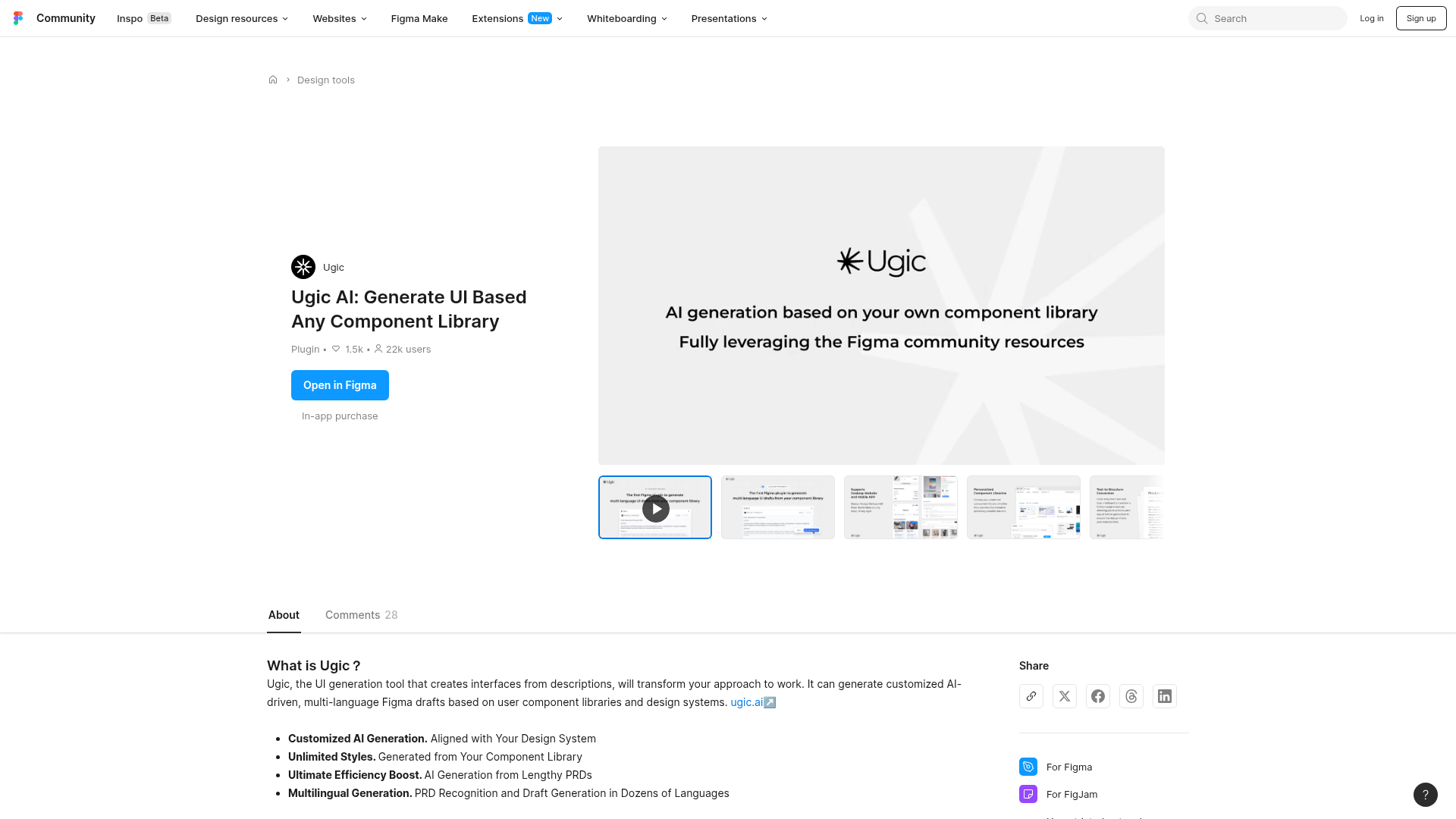
Captured: www.figma.com/community/plugin/1402614000214503826/ugic-ai-generate-ui-based-any-component-library on 2026-08-30.
At $10/month on top of your Figma seat it is cheap enough to test on a single PRD, and the component constraint makes it materially more useful than generic UI image generation. This is for mobile product teams who already maintain a real component library and keep drowning in first-draft screens, especially localized ones. Do not adopt it as a web or desktop design tool, because the plugin only generates mobile UI today.
What it actually does.
Component-library-constrained generation
Generated screens are assembled from your own components rather than freeform pixels, so the draft stays inside your design system.
PRD to layout
Paste a lengthy product requirements doc and the plugin turns written requirements into screen structure.
Multilingual drafting
Recognizes PRDs and generates drafts in dozens of languages, which surfaces string-expansion problems early.
Unlimited styles from your system
Output style is inherited from whichever library you point it at instead of a fixed house aesthetic.
Runs inside Figma
Everything happens in the Figma canvas as a community plugin, so there is no export or round-trip step.
Discord support channel
The team runs a Discord alongside the plugin, which is also where invite-code access tends to live.
How you would actually use it.
Concrete setups pulled from the research, not feature-list hand-waving.
The localization stress test
Designer on an app shipping to multiple markets
Generate the same flow in your longest-string target languages, then place the variants side by side against the English frames.
You catch layout breakage from expanded translations before engineering builds the screen.
PRD to reviewable draft
Product manager without design bandwidth
Drop the full requirements doc into the plugin, generate a mobile flow from the team library, and hand the frames to a designer as a starting point instead of a blank file.
The design conversation starts at critique instead of at kickoff.
Library coverage audit
Design system owner
Run several unrelated PRDs through the plugin and note where generation falls apart or reaches for the wrong component.
A concrete list of gaps and naming problems in your component library.
Pricing, straight.
Unlimited styles, customized AI generation from your component library, multilingual generation, PRD-based generation
Ten dollars a month is fair for a tool that might save a designer a day of first-draft work, but remember it sits on top of a Figma seat, and shared team libraries start at Figma's Professional full seat at $16/mo.
Pricing as captured on 2026-08-30. Check the live site before you commit.
What people online are saying.
Real reactions surfaced during research. Paraphrased faithfully, linked to source.
There is effectively no independent street reaction yet: the public trail is mostly the makers' own launch posts on Reddit and X, and the Product Hunt listing showed no reviews in the research, so nobody has published a real hands-on verdict.
In a Figma design thread, a commenter drew a line between Ugic and Figr, treating them as quite different products since Ugic is specifically framed around generating from your own component library.
The team's own launch post pitched it as the first Figma plugin to generate multi-language UI drafts straight from a component library; the visible comments offered no hands-on evaluation either way.
The field.
A separate AI design product that came up in the same Reddit discussion as Ugic and was described as a different category of tool.
PICK IT WHENYou want AI design generation that is not anchored to importing your own component library.
Figma's own AI generation surface, bundled into paid seats with monthly AI credits.
PICK IT WHENYou would rather stay first-party and already have credits sitting unused on a Professional or Organization seat.
An adjacent AI design and web generation tool that circulated alongside Ugic on X.
PICK IT WHENYour need is web output rather than constrained mobile screens from an existing library.
The honest part.
- Mobile UI generation only, so web and desktop work is out of scope today.
- Output quality is dependent on your component libraries; a messy or thin library will produce messy drafts.
- No free trial, and invitation codes are required to get access.
- Almost no independent public review exists, so you are evaluating on your own tests rather than on crowd consensus.
- You still need a Figma plan that supports shared team libraries for this to work at team scale.
Getting started.
Time to first value: under an hour, assuming you already have an invite code
Get an invitation code and install the plugin from the Figma Community page.
Open a file with your component library published and point the plugin at it.
Paste a real PRD, generate one flow, then regenerate it in your longest-string target language and compare.
Quick answers.
Does it actually use my components or just imitate them?
The product is built around generating from your own component library and design system, which is what makes the output editable rather than decorative. That also means it is dependent on those libraries, so the first thing to test is whether it picks the right components for the right jobs.
Can I try it before paying?
No. There is a single $10/month subscription with no free trial listed, and access requires an invitation code. Budget one month as the cost of the evaluation.
Will it work for a web app or dashboard?
Not yet. The stated limitation is that it currently supports mobile UI generation only, so responsive web and desktop layouts are outside what it will produce.
How does the multi-language part help beyond translation?
It generates drafts in dozens of languages from the same PRD, which surfaces layout breakage from string expansion at draft stage instead of during QA. That is the single highest-value test to run in your first week.
Feed it one real PRD, count how many frames survive a designer's pass, and let that number decide. The bet costs less than a team lunch.
Field research: 2 pages scraped · 3 search passes · 12 community sources. Reviewed by the Koda desk on 2026-08-30.