The Lab · Productivity
Mural MCP
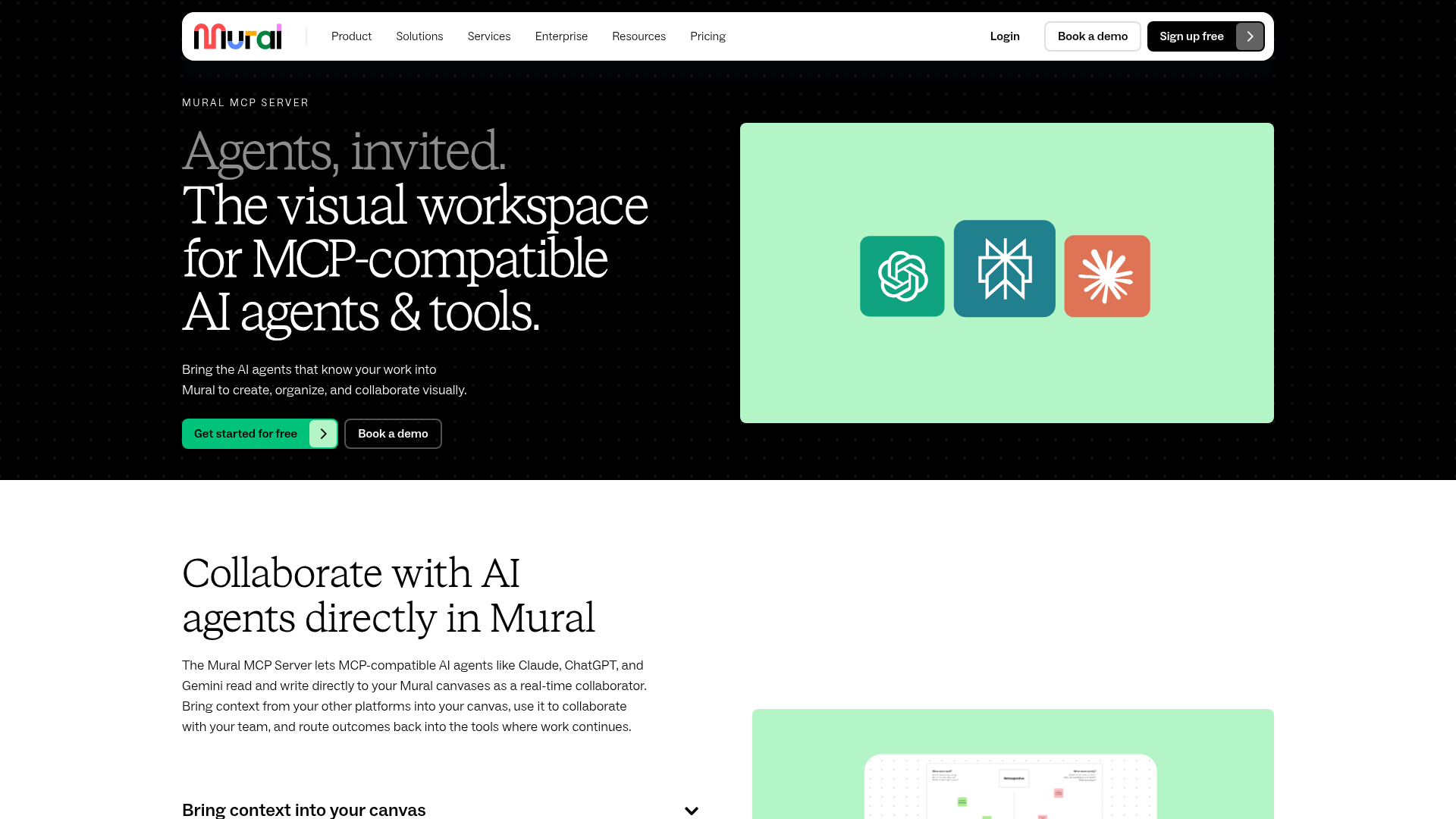
An MCP server that lets AI assistants read and write Mural canvases
Mural MCP lets the assistant that sorted your workshop's sticky notes also open the follow-up tickets, which is the boring step most teams quietly skip.
The verdict
Adopting Mural MCP takes two commitments: a paid Mural seat per collaborator and an MCP-capable assistant, and in return the board stops being a dead end once the meeting ends. Nobody independent has yet reported how well the agent clusters notes or files tickets, so the bet rests on Mural's own demos and one vendor-selected customer. Product teams already running workshops in Mural should pilot it on a single session; anyone picking a whiteboard from scratch should weigh it next to Miro.
- Good for
- Workshop facilitators on Mural; Product teams using Jira or Linear
- Skip it if
- Free-plan-only teams; Figma-centric design teams
- Costs
- Free tier, paid from $9.99/member/mo billed annually1
What it does
As Mural MCP describes it.2
- Live canvas editing
- Agents add sticky notes, areas and connectors to a mural as a real-time collaborator.
- Research synthesis
- Pulls interviews, customer feedback and notes onto a board grouped into themes with supporting evidence.
- Workshop board generation
- Builds a ready-to-facilitate board from a problem statement, requirements and existing documentation.
- Tracker handoff
- Turns workshop outcomes into tickets and projects in Jira, Linear or GitHub.
- Ongoing participation
- The agent keeps contributing and responds to changes on the canvas as the session evolves.
- Multi-assistant access
- Listed in the ChatGPT, Claude, Cursor and Microsoft Copilot marketplaces, with other MCP clients supported.
Ways to put it to work
Post-workshop triage · for the workshop facilitators
When the session wraps, have the assistant group the board's sticky notes into themes and file each agreed action item in your tracker.
You get: Action items land in the backlog the same day with nobody retyping them by hand.
Synthesis trial run · for the UX researchers
Replay a past study you already synthesized by hand: feed the assistant the same interview notes and compare its themes with yours before trusting it on live research.
You get: A calibrated sense of where the agent's clustering matches human judgment and where it drifts.
Canvas tie-breaker · for the product leads choosing a whiteboard
Stay with Mural when your agents already run in Claude, ChatGPT or Cursor; move to FigJam when the team spends its day inside Figma files.
You get: The canvas choice follows where your assistants and designers already work.
What it costs
| Plan | Price | Includes |
|---|---|---|
| Free | $0/mo | Unlimited members; limited integrations with AI agents |
| Team+Our pick | $9.99/member/mo | Billed annually, or $12 per member/month billed monthly; unlimited editable murals |
| Enterprise | Contact for pricing | Multiple workspaces with enterprise-grade controls |
Prices from mural.co on 26 November 2026.1
Our take: Team+ is a fair entry point for a small team testing agent workflows, though per-member billing climbs as more collaborators join.
Our math for a team of 5: Team+, $49.95 a month. $9.99 per seat x 5 seats = $49.95 a month. Team+ is priced per seat; the team pays for 5.
What people say
Too new for a street verdict: the only MCP-specific praise is a vendor-selected customer quote, and the Product Hunt discussion concerns Mural in general.
Inflection.io's CEO said the MCP brings planning and execution together by linking planning canvases to execution-system context.
One user said Mural's price kept them from onboarding collaborators, who moved to RealtimeBoard instead.
Where it falls short
- Clustering and summary quality rest on whichever third-party model you connect, and Mural does not control that model.
- The pages read do not explain which board permissions the agent receives or how its edits can be undone.
- Real-time collaboration with the agent requires an internet connection.
Your first hour
- Create a Mural account at app.mural.co/signup.
- Move the workspace to a paid plan such as Team+ if it needs MCP access.
- Open the Mural listing in your assistant's marketplace (Claude directory, ChatGPT, Cursor or Microsoft marketplace) and connect it.
- Sign in to Mural when prompted, then ask the assistant to add or organize content on a named board.
If it isn't the fit
Miro5 · Visual collaboration canvas with its own built-in AI assistance
Pick it when your organization has already standardized on Miro boards and its native AI.
FigJam6 · Figma's whiteboard with AI features aimed at design and product work
Pick it when your product and design work already happens inside Figma files.
Microsoft Whiteboard7 · Microsoft 365 whiteboard embedded alongside Copilot
Pick it when your company runs on Microsoft 365 and Copilot is the only assistant in play.
Questions
- Can I use Mural MCP on the Free plan?
- WindowsForum reports the MCP is generally available on paid plans. Mural's own plan summary lists only limited AI-agent integrations on Free, so plan on Team+ or higher for regular use.
- Is Mural MCP still a preview feature?
- Accounts differ. WindowsForum describes it as generally available, while other coverage of Mural's MCP and release-note pages labels it a public preview, so confirm the status in your workspace before relying on it.
- Which assistants can connect to my boards?
- Mural's homepage links marketplace listings for ChatGPT, Claude, Cursor and Microsoft Copilot. It also says other MCP-compatible clients, Gemini among them, can read and write canvases.
The call
Switch it on for your next retro and audit every ticket it files. The integration looks promising and remains unproven in public.
How we scored it
Four scores out of 10, weighted and added. The weights are the same for every tool.
Capability7.0 × 35% = 2.45
Read-write canvas access, research synthesis and routing to trackers cover the core jobs of a whiteboard agent, though no independent source confirms output quality. What it does
Ease of use7.0 × 20% = 1.40
Connecting is a marketplace listing in each supported assistant, but you still need a paid plan and a capable model before anything useful happens. Your first hour
Value6.0 × 25% = 1.50
The MCP rides on a paid seat, so the real cost is per collaborator, and the pricing block shows a modest entry level for that seat. What it costs
Momentum5.5 × 20% = 1.10
EveryInfra dates the release to 2026-11-17, but Mural's own record shows no dated traction figure and independent chatter about the MCP is thin, so momentum stays modest.8
Koda score6.5
The parts add to 6.45, rounded half up to one decimal.
Sources
- 1Pricing page · mural.co, read 26 November 2026: pricesReported
- 2Mural MCP · mural.co, read 26 November 2026: capabilitiesReported
- 3itbrief.asia · read 26 November 2026: the reviewer paraphrased under What people sayReported
- 4Product Hunt · producthunt.com, read 26 November 2026: the reviewer paraphrased under What people sayReported
- 5Miro · miro.com, read 26 November 2026: what it isReported
- 6FigJam · figma.com, read 26 November 2026: what it isReported
- 7Microsoft Whiteboard · microsoft.com, read 26 November 2026: what it isReported
- 8everyinfra.com · read 26 November 2026: momentum evidenceReported
Also read, not quoted: linkedin.com.
How this review was made
We read 2 pages of mural.co, ran 3 searches and read 5 community posts. Prices were captured on 26 November 2026. Prices and product claims are reported as their source published them. The four scores are the Koda Lab's judgement; the total is our math.
How we scoreCorrectionsLAB REPORT 292